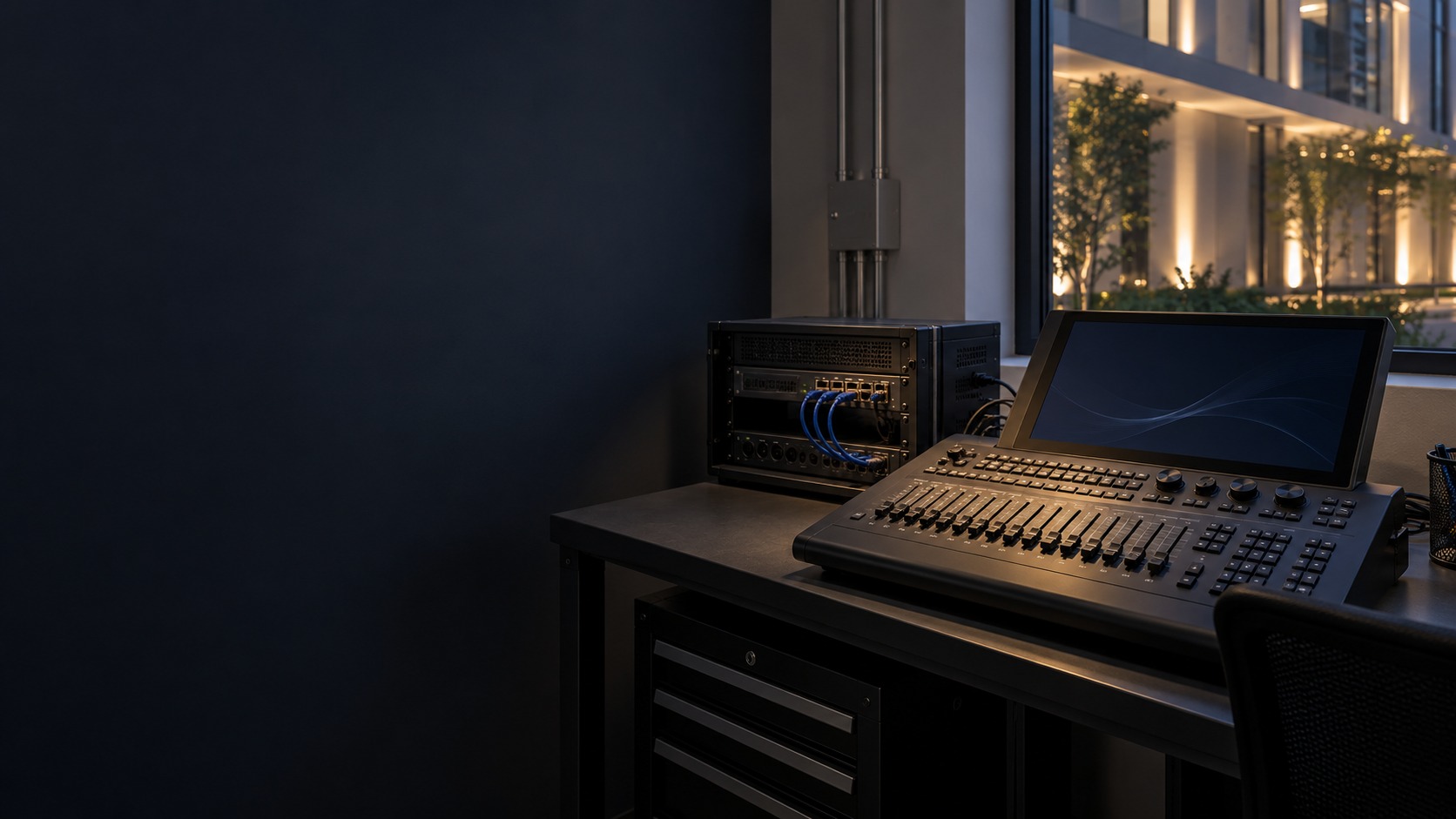
Trace a lighting fault through its controller, Ethernet or DMX path, node mapping and fixture addressing. HJ checks the saved channel and universe baseline before changes, isolates supported causes and retests the affected cues; Art-Net transport is not proof of correct fixture personalities or wiring.
Installed-system service taskArchitectural Lighting Service
Installed system + service modeDMX512 / Art-Net Troubleshooting in Kuching
01DMX512 / Art-Net Troubleshooting in Kuching
02Troubleshooting
03Sequence, field conditions and maintainability
04fixture, channel and address test
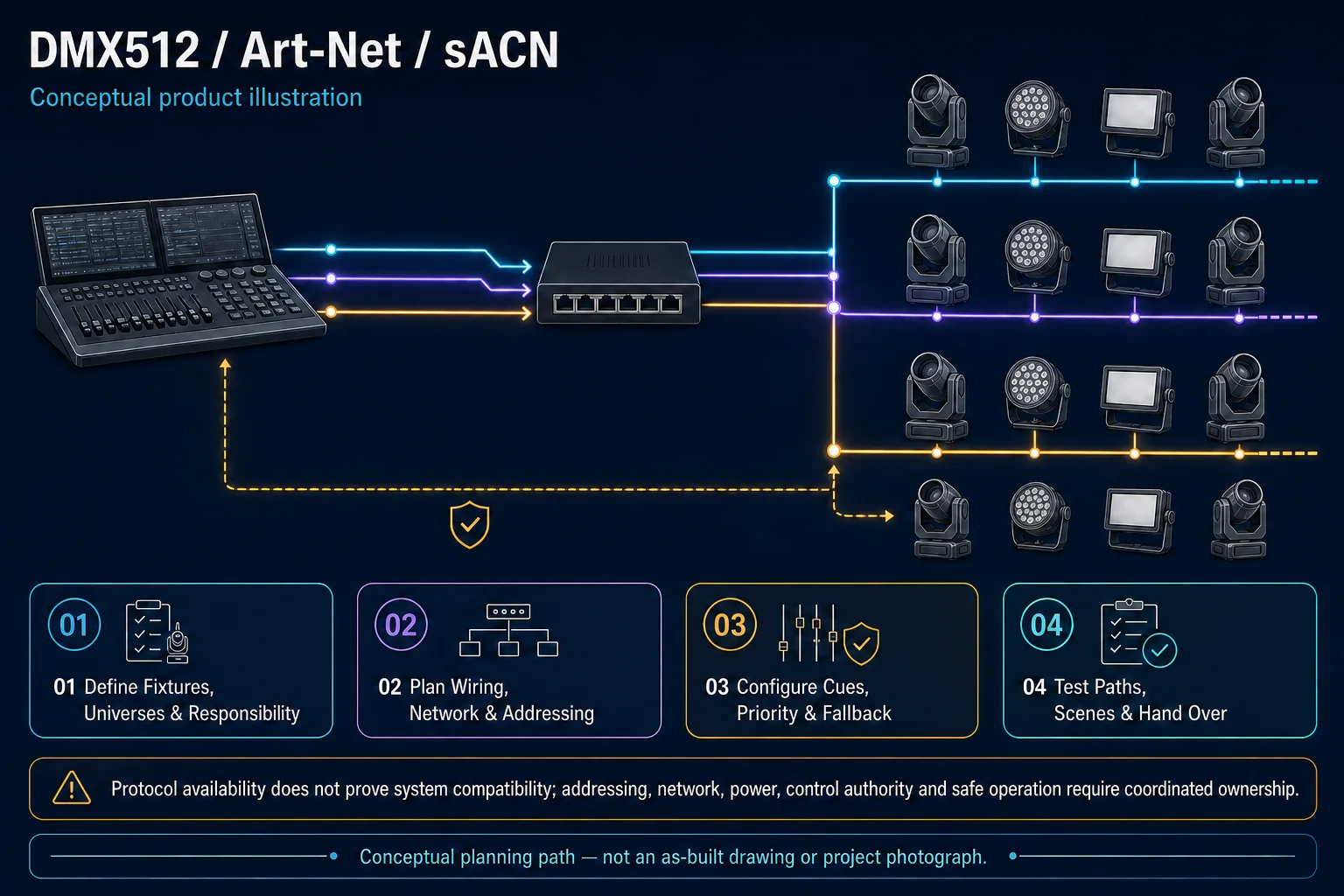
Illustrative console, node and fixture-control path. Each shown protocol requires supported equipment and an authorised channel/universe map; the drawing is not proof that all protocols are installed. Conceptual DMX512 / Art-Net Troubleshooting system illustration. DMX512 / Art-Net Troubleshooting in Kuching combines the installed-system path with the stated service mode; diagnosis and corrective scope remain subject to inspection and approval. Conceptual field effect and sequence path for DMX512 / Art-Net Troubleshooting in Kuching, derived from this page's scope, interfaces and acceptance record.
Conceptual planning path — not an as-built drawing or project photograph.
Before booking a service visit
Tell us the fault and your location. Diagnostic attendance, repairs, parts and any travel charges are confirmed with you before work.
What DMX512 / Art-Net Troubleshooting in Kuching covers
Trace a lighting fault through its controller, Ethernet or DMX path, node mapping and fixture addressing. HJ checks the saved channel and universe baseline before changes, isolates supported causes and retests the affected cues; Art-Net transport is not proof of correct fixture personalities or wiring.
It sits in Architectural Lighting Service under Architectural Lighting. The final deliverable is shaped by the intended outcome, the installed or proposed environment and the interfaces that must be owned, supplied, integrated and tested.
When to use this page
Controller/node/fixture models, show-file version, universe/address/channel map, DMX and network route, symptom timing, recent changes and safe diagnostic window.
Typical environments to assess
Mapped DMX or supported networked lighting installations.
Authorised show changes with owned source files and licences.
Fountain cue interfaces with separately assigned plant specialists.
Engineering SOP & Handover Checklist
From the initial brief to the handover record: what to prepare, check and confirm with HJ.
01
Operational Purpose & Workflow
Trace a lighting fault through its controller, Ethernet or DMX path, node mapping and fixture addressing. HJ checks the saved channel and universe baseline before changes, isolates supported causes and retests the affected cues; Art-Net transport is not proof of correct fixture personalities or wiring.
02
Pre-Attendance Evidence
Controller/node/fixture models, show-file version, universe/address/channel map, DMX and network route, symptom timing, recent changes and safe diagnostic window.
03
Diagnostic & Testing Path
Map fixture personalities, DMX addresses, Art-Net or other supported transport, controller outputs and power to the approved zone schedule. The show-file owner and electrical, structural and safe-access parties retain their assigned responsibilities.
04
System & Responsibility Boundary
Verify agreed channels, dimming, colour, cues and schedules at the actual viewpoints. Rehearse approved stop/restart and loss-of-control behaviour in a safe window; preserve field protection and record any discontinued or mismatched equipment.
05
Acceptance & Handover Record
Retain fixture/driver IDs, address/channel and network map, versioned show files where owned, authorised change list and witnessed visual tests. Document safe access, specialist responsibilities, remaining limits and approved follow-up.
Engineering Scope, Regulatory & Service Boundaries
Responsibility and evidence boundary
HJ coordinates assessment, engineering, installation, integration, testing and lifecycle support only for the scope recorded in the quotation. ISD handles catalogue, model, datasheet, supply and availability enquiries. Customer, consultant, builder and appointed-specialist responsibilities remain explicit.
Regulated or multi-discipline work proceeds only after site assessment and confirmation of the competent, qualified or appointed persons, approvals, safe isolation and responsibility required for that scope.
Installed platform, authorised ownership, parts compatibility and serviceability are checked before any repair or restoration outcome is proposed.
Related Systems, Installation & Support
See related systems, how HJ installs them, and support for equipment you already have.
Use the answers as a planning boundary; site conditions and written scope remain decisive.
Why might an online Art-Net node still drive the wrong lights?
Network reachability alone does not prove universe routing, DMX addressing or fixture personality. Compare the authorised map and show file, isolate the supported path and verify the required channels and cues before restoring service.
Which connected functions and responsibilities need confirmation?
Map fixture personalities, DMX addresses, Art-Net or other supported transport, controller outputs and power to the approved zone schedule. The show-file owner and electrical, structural and safe-access parties retain their assigned responsibilities.
What should be tested and recorded before handover?
Verify agreed channels, dimming, colour, cues and schedules at the actual viewpoints. Rehearse approved stop/restart and loss-of-control behaviour in a safe window; preserve field protection and record any discontinued or mismatched equipment. Retain fixture/driver IDs, address/channel and network map, versioned show files where owned, authorised change list and witnessed visual tests. Document safe access, specialist responsibilities, remaining limits and approved follow-up.
Need DMX512 / Art-Net Troubleshooting? Tell HJ about your system
Tell us what the system is, what is going wrong or what you want checked. HJ will confirm the work needed, explain who is responsible for what, and agree the next step with you before any work starts.