Public counters and restricted areas
Separate public reception, staff circulation and controlled rooms. Sensitive layouts, camera details and records should follow the project’s approved disclosure and access rules.
HJ SECURITY · KUCHING & SARAWAK
Prepare security, access, network and audiovisual requirements around the building’s operations and procurement brief. HJ can review proposed work and existing systems for government and institutional premises in Sarawak.
Industry solution
Public-sector projects require an agreed scope, authorised information access and traceable acceptance. A public website should explain the delivery process without revealing a real site's sensitive security layout.
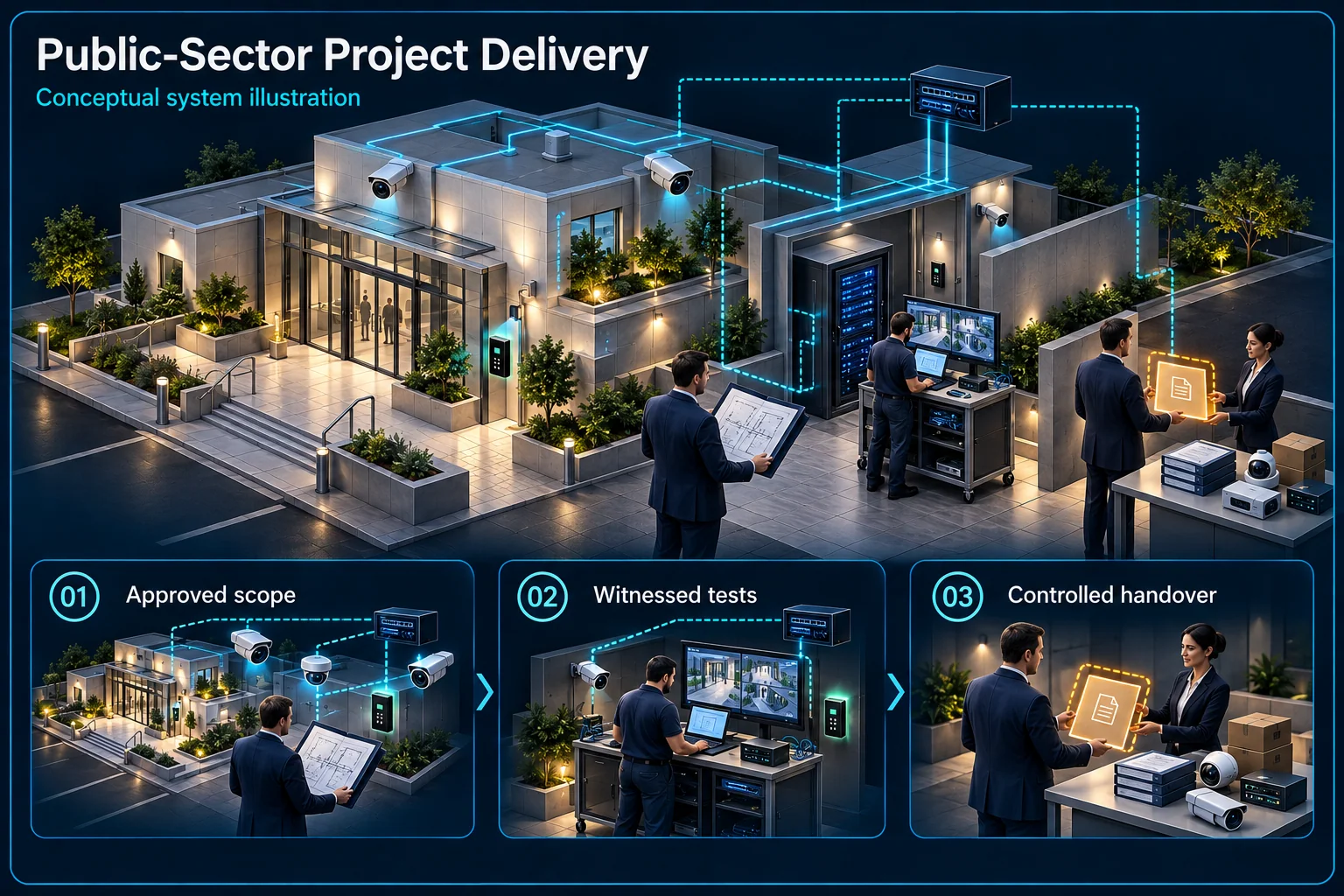
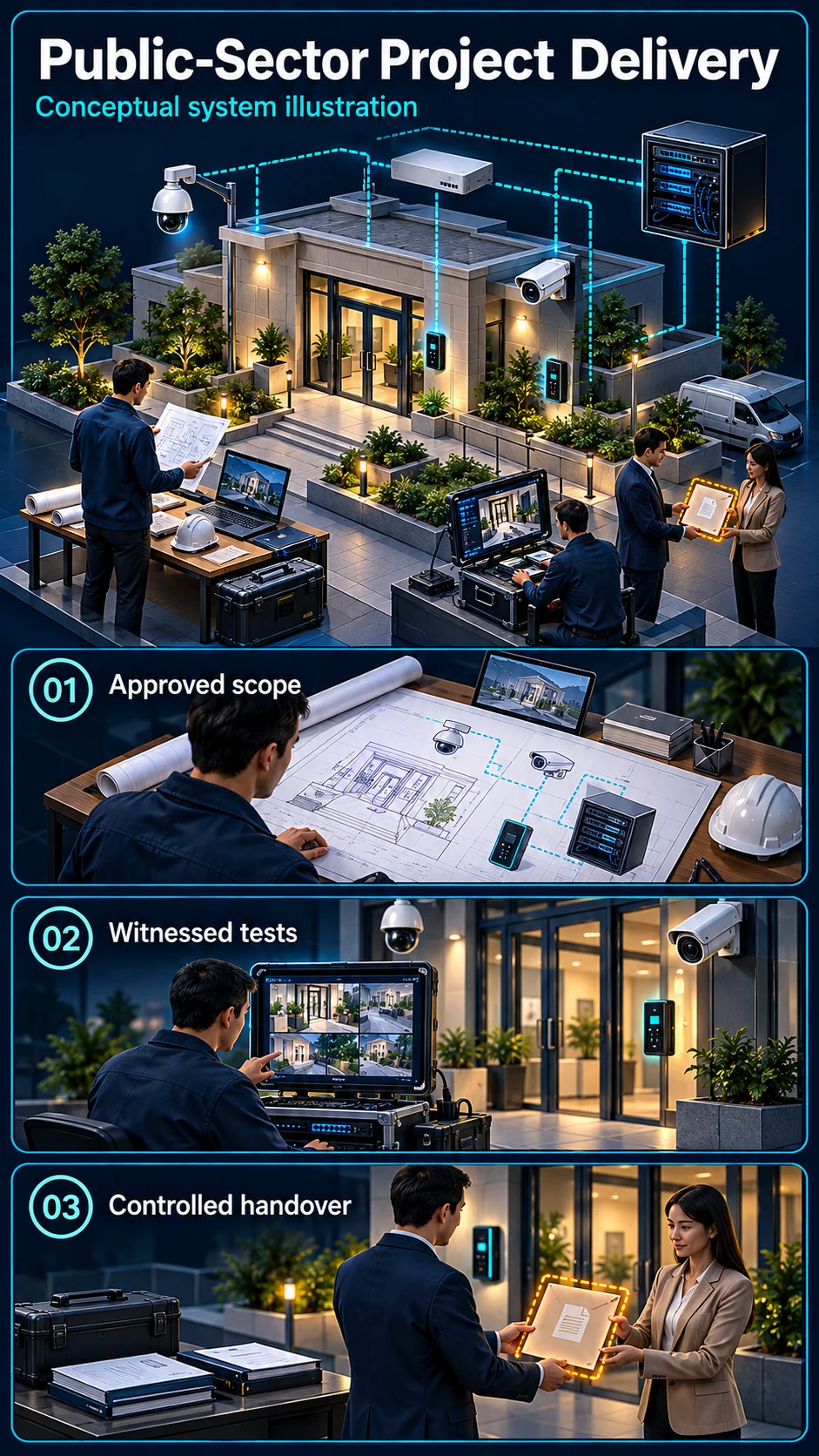
The visual follows approval and acceptance responsibilities rather than showing sensitive locations.
Project purpose and authority
Authorised information access
Scope and revisions
Recorded tests
Named recipients and accounts
Confirm the project's actual eligibility, submission and documentation requirements. A general capability description is not a statement that every procurement condition is automatically satisfied.
Identify the approved recipients of layouts, device information and credentials. Keep sensitive site detail within the designated project channels rather than publishing it as marketing material.
Record each required function and its acceptance method. Distinguish configuration evidence from a witnessed test and identify the responsible approving representative.
Provide the agreed manuals, account ownership, asset information and support boundary. The recipient and revision of sensitive records should be controlled according to the project's instructions.
A public explanation does not require sensitive deployment information. Actual drawings and security details belong in the project's approved information channels.
No. Each procurement has its own conditions and evidence requirements. Eligibility and submissions must be checked for the specific project.
CCTV scene planning · Government & public sector
For public-sector premises in Sarawak, begin with the approved operating brief, recording boundaries and procurement requirements.
Separate public reception, staff circulation and controlled rooms. Sensitive layouts, camera details and records should follow the project’s approved disclosure and access rules.
Agree visitor, staff and contractor access periods. Any warning rule must reflect the actual permitted activity and the responsible team’s operating procedure.
Identify the authorised reviewer and escalation route. Confirm procurement eligibility, work permissions, documentation and the acceptance test for the specific project; no universal tender approval is implied.
No. Eligibility and submission requirements belong to the specific procurement. Check the actual conditions and required supporting documents before participation is confirmed.
No. Public guidance can explain planning principles, while project-specific positions, quantities, interfaces and access details remain with the authorised project team.
The assessed scope, selected equipment and agreed acceptance test determine the final configuration.
THE STARTING POINT
Set out locations, functions and responsibilities so quotations can be assessed against the same brief.
Identify authorised users, visitors and operational restrictions with the site representative.
Agree the drawings, test records, training and handover information required for the project.
SYSTEMS & SCOPE
Choose the areas that match your priorities, then confirm how they work together. Open a topic for related installation or service information.
Review coverage objectives, authorised viewing, recording requirements and existing system interfaces.
Check platform compatibility, licensing, roles and event handling before integration is proposed.
Out-of-hours detection for offices and stores, and panic buttons at public counters where the operation needs them.
Fence-line detection or electric fence where the boundary and the agency's requirements call for it.
Define doors, credentials, visitor workflows and responsibility for user administration.
Sliding entrance doors for public counters and lobbies, with safety sensors and after-hours locking.
Speed gates or turnstiles at staff entrances, linked to cards, face access and attendance.
Visitor registration, passes and searchable records for public-facing buildings.
Ticket queue, counter displays and calling for public counters and service windows.
Barrier and plate recognition for staff, visitor and official vehicles, with records the site can review.
Attendance terminals and reports set up around the agreed working hours and HR process.
Review agreed cabling, equipment locations and interfaces with the appointed IT team.
Office extensions and call routing on an IP-PBX, coordinated with the appointed IT team.
Plan room use, audio zones, presentation inputs and operator handover.
Meeting rooms set up for video calls between offices and agencies, with camera, microphones and screen sharing.
Lobby and counter screens for notices and announcements, managed from one place.
Monitoring of air-conditioning, pumps, lighting and energy for larger buildings, where specified.
Fire alarm scope review and interfaces with door access, lifts and PA.
UPS runtime for recorders, access controllers and network equipment during power interruptions.
Define the asset list, access arrangements, reporting and quoted support coverage.
See also: Correctional facilities · Immigration offices and checkpoints · Public parks · Sports halls and stadiums · Body-worn cameras
BEFORE THE QUOTATION
Sites, systems and stated deliverables.
Existing equipment and appointed vendors.
Operational restrictions and scheduling.
Submission, test and handover requirements.
USEFUL ANSWERS
Eligibility depends on the actual tender conditions. Required registrations, qualifications, experience and submission documents must be checked for the specific procurement before participation is confirmed.
Share the operational objectives, drawings and known interfaces. HJ can review the proposed technical scope and identify information needed for an installation quotation.
Replacement is not assumed. The assessment identifies what can be retained, the limitations of existing equipment and the work needed for the agreed objectives.
Share your location, project stage and the problem you want to solve. We will review the requirements and confirm the next step.