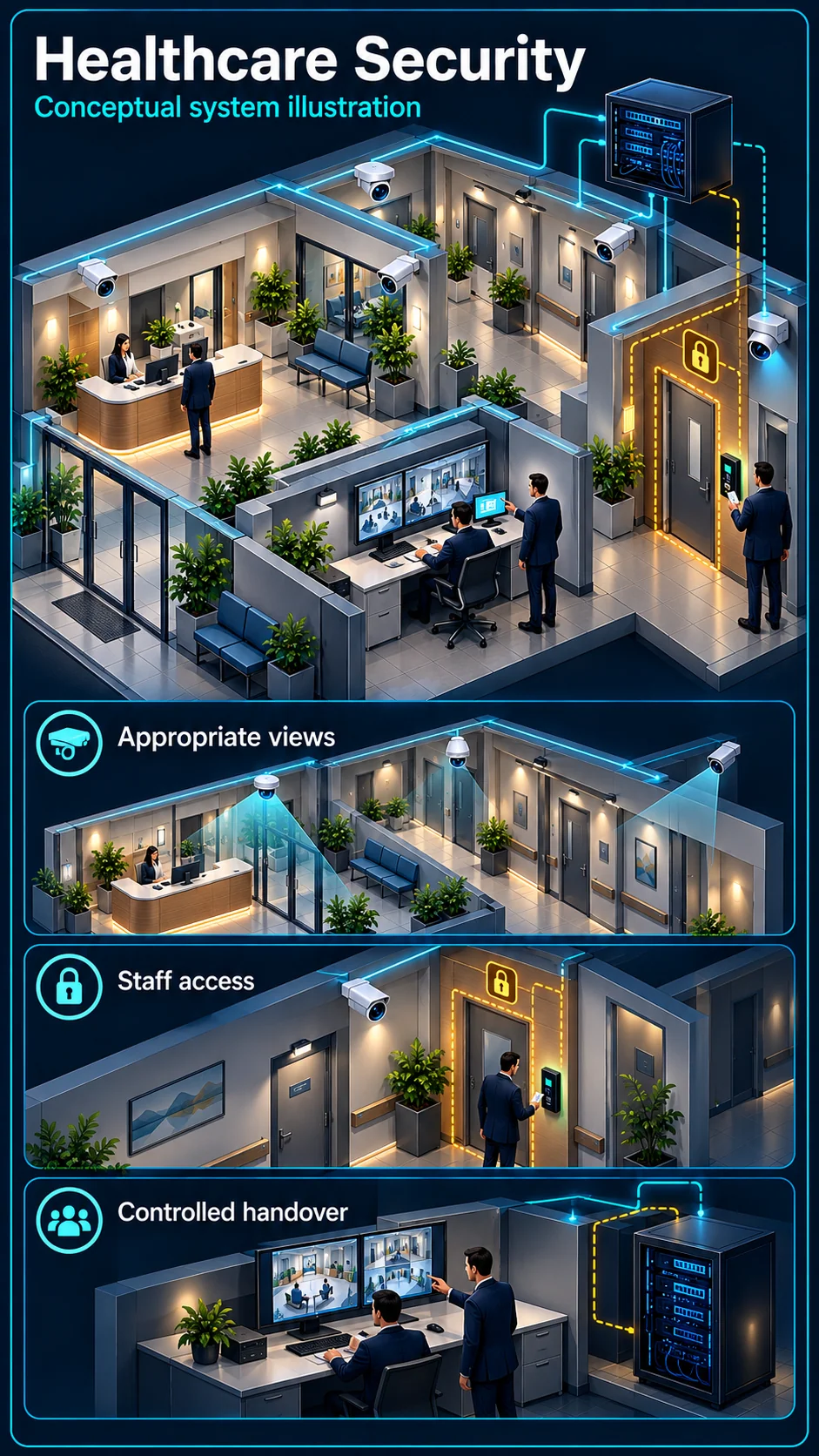
Entrance and permitted circulation
Agree the purpose and permitted views with the facility. Review waiting areas, access approaches and privacy boundaries; clinical and other sensitive spaces require a specific approved decision.
HJ SECURITY · KUCHING & SARAWAK
Coordinate entrances, staff access, common-area CCTV and connectivity around a clinic’s daily operations. HJ scopes building security and ELV systems for healthcare premises in Kuching and Sarawak with the facility team.
Industry solution
Clinic and healthcare security begins with appropriate building views, restricted staff areas and authorised access. It is not a clinical monitoring or diagnostic function.
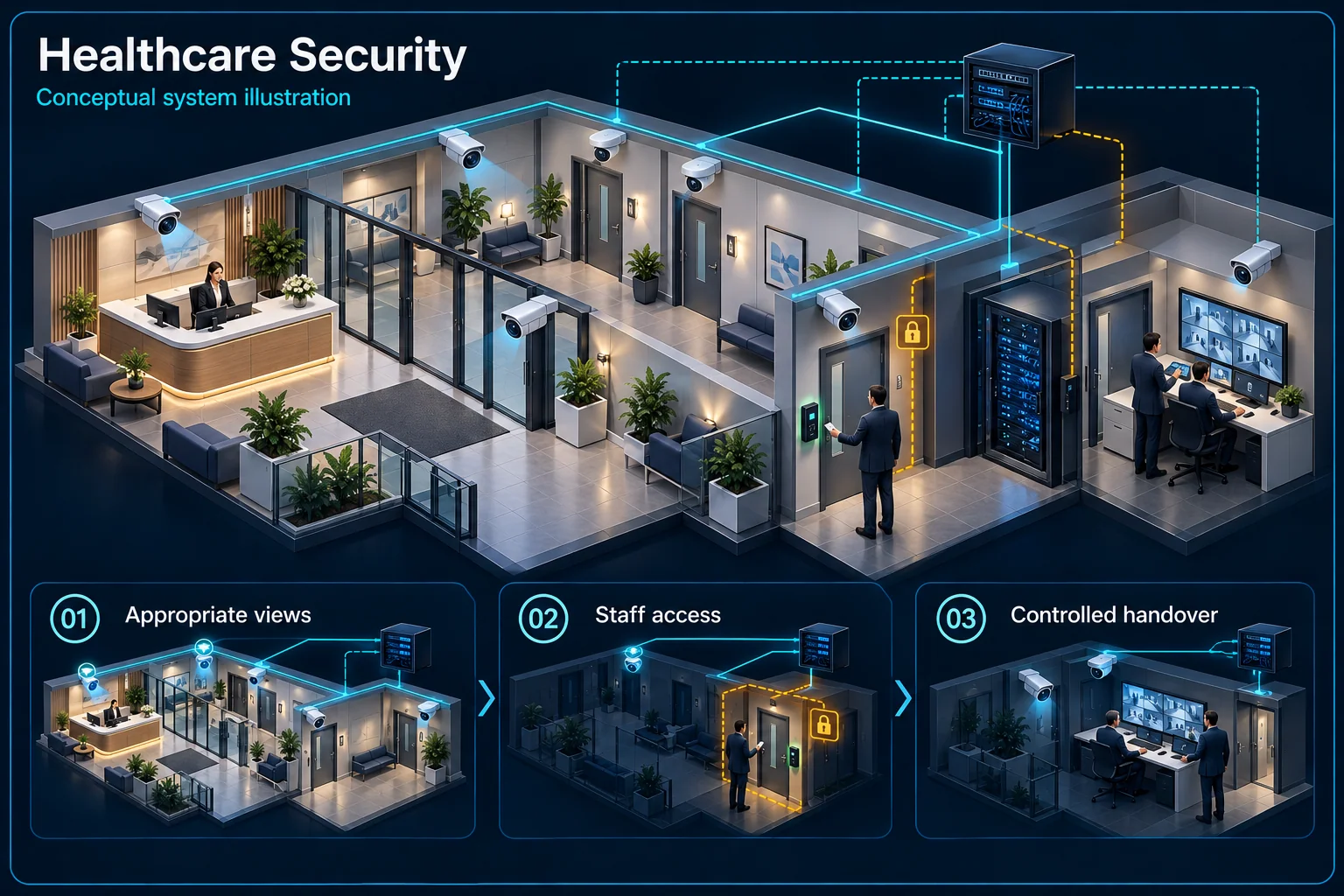
This abstract clinic plan identifies responsibilities without showing patients or clinical information.
Approved building views
Visitor circulation
Separate permission
Facility policy
Agree the purpose and extent of each view with the facility. Avoid sensitive patient information and define who may retrieve footage for a legitimate building-security task.
Review restricted entrances, account roles and event escalation separately from public-area observation. A security installation does not automatically authorise access to clinical records or systems.
Confirm access, noise, dust precautions and any temporary interruption with the responsible facility representative. Work arrangements depend on the actual operational area and approved scope.
Demonstrate approved views, account restrictions and retrieval steps. Document network and power responsibilities without implying that security equipment provides medical availability guarantees.
No. This page concerns building security. Clinical observation, diagnosis and medical-device integration are different scopes and must not be inferred from camera installation.
The facility must approve the location-specific work plan and any interruption. Access, noise and infection-control precautions are coordinated before attendance.
CCTV scene planning · Healthcare & clinic
A healthcare CCTV brief in Kuching should identify permitted building-security views without assuming surveillance of clinical activity.
Agree the purpose and permitted views with the facility. Review waiting areas, access approaches and privacy boundaries; clinical and other sensitive spaces require a specific approved decision.
Patients, staff and service teams use different routes and hours. Define any restricted or closed-area mode without disrupting normal patient-facing movement.
Agree the authorised reviewer and escalation contact. Plan access, dust, noise and service windows with the facility, then verify views and permissions before handover; clinical systems remain separately scoped.
No. This section concerns agreed building-security scenes. Clinical monitoring, medical devices and specialist clinical engineering are outside that described scope unless separately assigned.
No blanket promise is made. The facility must agree the work areas, operating restrictions, temporary interruptions and acceptance checks before installation is scheduled.
The assessed scope, selected equipment and agreed acceptance test determine the final configuration.
THE STARTING POINT
Agree appropriate coverage with the facility before placing cameras; treatment and private areas need particular consideration.
Review doors, credentials and exit arrangements for spaces the facility identifies as restricted.
Separate building systems from clinical equipment, clinical alarms and the responsibilities of specialist providers.
SYSTEMS & SCOPE
Choose the areas that match your priorities, then confirm how they work together. Open a topic for related installation or service information.
Plan agreed entrances, circulation and external areas with defined viewing permissions and retention requirements.
Sliding or touchless entrance doors for patients, wheelchairs and trolleys, with safety sensors.
Review doors, users, operating hours and the required exit arrangements with the responsible site team.
Review reception calling and controlled entry where appropriate to the premises.
After-hours detection for the clinic and stores, with panic buttons at reception where appropriate.
Bedside, toilet and treatment-room call points routed to the nurse station, where the facility needs them.
Ticket queue, counter displays and calling for registration, consultation and pharmacy counters.
Zoned announcements and background music for waiting areas.
Information screens for waiting areas, managed from one place.
TV channels and information screens for wards and waiting areas.
Map building-system connectivity and agreed office or guest requirements. Clinical network requirements remain separately defined.
Reception and consultation-room extensions, with call routing set up around clinic hours.
Review enrolment, reporting and integration requirements with the authorised employer representative.
Temperature alerts for vaccine and medicine fridges, store rooms and equipment rooms.
UPS runtime for recorders, access control and network equipment during power interruptions.
Document equipment, responsibilities, access arrangements and the agreed service coverage.
BEFORE THE QUOTATION
Doors, shared areas and external routes.
Operator roles and access requirements.
Existing cabling, network and mounting.
Work windows and specialist interfaces.
USEFUL ANSWERS
This page covers building security, ELV and agreed connectivity. Medical equipment, clinical systems and specialist clinical engineering are outside this described scope unless separately identified and assigned.
The facility should agree the purpose and permitted locations during assessment. HJ can review the required scenes and mounting options against that brief before quotation.
Share operating hours and access restrictions. Survey arrangements and any installation schedule are agreed with the facility contact.
Share your location, project stage and the problem you want to solve. We will review the requirements and confirm the next step.