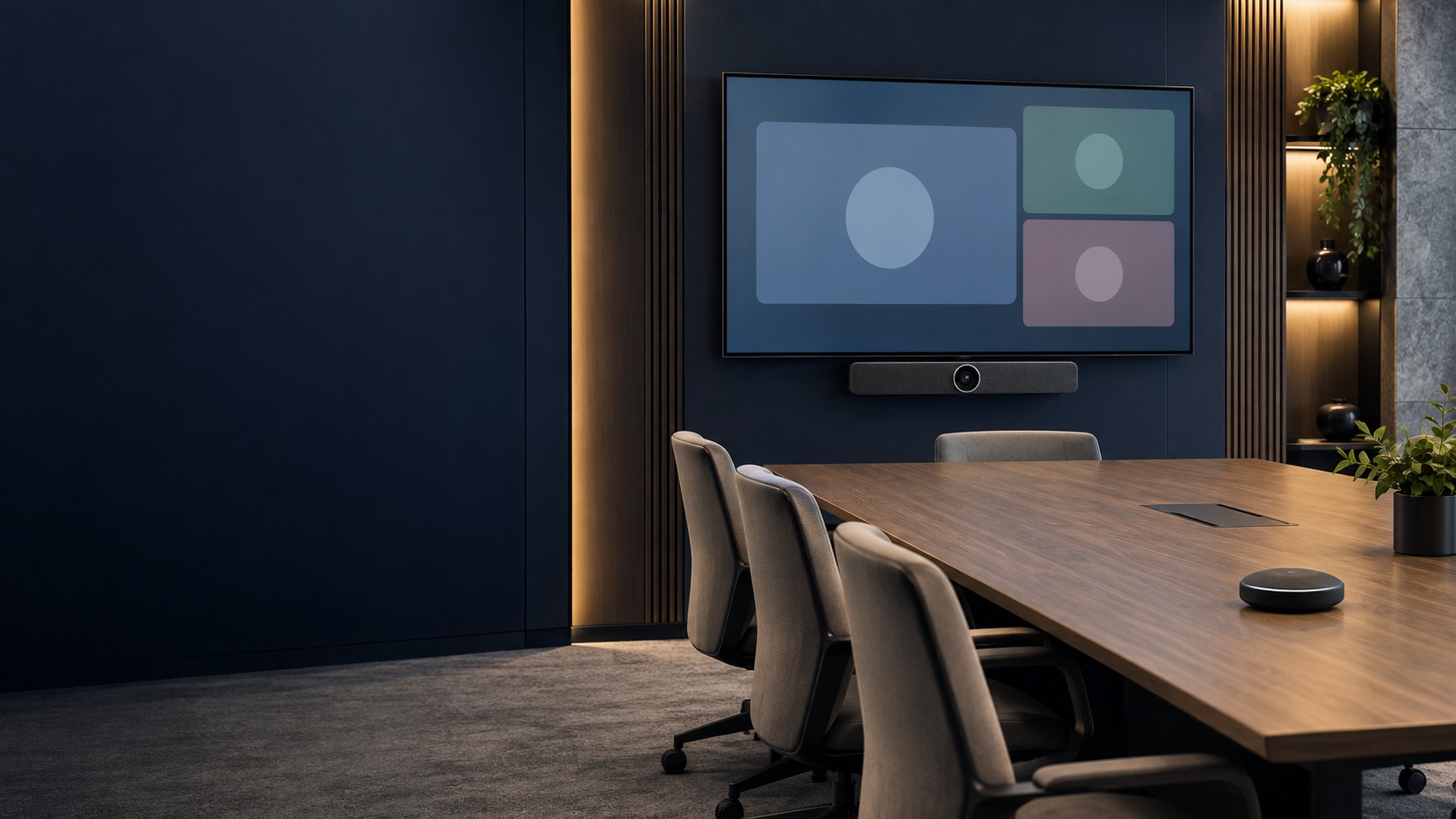
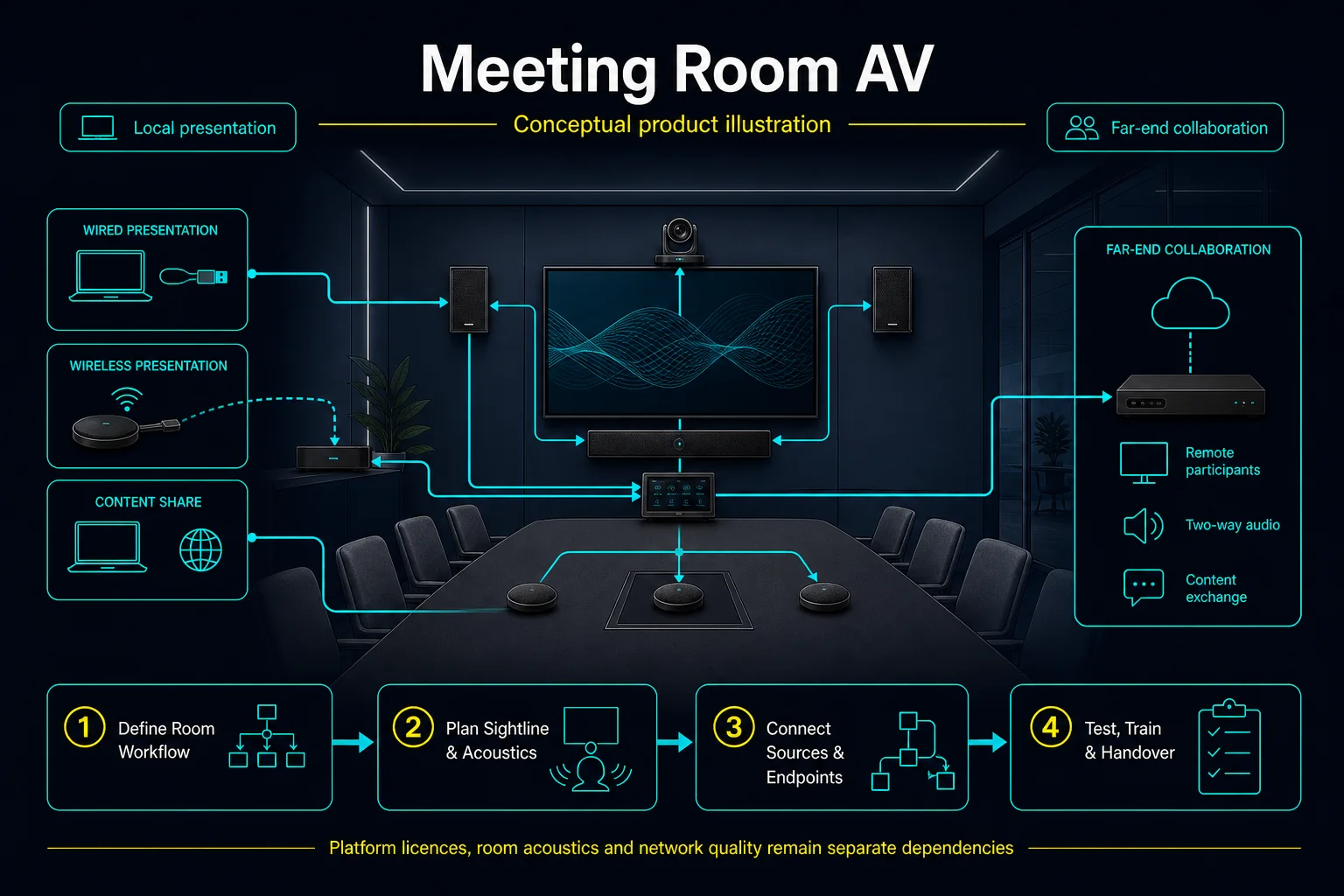
Meeting-room display, video bar and tabletop microphone (illustration)
Office & Meeting Rooms

Meeting Room AV & Collaboration Systems in Kuching, Sarawak

Design a meeting room around presentation, remote participants and simple user controls. HJ plans display visibility, camera coverage, microphone/speaker paths and cabling for the actual seating and sources, then verifies the agreed room modes. Supported software, network and room-platform licensing are confirmed before installation.

  1. 01Survey
  2. 02Design
  3. 03Install
  4. 04Commission
  5. 05Maintain
Installation → Solution

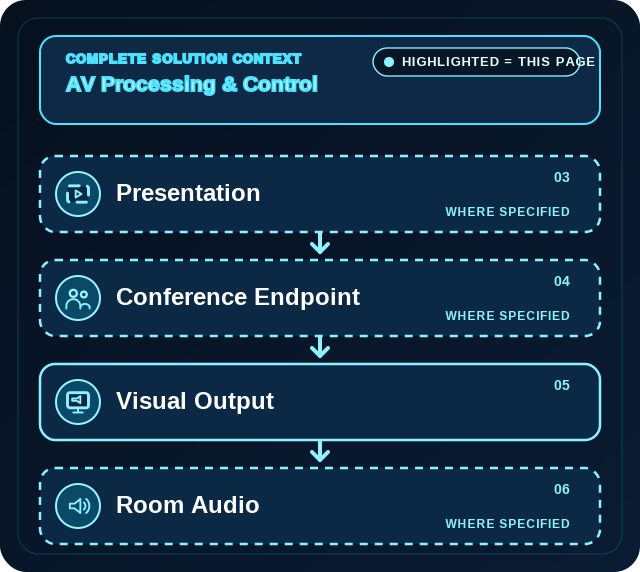
How Meeting Room AV & Collaboration Systems Fits the AV & Collaboration Packages for Meeting Rooms & Venues

The focused diagram shows only the system nodes covered by this page. Read the highlighted path, role and scope condition to understand what is included and what needs separate confirmation.

What We Install

Three Core Meeting Room Systems

Video Conference Systems

Plan supported camera framing, microphone pickup and speaker output for the actual seating and room endpoint, then verify an authorised sample remote call.

Interactive Displays

Select a supported touch display and annotation workflow for the room. Confirm the application, touch-return path and whether sharing or remote conferencing is required separately.

Commercial Displays

Select commercial screens around content, viewing points, ambient light and mounting. Confirm the source, cabling and any signage publishing requirements separately.

Video Conferencing

Sized to Your Room, Not One-Size-Fits-All

Different seating layouts need different camera framing and microphone pickup. HJ surveys the actual talker positions, acoustics, display views and supported endpoints, then verifies the agreed seats in a sample call instead of assuming a room-size label guarantees coverage.

Who Needs This

  • Offices running regular remote or hybrid meetings
  • Training centres needing clear presenter and room audio
  • Boardrooms wanting a permanent, always-ready setup
Interactive & Commercial Displays

Touchscreen Training Rooms, Clean Signage

Choose an interactive display when supported touch and annotation are required, or a commercial screen for the agreed presentation/signage path. Assess the actual content, source, viewing conditions and software; neither screen type alone establishes conferencing or publishing functionality.

Installation Includes

  • Wall/mount installation and cable concealment
  • Network and power planning for the room
  • Setup and testing before handover

Meeting-room product reference

Interactive displays and video-conference product families are listed in the separate interactive-display and video-conference catalogues. HJ Security handles room layout, cabling, installation, configuration and user handover.

FAQ

Meeting Room & AV Questions

What's the difference between an interactive display and a regular commercial display?
A commercial display presents the selected source or supported signage content. An interactive display adds supported touch functions; confirm annotation software, touch return and user workflow separately. Neither screen alone supplies a complete conferencing system.
Can you integrate video conferencing with our existing meeting room display?
Confirm the existing screen inputs, endpoint, camera/audio, network and room-platform requirements during assessment. Reuse is possible only where the supported interfaces and agreed meeting tests establish compatibility; it is not assumed in advance.
Do you handle the cabling for meeting room AV, or just the equipment?
The approved installation scope can include display, camera and audio cabling. Survey permitted routes, access and supported connection lengths first; concealed wiring depends on the actual building and agreed works.
How many people can one video conference camera cover?
Assess field of view, seating, mounting and endpoint support for the actual camera. Verify framing and microphone pickup at the agreed seats in a sample call; room labels or a wide-angle specification alone do not guarantee coverage.

Upgrade Your Meeting Rooms

Tell us how your team actually uses the room, and we'll recommend the right AV setup.