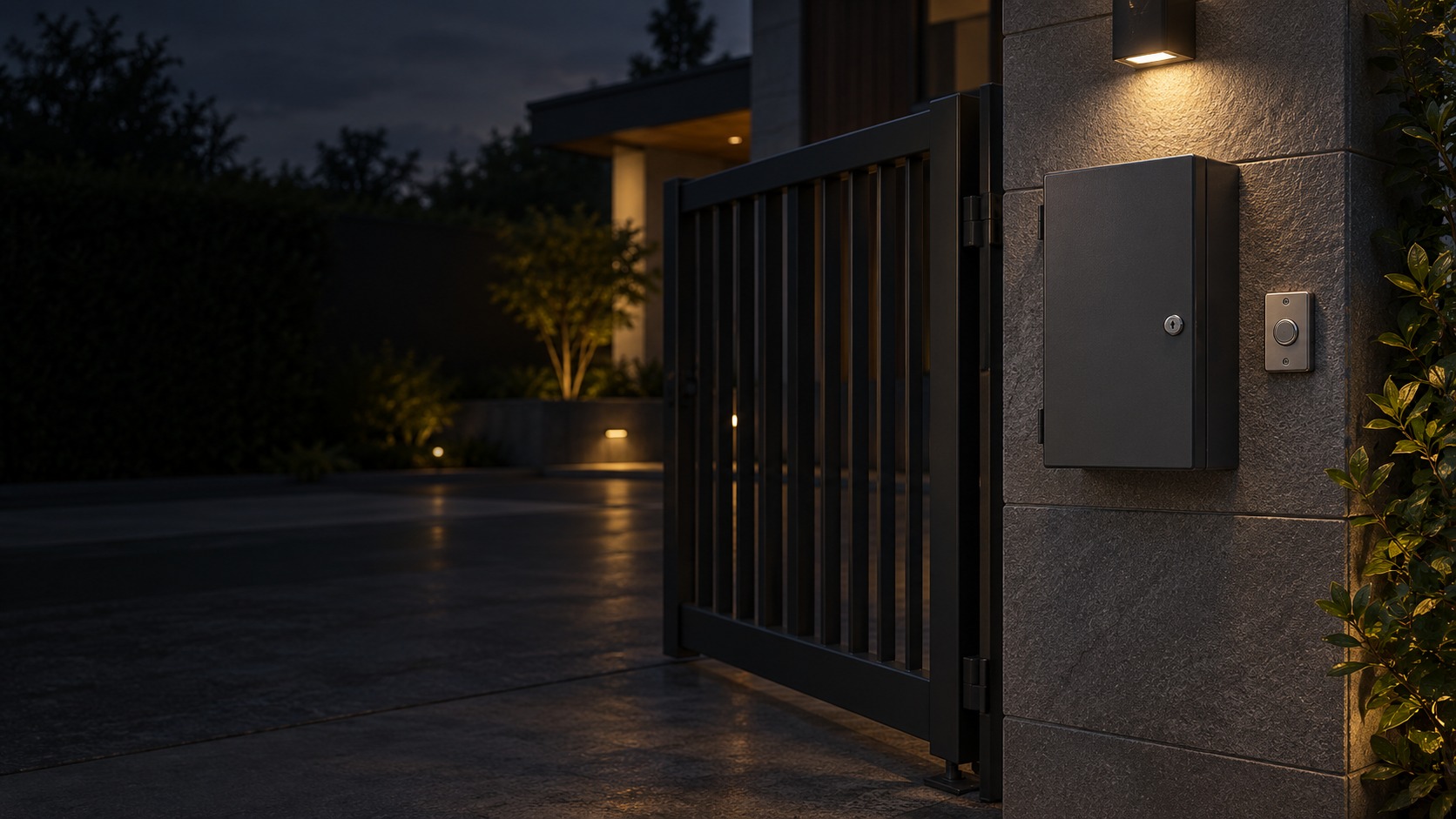
Gate control enclosure and physical pushbutton – Smart / Wi-Fi Autogate in Kuching & Sarawak (illustration)

Smart / Wi-Fi Autogate in Kuching & Sarawak

Use a compatible smart or Wi-Fi gate interface for authorised control alongside the installed motor system. HJ checks controller support, owner/admin access and network coverage, then verifies the agreed local fallback and any real position reporting; smart control does not replace gate protection.

System selection and integration guideAutogate
Smart & AccessoriesSmart / Wi-Fi Autogate
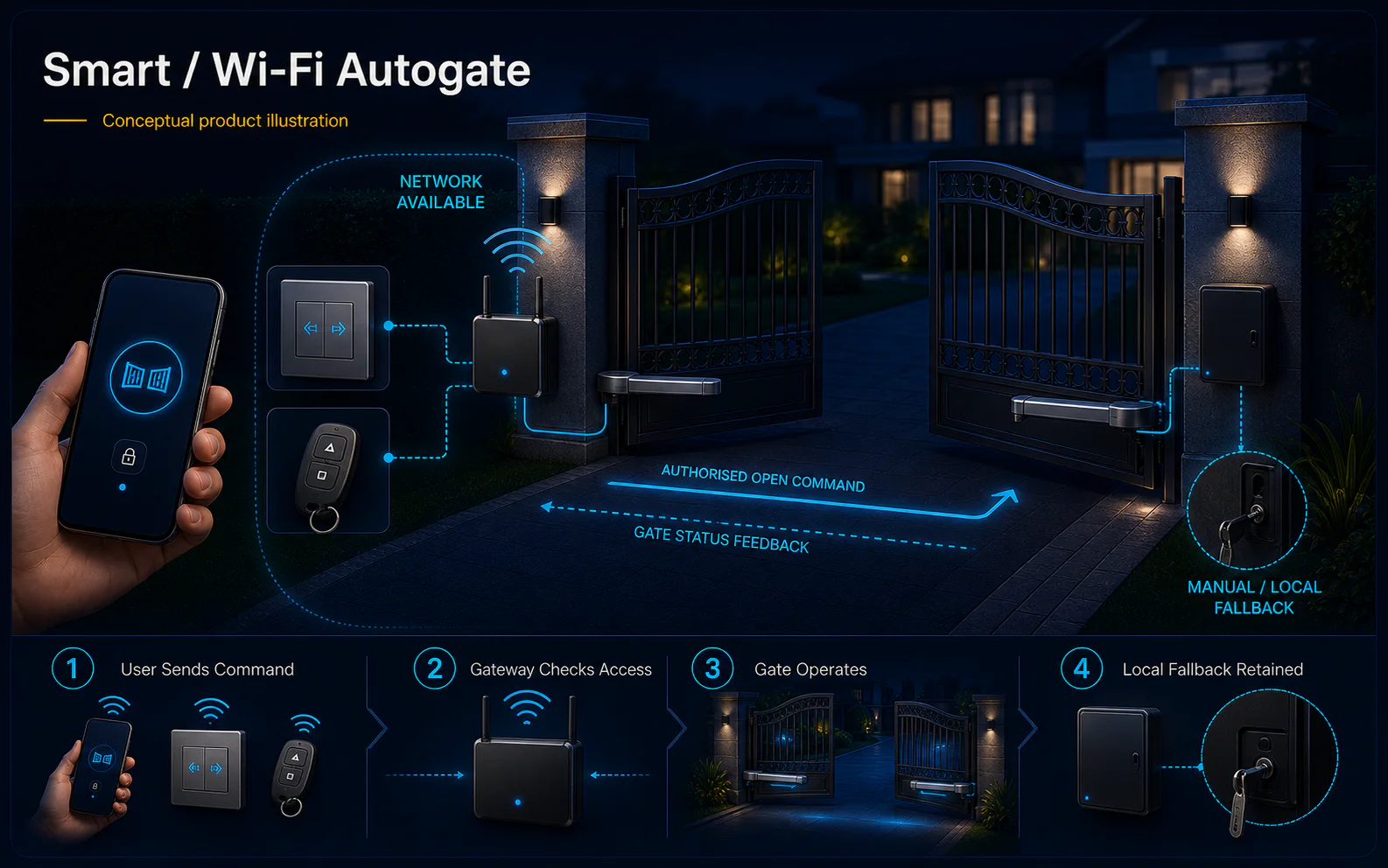
Smart and Wi-Fi Autogate system diagram
  1. 01Smart / Wi-Fi Autogate
  2. 02Gate geometry, motor duty and safety
  3. 03Gate, lane or parking interface
  4. 04repeated full-travel cycles
Conceptual Smart / Wi-Fi Autogate product and system illustration.
Illustration & scope boundary

Conceptual Smart / Wi-Fi Autogate product and system illustration for Smart & Accessories. Final device form, model, interfaces and quantities are confirmed from the assessed scope and approved product data. Conceptual vehicle journey and lane safety for Smart / Wi-Fi Autogate, derived from this page's scope, interfaces and acceptance record.

Conceptual planning path — not an as-built drawing or project photograph.

What Smart / Wi-Fi Autogate covers

Use a compatible smart or Wi-Fi gate interface for authorised control alongside the installed motor system. HJ checks controller support, owner/admin access and network coverage, then verifies the agreed local fallback and any real position reporting; smart control does not replace gate protection.

It sits in Autogate under Smart & Accessories. The final deliverable is shaped by the intended outcome, the installed or proposed environment and the interfaces that must be owned, supplied, integrated and tested.

When to use this page

Gate board and smart module models, supported app/account, Wi-Fi coverage, user permissions, status sensor requirements and local release provision.
Typical environments to assess

  • Owner-authorised remote or supported app-controlled driveway gates.
  • Existing controllers with confirmed interfaces and local fallback.
  • User enrolment/revocation with retained gate protection.

Engineering SOP & Handover Checklist

From the initial brief to the handover record: what to prepare, check and confirm with HJ.

01

Operational Purpose & Workflow

Use a compatible smart or Wi-Fi gate interface for authorised control alongside the installed motor system. HJ checks controller support, owner/admin access and network coverage, then verifies the agreed local fallback and any real position reporting; smart control does not replace gate protection.

02

Pre-Attendance Evidence

Gate board and smart module models, supported app/account, Wi-Fi coverage, user permissions, status sensor requirements and local release provision.

03

Diagnostic & Testing Path

Confirm the exact motor/controller, mechanical travel, supported protection, power and authorised opening inputs together. Smart modules and credential readers need compatible interfaces and an identified administrator; an opening command is not proof that the gate is safe.

04

System & Responsibility Boundary

Test agreed normal travel, protective-device response and authorised release with responsible parties in a safe work window. Document power/network effects and the safe temporary procedure; do not bypass protection or publish release/bypass instructions.

05

Acceptance & Handover Record

Record the gate and equipment labels, mechanical condition, supported inputs, owner/admin handover, witnessed results, unresolved limits and approved follow-up. Parts, civil work, visit frequency and response arrangements are agreed separately.

Engineering Scope, Regulatory & Service Boundaries

Responsibility and evidence boundary

HJ coordinates assessment, engineering, installation, integration, testing and lifecycle support only for the scope recorded in the quotation. ISD handles catalogue, model, datasheet, supply and availability enquiries. Customer, consultant, builder and appointed-specialist responsibilities remain explicit.

Final scope, quantities, compatibility, access, programme, availability and responsibility are confirmed during assessment and quotation.

This focused topic remains connected to its complete system owner. Final models, quantities, interfaces and included work are confirmed in the assessed quotation.

Questions before proceeding

Use the answers as a planning boundary; site conditions and written scope remain decisive.

Will the gate still work if the internet is unavailable?

The answer depends on the installed controller and module. Test the supported local remote/button and release procedure separately from cloud features, document actual behaviour, and do not assume every app works offline.

Which connected functions need separate confirmation?

Confirm the exact motor/controller, mechanical travel, supported protection, power and authorised opening inputs together. Smart modules and credential readers need compatible interfaces and an identified administrator; an opening command is not proof that the gate is safe.

What should be tested and recorded for this scope?

Test agreed normal travel, protective-device response and authorised release with responsible parties in a safe work window. Document power/network effects and the safe temporary procedure; do not bypass protection or publish release/bypass instructions. Record the gate and equipment labels, mechanical condition, supported inputs, owner/admin handover, witnessed results, unresolved limits and approved follow-up. Parts, civil work, visit frequency and response arrangements are agreed separately.

Planning Smart / Wi-Fi Autogate? Tell HJ about your site

Tell us where it will be used, what it needs to do and what equipment you already have. HJ will recommend the right system, explain who is responsible for what, and agree the next step with you.