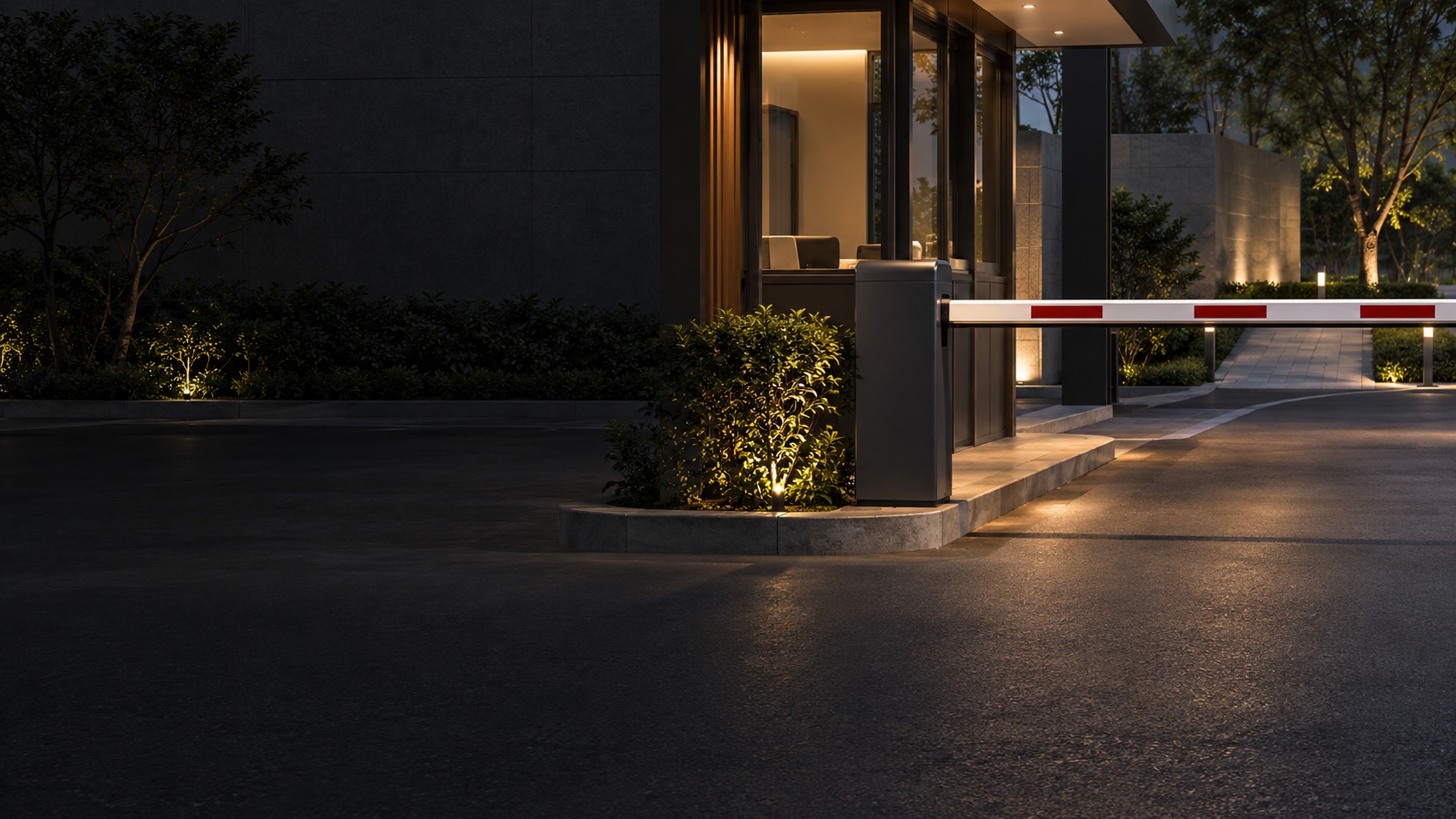
Automatic boom barrier at an empty vehicle lane – Hikvision Barrier Gate in Kuching & Sarawak (illustration)

Hikvision Barrier Gate in Kuching & Sarawak

Assess a Hikvision barrier as the physical lane-control device within a defined entrance. HJ checks the exact barrier, arm and controller, supported detector and credential interfaces, and approved release behaviour; ANPR, payment and central software are separate scope decisions.

System selection and integration guideBarrier Gate / Vehicle Access
Barrier GateHikvision Barrier Gate
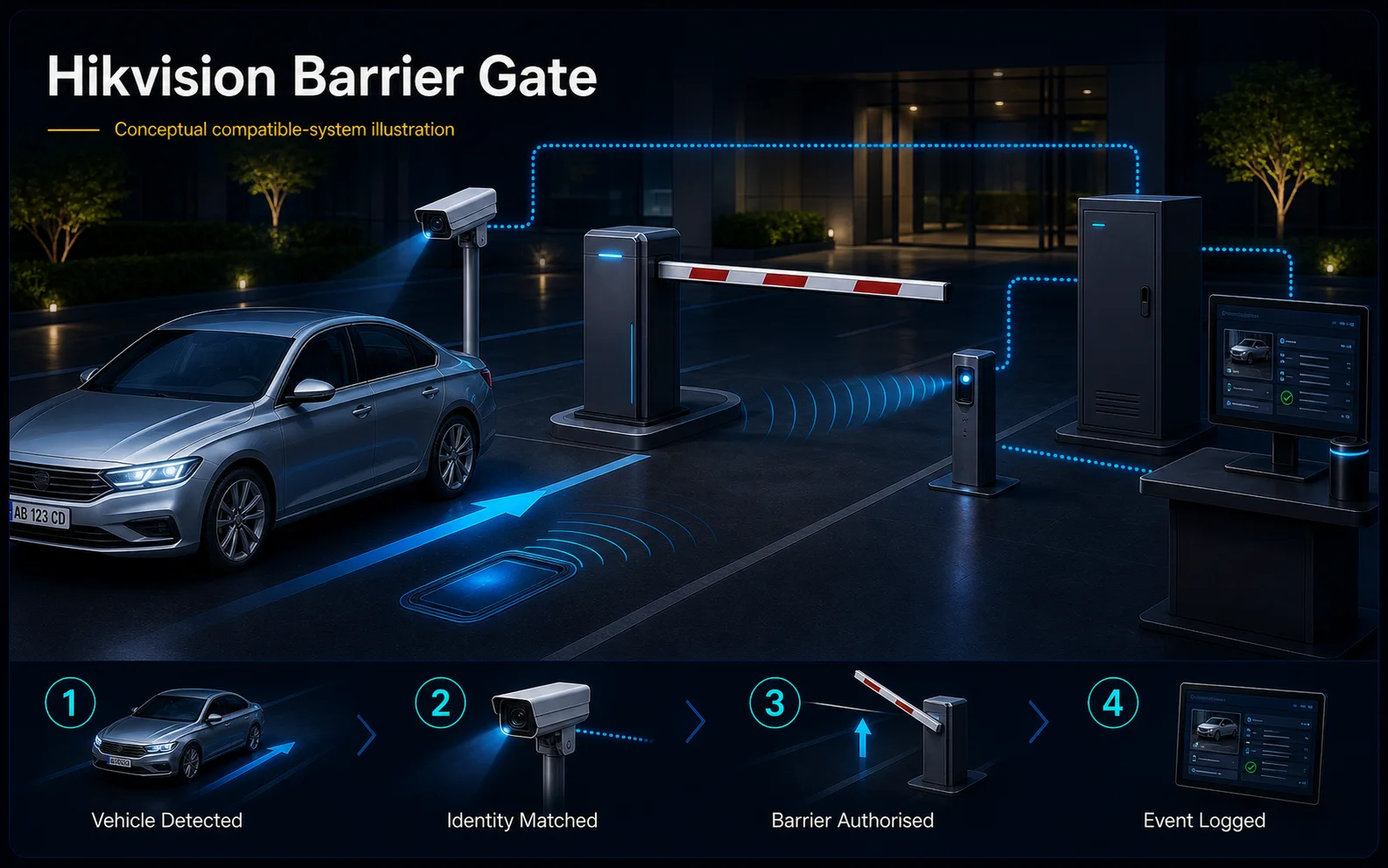
Compatible-system Hikvision Barrier Gate system diagram
  1. 01Hikvision Barrier Gate
  2. 02Lane control, safety and vehicle identity
  3. 03Gate, lane or parking interface
  4. 04allowed and denied lane cycles
Conceptual Hikvision Barrier Gate product and system illustration.
Illustration & scope boundary

Conceptual Hikvision Barrier Gate product and system illustration for Barrier Gate. Final device form, model, interfaces and quantities are confirmed from the assessed scope and approved product data. Conceptual vehicle journey and lane safety for Hikvision Barrier Gate, derived from this page's scope, interfaces and acceptance record.

Conceptual planning path — not an as-built drawing or project photograph.

What Hikvision Barrier Gate covers

Assess a Hikvision barrier as the physical lane-control device within a defined entrance. HJ checks the exact barrier, arm and controller, supported detector and credential interfaces, and approved release behaviour; ANPR, payment and central software are separate scope decisions.

It sits in Barrier Gate / Vehicle Access under Barrier Gate. The final deliverable is shaped by the intended outcome, the installed or proposed environment and the interfaces that must be owned, supplied, integrated and tested.

When to use this page

Exact barrier/arm model, lane geometry and cycles, controller inputs, compatible detection, selected credential route, power and release requirements.
Typical environments to assess

  • Supervised residential or business vehicle entrance lanes.
  • Commercial lanes with supported arm, duty and detection requirements.
  • Existing barriers with safely authorised maintenance windows.

Engineering SOP & Handover Checklist

From the initial brief to the handover record: what to prepare, check and confirm with HJ.

01

Operational Purpose & Workflow

Assess a Hikvision barrier as the physical lane-control device within a defined entrance. HJ checks the exact barrier, arm and controller, supported detector and credential interfaces, and approved release behaviour; ANPR, payment and central software are separate scope decisions.

02

Pre-Attendance Evidence

Exact barrier/arm model, lane geometry and cycles, controller inputs, compatible detection, selected credential route, power and release requirements.

03

Diagnostic & Testing Path

Confirm barrier/arm support, balancing assembly, protective detection, credential/controller interface and operator authority for the actual lane. Trigger detection, access authorisation and protective inputs have different roles; fees and central software are separately scoped.

04

System & Responsibility Boundary

Verify authorised and denied entry, the agreed detection/protective behaviour and supervised exception route in a safe lane window. Document power/network loss and recovery on the installed system; retain a safe pedestrian route and never bypass a faulty protection.

05

Acceptance & Handover Record

Record lane/model IDs, arm and detector configuration, approved rules and interfaces, release responsibilities, witnessed tests and follow-up. Keep maintenance, parts and any platform/payment dependencies explicit rather than promising uninterrupted traffic.

Engineering Scope, Regulatory & Service Boundaries

Responsibility and evidence boundary

HJ coordinates assessment, engineering, installation, integration, testing and lifecycle support only for the scope recorded in the quotation. ISD handles catalogue, model, datasheet, supply and availability enquiries. Customer, consultant, builder and appointed-specialist responsibilities remain explicit.

Brand names identify compatibility or installed-platform enquiries only. They do not claim authorised distributor, service-centre, partner, warranty or parts status.

This focused topic remains connected to its complete system owner. Final models, quantities, interfaces and included work are confirmed in the assessed quotation.

Questions before proceeding

Use the answers as a planning boundary; site conditions and written scope remain decisive.

Does a Hikvision barrier package always include ANPR?

No. The barrier, identification camera or reader, software and detection have distinct roles. Confirm exact devices, supported interfaces and the agreed installation scope; the brand does not establish all functions or local availability.

Which connected functions need separate confirmation?

Confirm barrier/arm support, balancing assembly, protective detection, credential/controller interface and operator authority for the actual lane. Trigger detection, access authorisation and protective inputs have different roles; fees and central software are separately scoped.

What should be tested and recorded for this scope?

Verify authorised and denied entry, the agreed detection/protective behaviour and supervised exception route in a safe lane window. Document power/network loss and recovery on the installed system; retain a safe pedestrian route and never bypass a faulty protection. Record lane/model IDs, arm and detector configuration, approved rules and interfaces, release responsibilities, witnessed tests and follow-up. Keep maintenance, parts and any platform/payment dependencies explicit rather than promising uninterrupted traffic.

Planning Hikvision Barrier Gate? Tell HJ about your site

Tell us where it will be used, what it needs to do and what equipment you already have. HJ will recommend the right system, explain who is responsible for what, and agree the next step with you.