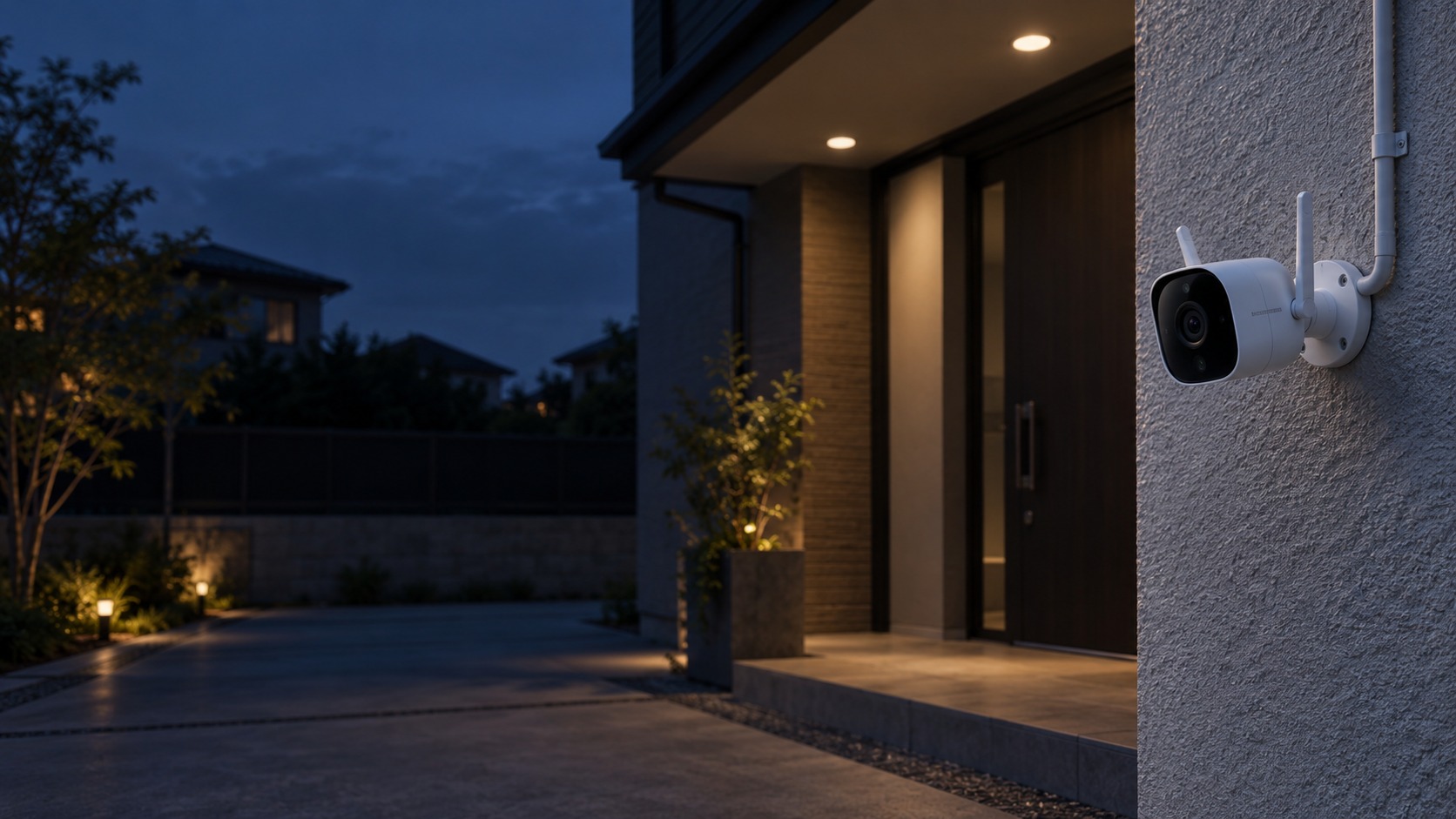
Outdoor Wi-Fi camera and protected power route – EZVIZ Outdoor Wi-Fi Camera in Kuching & Sarawak (illustration)

EZVIZ Outdoor Wi-Fi Camera in Kuching & Sarawak

Monitor a home entrance or outdoor approach with a suitable EZVIZ Wi-Fi camera. HJ checks shelter, mounting, protected power, real signal quality and authorised playback, with weather exposure and local or cloud storage verified for the exact model.

System selection and integration guideCCTV / Video Surveillance
EZVIZEZVIZ Outdoor Wi-Fi Camera
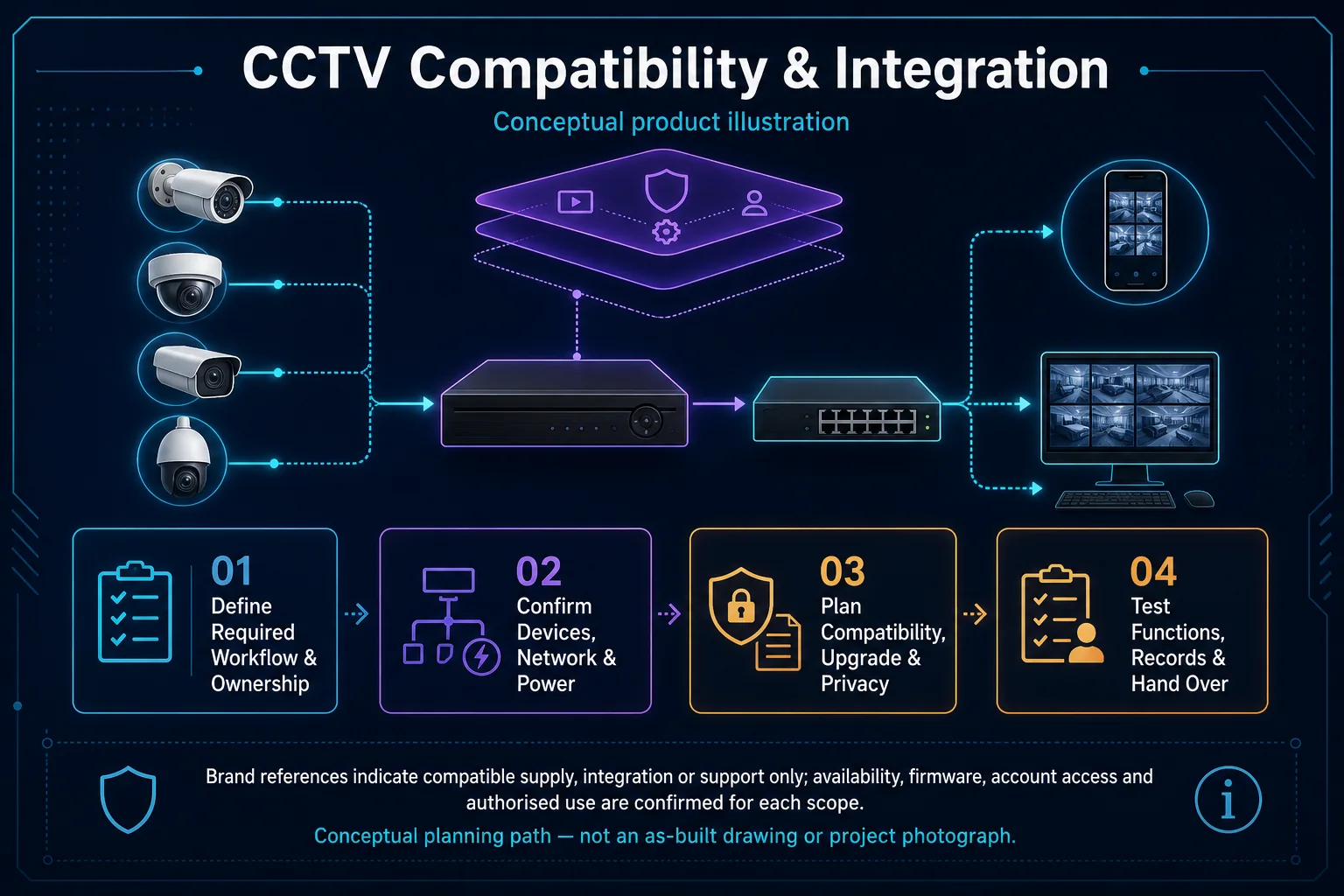
CCTV Compatibility and Integration system diagram
  1. 01EZVIZ Outdoor Wi-Fi Camera
  2. 02Coverage, capacity and roaming
  3. 03Transport & storage
  4. 04representative day and night clips
Conceptual EZVIZ Outdoor Wi-Fi Camera product and system illustration.
Illustration & scope boundary

Conceptual EZVIZ Outdoor Wi-Fi Camera product and system illustration for EZVIZ. Final device form, model, interfaces and quantities are confirmed from the assessed scope and approved product data. Conceptual evidence and response path for EZVIZ Outdoor Wi-Fi Camera, derived from this page's scope, interfaces and acceptance record.

Conceptual planning path — not an as-built drawing or project photograph.

What EZVIZ Outdoor Wi-Fi Camera covers

Monitor a home entrance or outdoor approach with a suitable EZVIZ Wi-Fi camera. HJ checks shelter, mounting, protected power, real signal quality and authorised playback, with weather exposure and local or cloud storage verified for the exact model.

It sits in CCTV / Video Surveillance under EZVIZ. The final deliverable is shaped by the intended outcome, the installed or proposed environment and the interfaces that must be owned, supplied, integrated and tested.

When to use this page

Outdoor exposure, sheltered mounting point, power cable route, signal at the camera, desired recording history and customer account or sharing permissions.

Typical environments to assess

  • Homes with measured Wi-Fi at the mounting point
  • Small premises with customer-owned app access
  • Outdoor approaches with protected power and suitable exposure

Engineering SOP & Handover Checklist

From the initial brief to the handover record: what to prepare, check and confirm with HJ.

01

Operational Purpose & Workflow

Monitor a home entrance or outdoor approach with a suitable EZVIZ Wi-Fi camera. HJ checks shelter, mounting, protected power, real signal quality and authorised playback, with weather exposure and local or cloud storage verified for the exact model.

02

Pre-Attendance Evidence

Outdoor exposure, sheltered mounting point, power cable route, signal at the camera, desired recording history and customer account or sharing permissions.

03

Diagnostic & Testing Path

Confirm the supported camera-to-Wi-Fi path, suitable field power, local storage or available cloud option and customer-owned app permissions. Internet, Wi-Fi and recording dependencies should be explained separately.

04

System & Responsibility Boundary

Weak signal, interference, power loss and unavailable app or cloud service can affect access or recording. Wireless does not imply battery power; cloud support and subscription availability depend on the exact device and region.

05

Acceptance & Handover Record

Record the mounting position, measured network behaviour, power arrangement, storage configuration and account owner. Check live view, playback and the agreed Wi-Fi or internet loss behaviour.

Engineering Scope, Regulatory & Service Boundaries

Responsibility and evidence boundary

HJ coordinates assessment, engineering, installation, integration, testing and lifecycle support only for the scope recorded in the quotation. ISD handles catalogue, model, datasheet, supply and availability enquiries. Customer, consultant, builder and appointed-specialist responsibilities remain explicit.

Brand names identify compatibility or installed-platform enquiries only. They do not claim authorised distributor, service-centre, partner, warranty or parts status.

Identity, image, credential and movement data require an authorised controller, lawful access, proportionate collection, retention rules and recorded administrator responsibility.

This focused topic remains connected to its complete system owner. Final models, quantities, interfaces and included work are confirmed in the assessed quotation.
Questions before proceeding

Use the answers as a planning boundary; site conditions and written scope remain decisive.

Does an outdoor Wi-Fi camera need a protected power route?

Usually it still needs a suitable power arrangement; battery-powered models are a separate choice. Camera weather rating does not automatically protect plugs, adapters, cable joints or the router. Confirm each part of the outdoor installation.

Will local recording continue during an internet outage?

Only if supported local storage and its recording mode are configured and powered. Wi-Fi loss, internet loss and camera power loss have different effects. Test the selected device rather than assuming all wireless cameras behave the same way.

What should I send HJ for EZVIZ Outdoor Wi-Fi Camera?

Outdoor exposure, sheltered mounting point, power cable route, signal at the camera, desired recording history and customer account or sharing permissions. Share authorised equipment and scene information; do not send passwords or personal footage through a public form.

Planning EZVIZ Outdoor Wi-Fi Camera? Tell HJ about your site

Tell us where it will be used, what it needs to do and what equipment you already have. HJ will recommend the right system, explain who is responsible for what, and agree the next step with you.