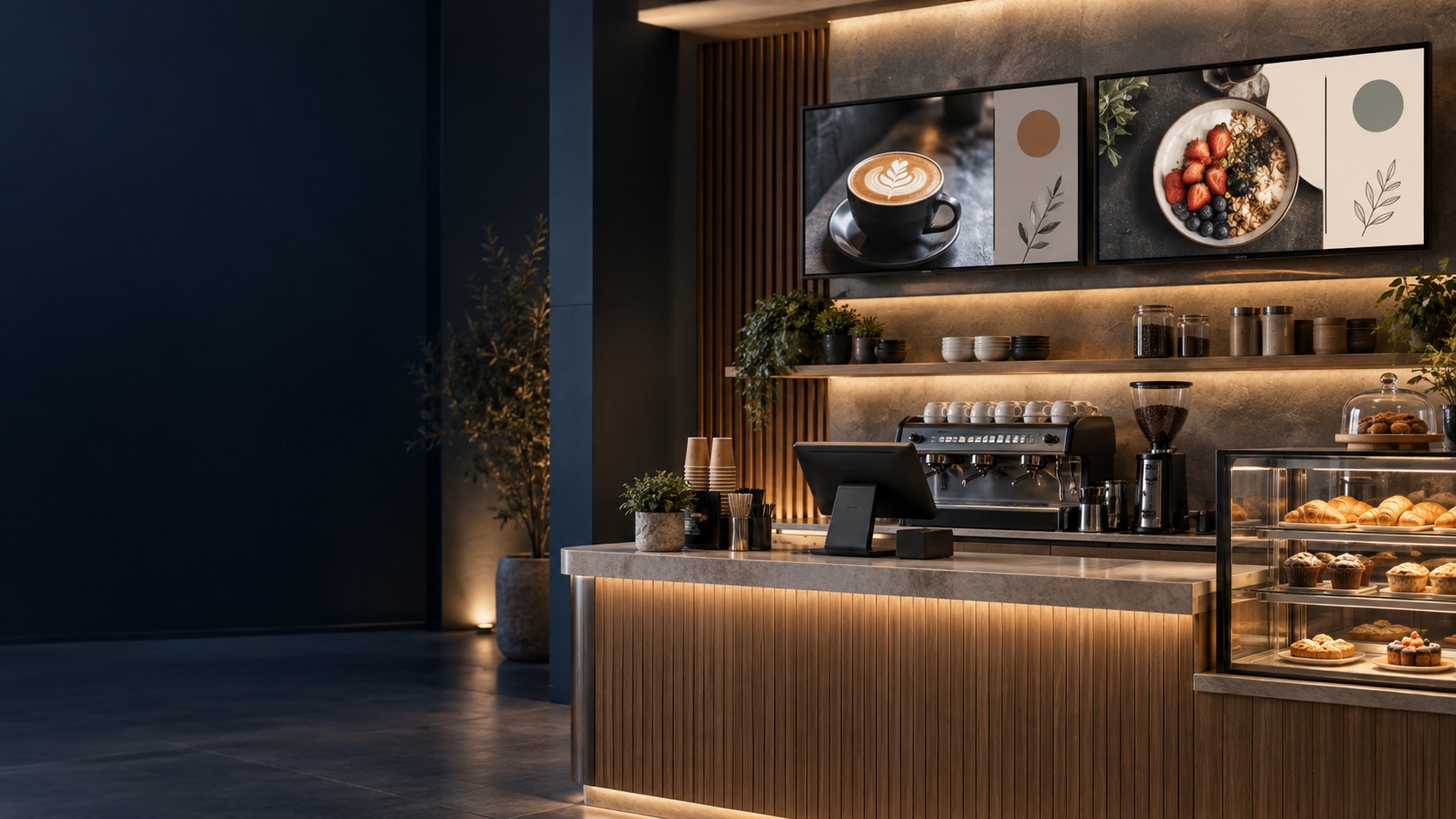
Cafe digital-menu screens without prices – Restaurant Digital Menu in Kuching & Sarawak (illustration)

Restaurant Digital Menu in Kuching & Sarawak

Present an owner-approved menu clearly on cafe or restaurant screens. HJ coordinates display placement, artwork format, player and publishing schedule so staff can update the agreed menu workflow. Live POS, ordering or payment links are separate requirements, not automatic features of menu-screen playback.

System selection and integration guideDigital Signage
Digital SignageRestaurant Digital Menu
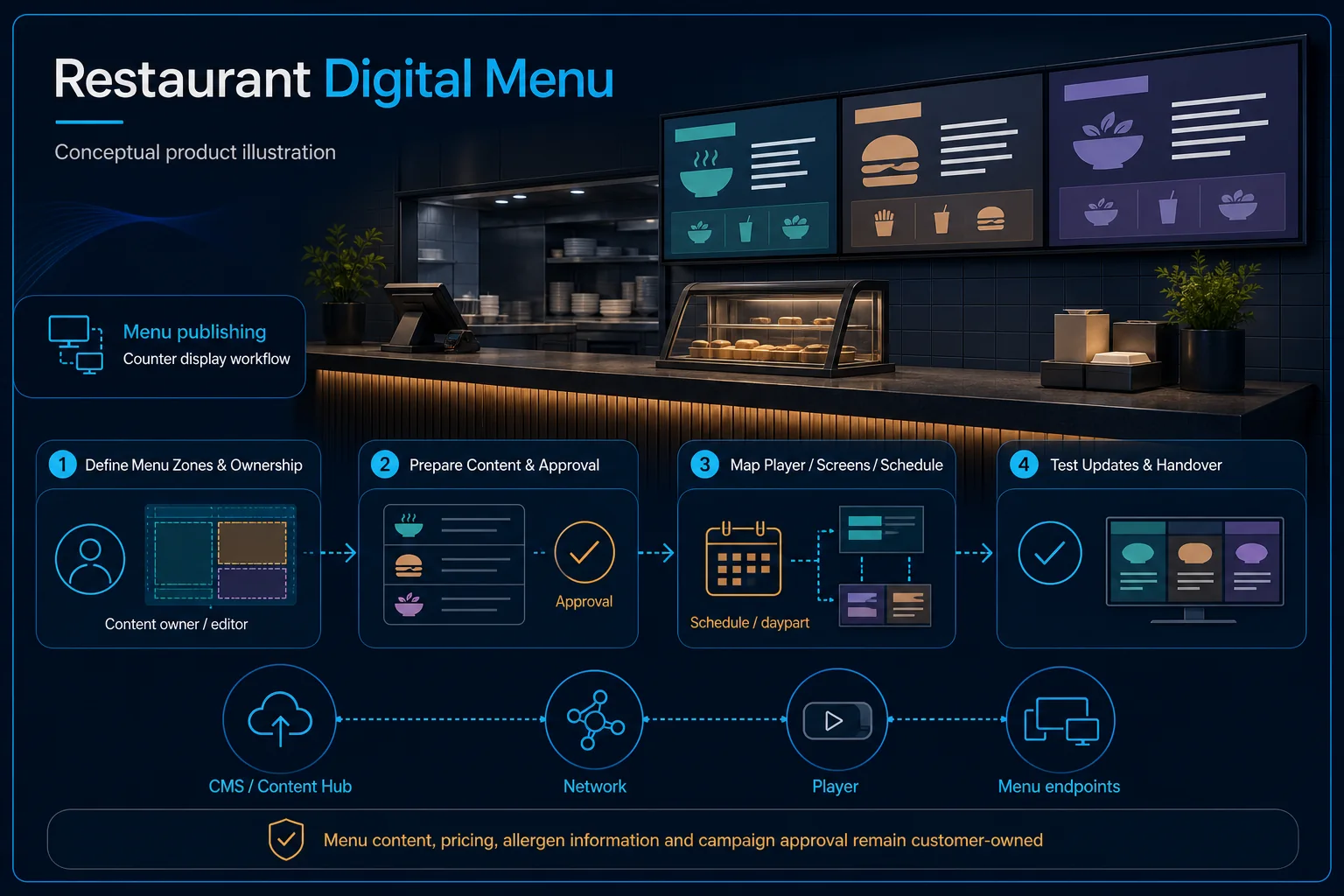
Restaurant Digital Menu system diagram
  1. 01Restaurant Digital Menu
  2. 02Viewing distance, content and control
  3. 03Distribution
  4. 04display enrolment and online state
Conceptual Restaurant Digital Menu product and system illustration.
Illustration & scope boundary

Conceptual Restaurant Digital Menu product and system illustration for Digital Signage. Final device form, model, interfaces and quantities are confirmed from the assessed scope and approved product data. Conceptual source-to-audience signal path for Restaurant Digital Menu, derived from this page's scope, interfaces and acceptance record.

Conceptual planning path — not an as-built drawing or project photograph.

What Restaurant Digital Menu covers

Present an owner-approved menu clearly on cafe or restaurant screens. HJ coordinates display placement, artwork format, player and publishing schedule so staff can update the agreed menu workflow. Live POS, ordering or payment links are separate requirements, not automatic features of menu-screen playback.

It sits in Digital Signage under Digital Signage. The final deliverable is shaped by the intended outcome, the installed or proposed environment and the interfaces that must be owned, supplied, integrated and tested.

When to use this page

Counter/viewing points, display layout, approved artwork, update frequency, player/CMS details and menu publisher.
Typical environments to assess

  • Cafe and restaurant counters.
  • Food-service locations with an approved menu publisher.
  • Existing menu boards requiring player or layout support.

Engineering SOP & Handover Checklist

From the initial brief to the handover record: what to prepare, check and confirm with HJ.

01

Operational Purpose & Workflow

Present an owner-approved menu clearly on cafe or restaurant screens. HJ coordinates display placement, artwork format, player and publishing schedule so staff can update the agreed menu workflow. Live POS, ordering or payment links are separate requirements, not automatic features of menu-screen playback.

02

Pre-Attendance Evidence

Counter/viewing points, display layout, approved artwork, update frequency, player/CMS details and menu publisher.

03

Diagnostic & Testing Path

Define approved menu artwork, screen orientation, player/CMS, publishing roles and update schedule. POS, stock, ordering and price feeds require separately confirmed integrations; menu screens alone do not provide an ordering or payment system.

04

System & Responsibility Boundary

Publish a sample owner-approved menu and inspect layout/readability at the customer viewpoint. Test the agreed time schedule and restart; avoid publishing unapproved offers, prices or dietary claims during commissioning.

05

Acceptance & Handover Record

Retain screen/player IDs, artwork format, publisher ownership and a witnessed update test. Document any supported feed, subscriptions, restart behaviour and manual-update fallback.

Engineering Scope, Regulatory & Service Boundaries

Responsibility and evidence boundary

HJ coordinates assessment, engineering, installation, integration, testing and lifecycle support only for the scope recorded in the quotation. ISD handles catalogue, model, datasheet, supply and availability enquiries. Customer, consultant, builder and appointed-specialist responsibilities remain explicit.

Final scope, quantities, compatibility, access, programme, availability and responsibility are confirmed during assessment and quotation.

This focused topic remains connected to its complete system owner. Final models, quantities, interfaces and included work are confirmed in the assessed quotation.

Questions before proceeding

Use the answers as a planning boundary; site conditions and written scope remain decisive.

Does a digital menu automatically connect to POS or stock?

No. Static or scheduled menu playback is separate from live POS, stock, ordering and payment links. Any feed needs a confirmed supported interface, content owner and acceptance test.

Which interfaces and responsibilities need confirmation?

Define approved menu artwork, screen orientation, player/CMS, publishing roles and update schedule. POS, stock, ordering and price feeds require separately confirmed integrations; menu screens alone do not provide an ordering or payment system.

What should be verified and recorded before handover?

Publish a sample owner-approved menu and inspect layout/readability at the customer viewpoint. Test the agreed time schedule and restart; avoid publishing unapproved offers, prices or dietary claims during commissioning. Retain screen/player IDs, artwork format, publisher ownership and a witnessed update test. Document any supported feed, subscriptions, restart behaviour and manual-update fallback.

Planning Restaurant Digital Menu? Tell HJ about your site

Tell us where it will be used, what it needs to do and what equipment you already have. HJ will recommend the right system, explain who is responsible for what, and agree the next step with you.