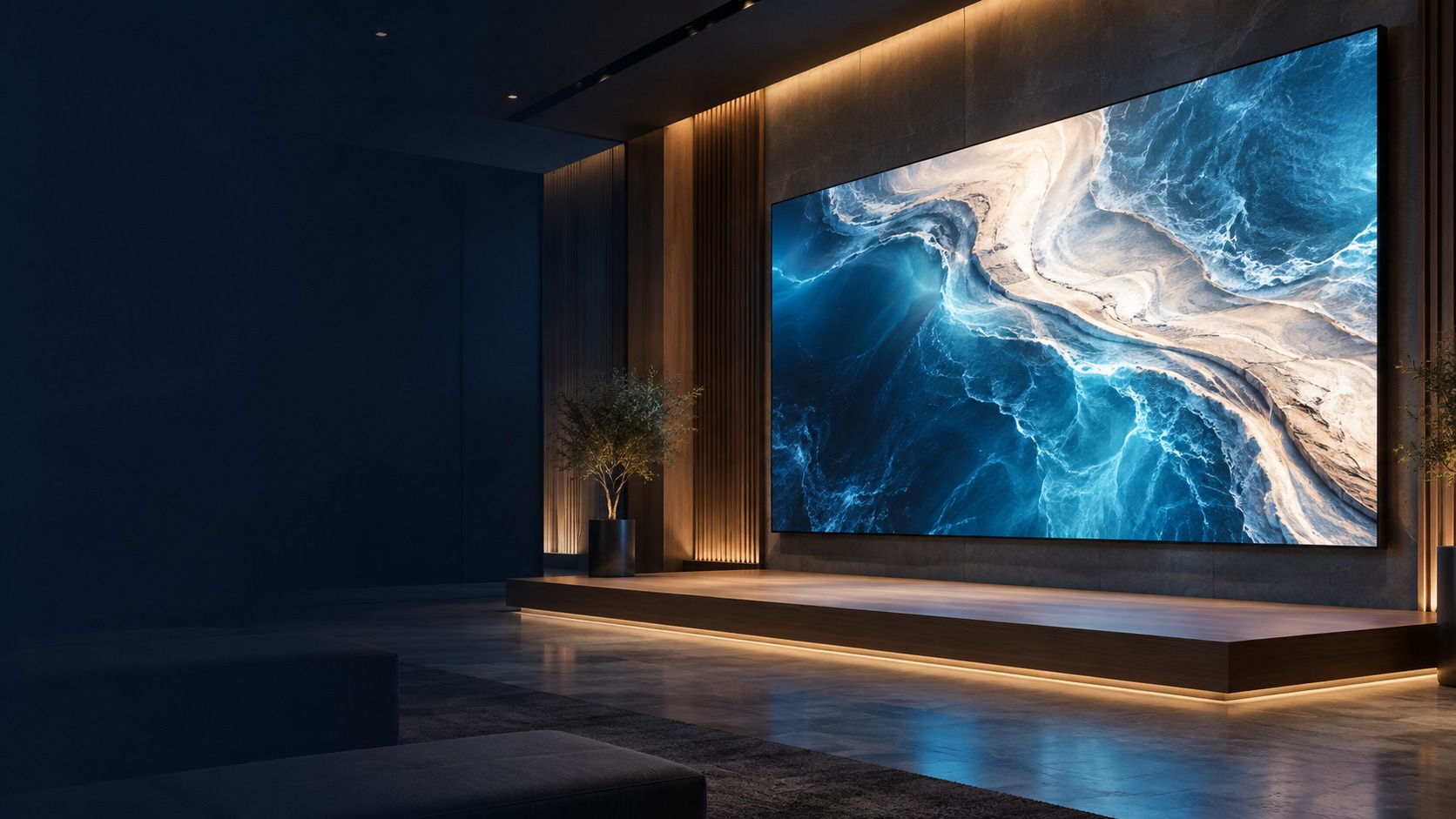
Large seamless indoor direct-view LED display – Hikvision P1.8 / P2.5 LED in Kuching & Sarawak (illustration)

Hikvision P1.8 / P2.5 LED in Kuching & Sarawak

Compare the P1.8 / P2.5 LED category labels against viewing distance, content detail and the available wall size. HJ confirms the actual Hikvision product code, stated pixel pitch, module layout and controller support before design. These category names are not a substitute for an exact model datasheet.

System selection and integration guideLED / Commercial Display
Commercial DisplayHikvision P1.8 / P2.5 LED
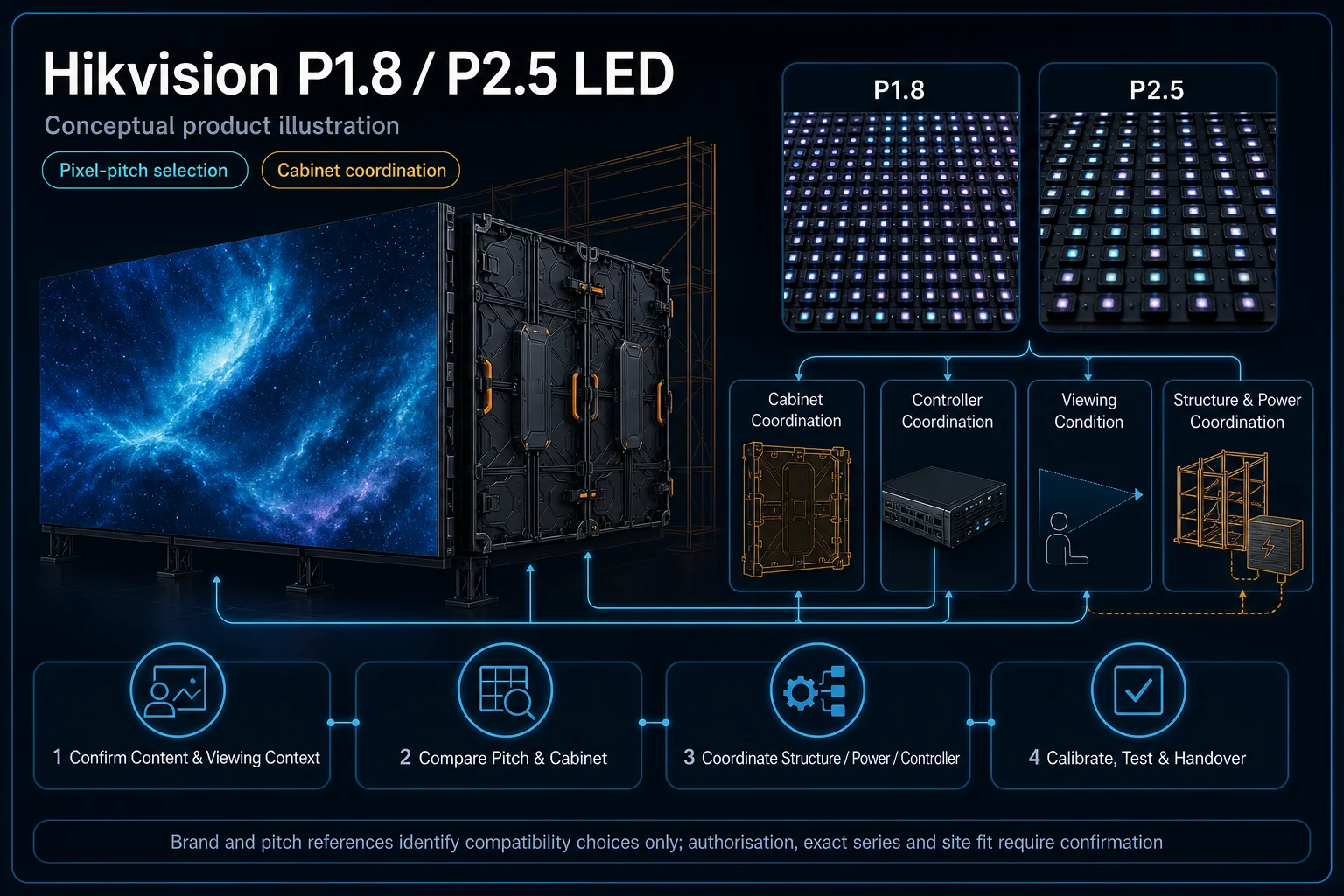
Hikvision P1.8 / P2.5 LED in Kuching & Sarawak – system diagram
  1. 01Hikvision P1.8 / P2.5 LED
  2. 02Viewing distance, content and control
  3. 03Distribution
  4. 04pixel, module and panel inspection
Conceptual Hikvision P1.8 / P2.5 LED product and system illustration.
Illustration & scope boundary

Conceptual Hikvision P1.8 / P2.5 LED product and system illustration for Commercial Display. Final device form, model, interfaces and quantities are confirmed from the assessed scope and approved product data. Conceptual source-to-audience signal path for Hikvision P1.8 / P2.5 LED, derived from this page's scope, interfaces and acceptance record.

Conceptual planning path — not an as-built drawing or project photograph.

What Hikvision P1.8 / P2.5 LED covers

Compare the P1.8 / P2.5 LED category labels against viewing distance, content detail and the available wall size. HJ confirms the actual Hikvision product code, stated pixel pitch, module layout and controller support before design. These category names are not a substitute for an exact model datasheet.

It sits in LED / Commercial Display under Commercial Display. The final deliverable is shaped by the intended outcome, the installed or proposed environment and the interfaces that must be owned, supplied, integrated and tested.

When to use this page

Required wall size, nearest/farthest audience, content detail, actual model/datasheet, module/controller map and installation constraints.
Typical environments to assess

  • Indoor commercial presentation and event displays.
  • Installed LED walls with known module/controller details.
  • Venues requiring an agreed viewing and service-access plan.

Engineering SOP & Handover Checklist

From the initial brief to the handover record: what to prepare, check and confirm with HJ.

01

Operational Purpose & Workflow

Compare the P1.8 / P2.5 LED category labels against viewing distance, content detail and the available wall size. HJ confirms the actual Hikvision product code, stated pixel pitch, module layout and controller support before design. These category names are not a substitute for an exact model datasheet.

02

Pre-Attendance Evidence

Required wall size, nearest/farthest audience, content detail, actual model/datasheet, module/controller map and installation constraints.

03

Diagnostic & Testing Path

Confirm exact LED module/cabinet, pixel pitch, controller, receiving-card configuration, source and physical layout. Mounting, load, power and service access require appointed parties; brand or pitch labels alone do not establish compatibility or performance.

04

System & Responsibility Boundary

Inspect the agreed screen area for blank modules, pixel defects, colour differences and signal faults. Preserve the owned configuration before authorised changes; replacement batches may differ and damaged or unsupported parts can limit matching.

05

Acceptance & Handover Record

Record module/cabinet/controller IDs, layout and receiving-card map, owned configuration backup and witnessed source-to-screen tests. Document affected areas, approved replacements, colour limits and safe future access.

Engineering Scope, Regulatory & Service Boundaries

Responsibility and evidence boundary

HJ coordinates assessment, engineering, installation, integration, testing and lifecycle support only for the scope recorded in the quotation. ISD handles catalogue, model, datasheet, supply and availability enquiries. Customer, consultant, builder and appointed-specialist responsibilities remain explicit.

Brand names identify compatibility or installed-platform enquiries only. They do not claim authorised distributor, service-centre, partner, warranty or parts status.

This focused topic remains connected to its complete system owner. Final models, quantities, interfaces and included work are confirmed in the assessed quotation.

Questions before proceeding

Use the answers as a planning boundary; site conditions and written scope remain decisive.

Are P1.8 and P2.5 complete Hikvision model numbers?

No. They are existing category/pitch labels on this website. Confirm the actual model code and datasheet before choosing hardware; do not infer brightness, refresh, ingress rating or part compatibility from the label.

Which interfaces and responsibilities need confirmation?

Confirm exact LED module/cabinet, pixel pitch, controller, receiving-card configuration, source and physical layout. Mounting, load, power and service access require appointed parties; brand or pitch labels alone do not establish compatibility or performance.

What should be verified and recorded before handover?

Inspect the agreed screen area for blank modules, pixel defects, colour differences and signal faults. Preserve the owned configuration before authorised changes; replacement batches may differ and damaged or unsupported parts can limit matching. Record module/cabinet/controller IDs, layout and receiving-card map, owned configuration backup and witnessed source-to-screen tests. Document affected areas, approved replacements, colour limits and safe future access.

Planning Hikvision P1.8 / P2.5 LED? Tell HJ about your site

Tell us where it will be used, what it needs to do and what equipment you already have. HJ will recommend the right system, explain who is responsible for what, and agree the next step with you.