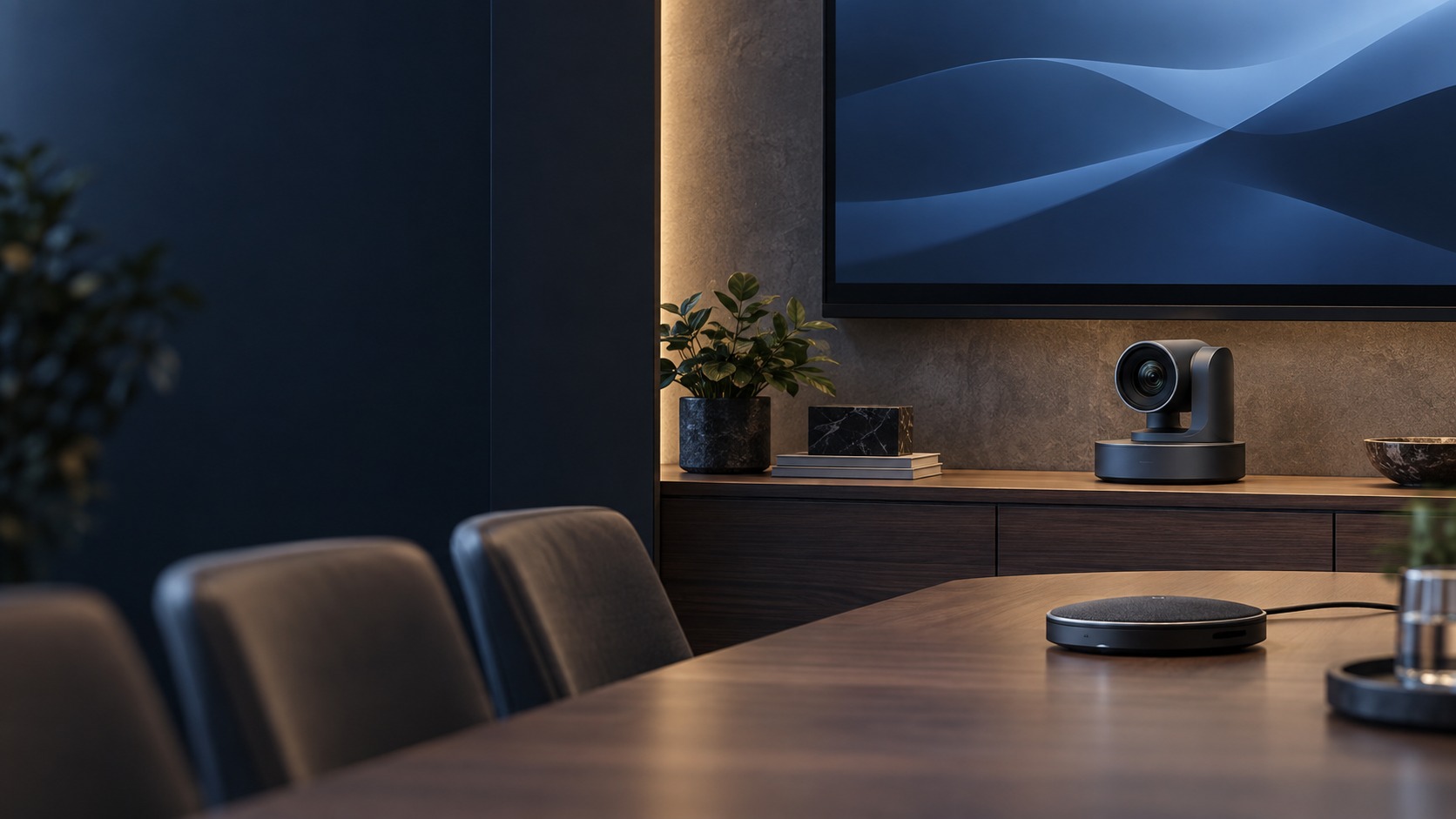
Conference camera and separate tabletop microphone (illustration)

Conference Camera & Microphone in Kuching & Sarawak

Let remote participants see and hear the agreed seating area through a matched camera and microphone path. HJ plans placement, supported connections and room audio, then checks framing and pickup in a sample call. Coverage, tracking and echo-management features depend on the exact equipment and room.

System selection and integration guideMeeting Room / Video Conference
CollaborationConference Camera & Microphone
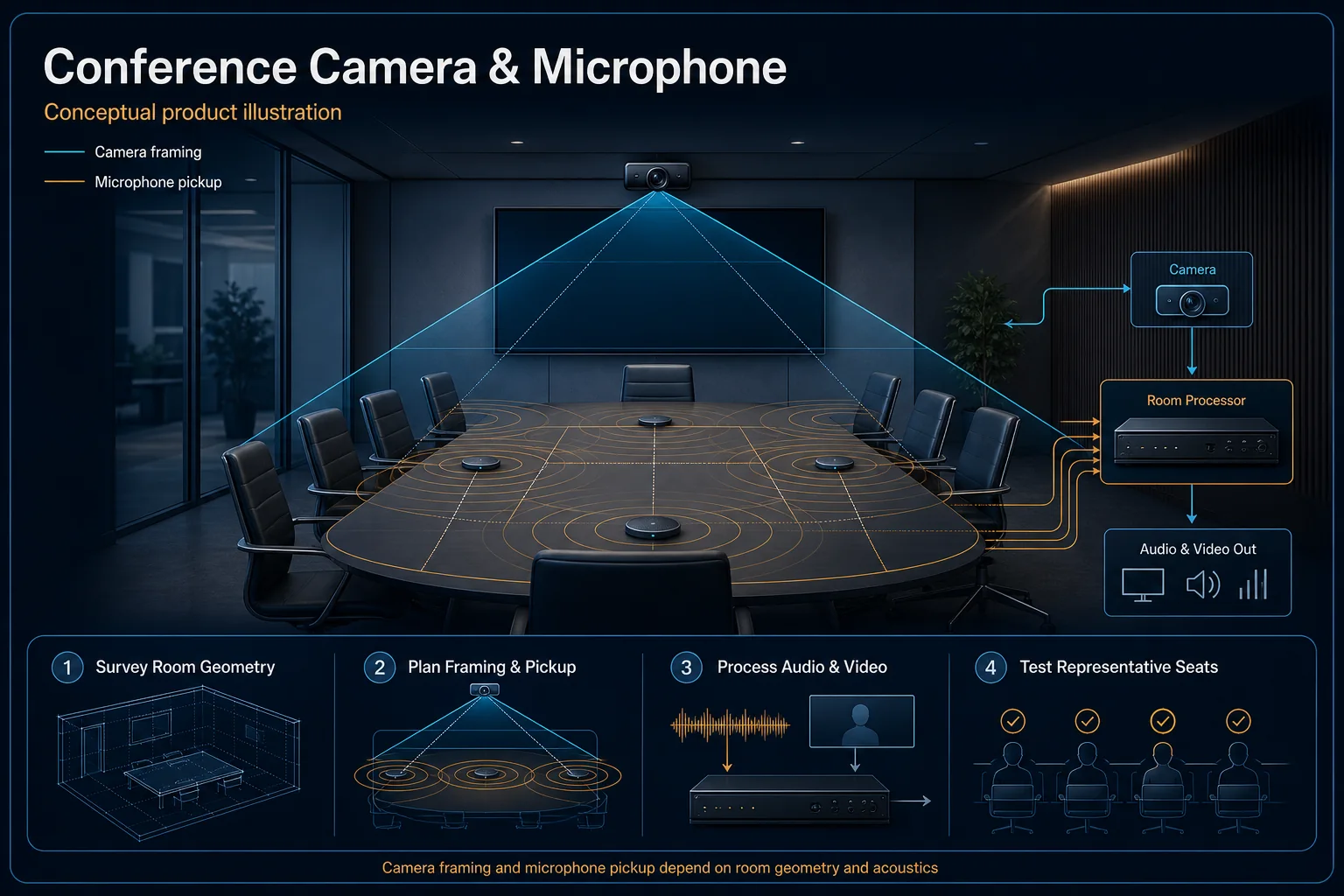
Conference Camera and Microphone system diagram
  1. 01Conference Camera & Microphone
  2. 02Room use, sightlines and collaboration workflow
  3. 03Distribution
  4. 04local presentation and far-end call
Conceptual Conference Camera & Microphone product and system illustration.
Illustration & scope boundary

Conceptual Conference Camera & Microphone product and system illustration for Collaboration. Final device form, model, interfaces and quantities are confirmed from the assessed scope and approved product data. Conceptual source-to-audience signal path for Conference Camera & Microphone, derived from this page's scope, interfaces and acceptance record.

Conceptual planning path — not an as-built drawing or project photograph.

What Conference Camera & Microphone covers

Let remote participants see and hear the agreed seating area through a matched camera and microphone path. HJ plans placement, supported connections and room audio, then checks framing and pickup in a sample call. Coverage, tracking and echo-management features depend on the exact equipment and room.

It sits in Meeting Room / Video Conference under Collaboration. The final deliverable is shaped by the intended outcome, the installed or proposed environment and the interfaces that must be owned, supplied, integrated and tested.

When to use this page

Seats/talker positions, camera/microphone/speaker models, endpoint, USB/network route, acoustics and required remote-call workflow.
Typical environments to assess

  • Huddle rooms and boardroom tables.
  • Existing remote-meeting camera/audio setups.
  • Training rooms with a defined presenter and audience area.

Engineering SOP & Handover Checklist

From the initial brief to the handover record: what to prepare, check and confirm with HJ.

01

Operational Purpose & Workflow

Let remote participants see and hear the agreed seating area through a matched camera and microphone path. HJ plans placement, supported connections and room audio, then checks framing and pickup in a sample call. Coverage, tracking and echo-management features depend on the exact equipment and room.

02

Pre-Attendance Evidence

Seats/talker positions, camera/microphone/speaker models, endpoint, USB/network route, acoustics and required remote-call workflow.

03

Diagnostic & Testing Path

Choose supported camera framing and microphone/speaker interfaces for the actual room endpoint and seating. Coordinate USB or network transport, extension limits and echo management; camera tracking and platform controls depend on the exact device and software.

04

System & Responsibility Boundary

Check framing and microphone pickup from agreed seats in an authorised remote call. Verify mute, speaker output and content sharing if included; room acoustics and endpoint settings can still limit intelligibility.

05

Acceptance & Handover Record

Record camera/audio IDs, mount and signal path, supported endpoint and witnessed seat-by-seat sample checks. Hand over source/mute instructions and list acoustics, extension or platform limitations.

Engineering Scope, Regulatory & Service Boundaries

Responsibility and evidence boundary

HJ coordinates assessment, engineering, installation, integration, testing and lifecycle support only for the scope recorded in the quotation. ISD handles catalogue, model, datasheet, supply and availability enquiries. Customer, consultant, builder and appointed-specialist responsibilities remain explicit.

Final scope, quantities, compatibility, access, programme, availability and responsibility are confirmed during assessment and quotation.

This focused topic remains connected to its complete system owner. Final models, quantities, interfaces and included work are confirmed in the assessed quotation.

Questions before proceeding

Use the answers as a planning boundary; site conditions and written scope remain decisive.

Will a wide-angle camera solve poor meeting audio?

No. Camera framing and microphone pickup are different requirements. Assess microphone placement, room acoustics, speaker path and echo management, then verify both picture and sound in an authorised call.

Which interfaces and responsibilities need confirmation?

Choose supported camera framing and microphone/speaker interfaces for the actual room endpoint and seating. Coordinate USB or network transport, extension limits and echo management; camera tracking and platform controls depend on the exact device and software.

What should be verified and recorded before handover?

Check framing and microphone pickup from agreed seats in an authorised remote call. Verify mute, speaker output and content sharing if included; room acoustics and endpoint settings can still limit intelligibility. Record camera/audio IDs, mount and signal path, supported endpoint and witnessed seat-by-seat sample checks. Hand over source/mute instructions and list acoustics, extension or platform limitations.

Planning Conference Camera & Microphone? Tell HJ about your site

Tell us where it will be used, what it needs to do and what equipment you already have. HJ will recommend the right system, explain who is responsible for what, and agree the next step with you.