Separate radio-link faults from power, cable, alignment and upstream network problems. HJ checks both bridge ends, interference and the traffic path before resetting equipment or recommending a replacement.
Installed-system service taskWi-Fi & Network Service
Installed system + service modeWi-Fi Bridge Troubleshooting in Kuching
01Wi-Fi Bridge Troubleshooting in Kuching
02Troubleshooting
03Coverage, capacity and roaming
04coverage, signal and throughput samples
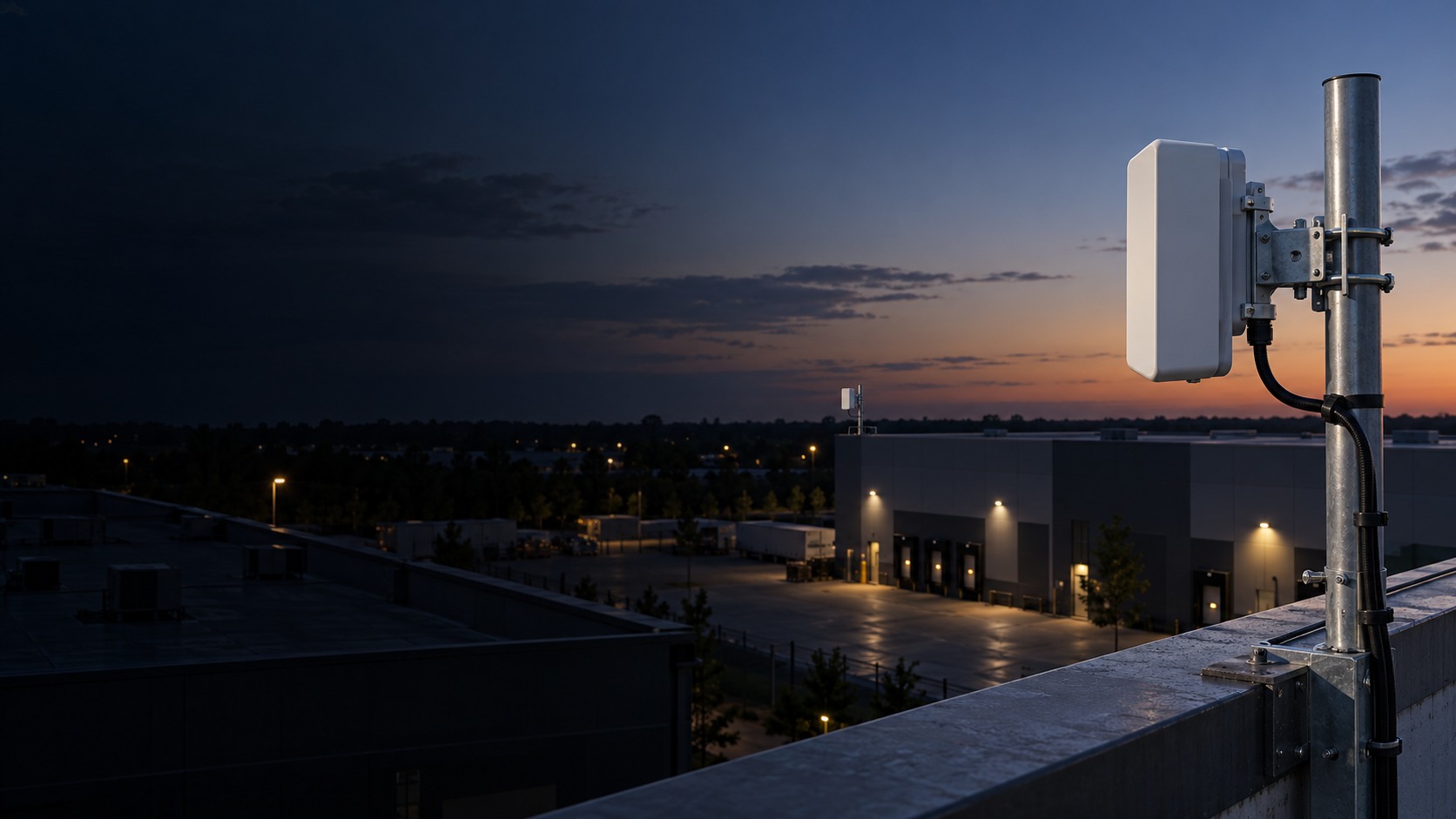
Conceptual Wi-Fi Bridge Troubleshooting system illustration. Wi-Fi Bridge Troubleshooting in Kuching combines the installed-system path with the stated service mode; diagnosis and corrective scope remain subject to inspection and approval. Conceptual transport and endpoint path for Wi-Fi Bridge Troubleshooting in Kuching, derived from this page's scope, interfaces and acceptance record.
Conceptual planning path — not an as-built drawing or project photograph.
Before booking a service visit
Tell us the fault and your location. Diagnostic attendance, repairs, parts and any travel charges are confirmed with you before work.
What Wi-Fi Bridge Troubleshooting in Kuching covers
Separate radio-link faults from power, cable, alignment and upstream network problems. HJ checks both bridge ends, interference and the traffic path before resetting equipment or recommending a replacement.
It sits in Wi-Fi & Network Service under Connectivity. The final deliverable is shaped by the intended outcome, the installed or proposed environment and the interfaces that must be owned, supplied, integrated and tested.
When to use this page
Separate radio-link faults from power, cable, alignment and upstream network problems. HJ checks both bridge ends, interference and the traffic path before resetting equipment or recommending a replacement. Provide both radio locations, models and power methods, mounting and cable condition, recent weather or building changes, link readings and the affected traffic path.
Typical environments to assess
Separated buildings with a surveyed radio path
Warehouse and control-room links
Remote sites with local power and network access
Multiple endpoints within a compatible sector design
Engineering SOP & Handover Checklist
From the initial brief to the handover record: what to prepare, check and confirm with HJ.
01
Operational Purpose & Workflow
Wi-Fi Bridge Troubleshooting in Kuching focuses on Connectivity and follows reported symptom and occurrence pattern → power, cabling, network, field-device and configuration isolation → root-cause evidence → corrective action and re-test. Reproduces, isolates and measures a reported symptom until the most defensible root-cause boundary is established.
Separate radio-link faults from power, cable, alignment and upstream network problems. HJ checks both bridge ends, interference and the traffic path before resetting equipment or recommending a replacement.
02
Pre-Attendance Evidence
For Wi-Fi Bridge Troubleshooting in Kuching, provide the reported symptom or objective, site contact, recent changes and floor plan, topology and affected area, client, time and application symptom, device inventory, credentials, VLAN, ISP and recent changes.
Provide both radio locations, models and power methods, mounting and cable condition, recent weather or building changes, link readings and the affected traffic path.
03
Diagnostic & Testing Path
Trace Source & uplink → Core transport → Distribution edge → Managed endpoint for Wi-Fi Bridge Troubleshooting in Kuching without assuming the visible symptom identifies the root cause.
04
System & Responsibility Boundary
Internet, LAN and Wi-Fi are separate fault domains; speed varies by client, RF and ISP, and changes require cybersecurity and change authority. Repair, replacement, firmware, programming and parts remain subject to authority, compatibility, warranty, access and serviceability.
Obstructions, interference, shared capacity and upstream faults can limit a radio link. A bridge is not an ISP subscription, guaranteed bandwidth or automatic end-user Wi-Fi.
05
Acceptance & Handover Record
Close Wi-Fi Bridge Troubleshooting in Kuching with coverage, signal and throughput samples, association, roaming, PoE, VLAN and route tests, configuration, root-cause and owner-domain record; record link, throughput or power test, addressing and segmentation record, label, route and handover schedule and list every restored, deferred and excluded item.
Record alignment and link status, then verify the agreed end-to-end traffic path and representative capacity. Label both endpoints and retain authorised settings.
Engineering Scope, Regulatory & Service Boundaries
Responsibility and evidence boundary
HJ coordinates assessment, engineering, installation, integration, testing and lifecycle support only for the scope recorded in the quotation. ISD handles catalogue, model, datasheet, supply and availability enquiries. Customer, consultant, builder and appointed-specialist responsibilities remain explicit.
Final scope, quantities, compatibility, access, programme, availability and responsibility are confirmed during assessment and quotation.
Installed platform, authorised ownership, parts compatibility and serviceability are checked before any repair or restoration outcome is proposed.
Related Systems, Installation & Support
See related systems, how HJ installs them, and support for equipment you already have.
Use the answers as a planning boundary; site conditions and written scope remain decisive.
What should be confirmed for Wi-Fi Bridge Troubleshooting?
Provide both radio locations, models and power methods, mounting and cable condition, recent weather or building changes, link readings and the affected traffic path.
What are the limits of this scope?
Obstructions, interference, shared capacity and upstream faults can limit a radio link. A bridge is not an ISP subscription, guaranteed bandwidth or automatic end-user Wi-Fi.
What should be checked before handover?
Record alignment and link status, then verify the agreed end-to-end traffic path and representative capacity. Label both endpoints and retain authorised settings.
Need Wi-Fi Bridge Troubleshooting? Tell HJ about your system
Tell us what the system is, what is going wrong or what you want checked. HJ will confirm the work needed, explain who is responsible for what, and agree the next step with you before any work starts.