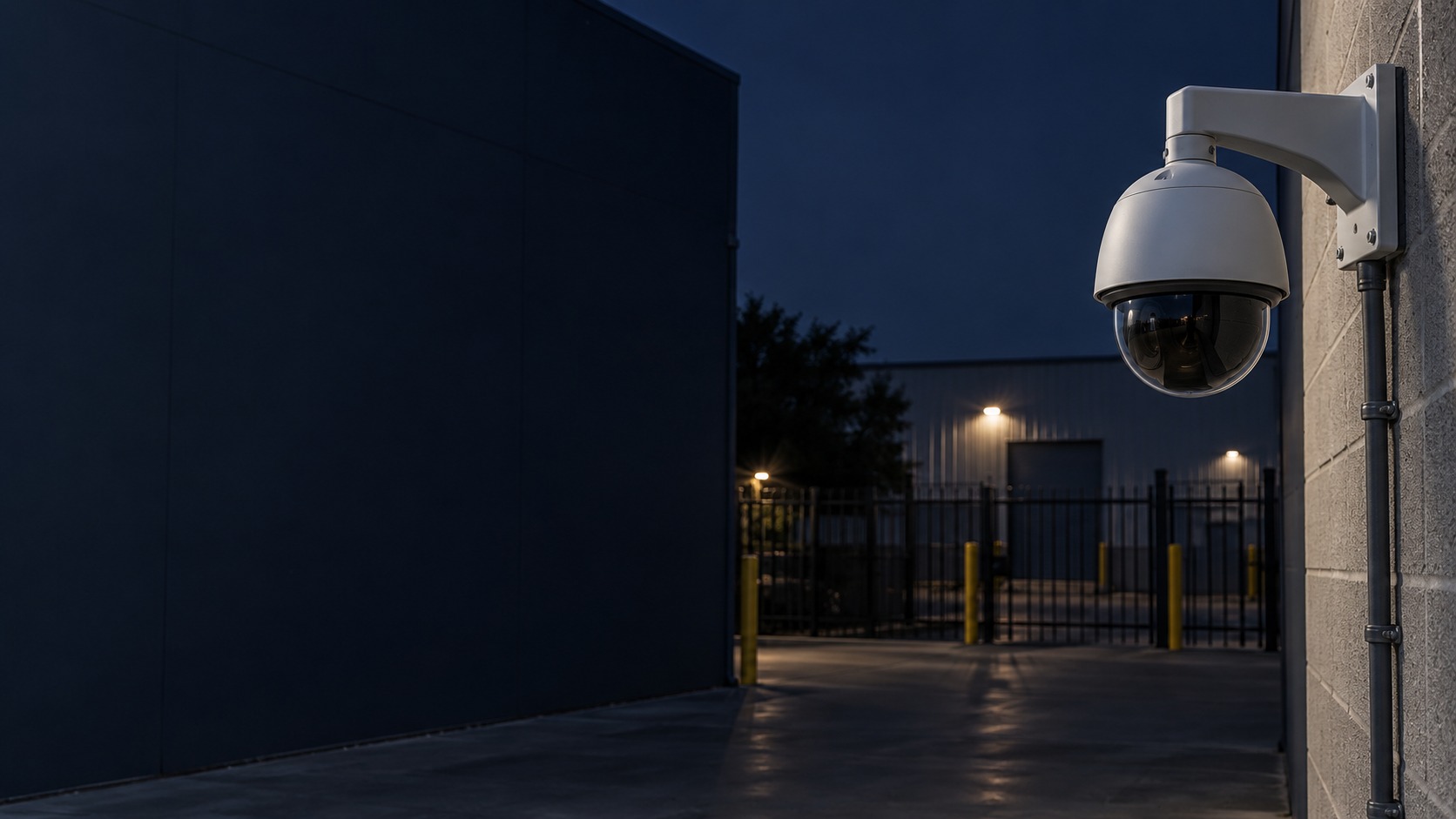
Wall-mounted PTZ camera in a commercial yard – PTZ & Auto Tracking CCTV in Kuching & Sarawak (illustration)

PTZ & Auto Tracking CCTV in Kuching & Sarawak

Use pan, tilt and zoom to inspect selected areas and follow supported events. HJ plans presets, operator control, tracking rules and fixed-camera context; an ordinary PTZ views its current direction and does not provide simultaneous close detail across the entire property.

System selection and integration guideCCTV / Video Surveillance
Special CCTVPTZ & Auto Tracking CCTV
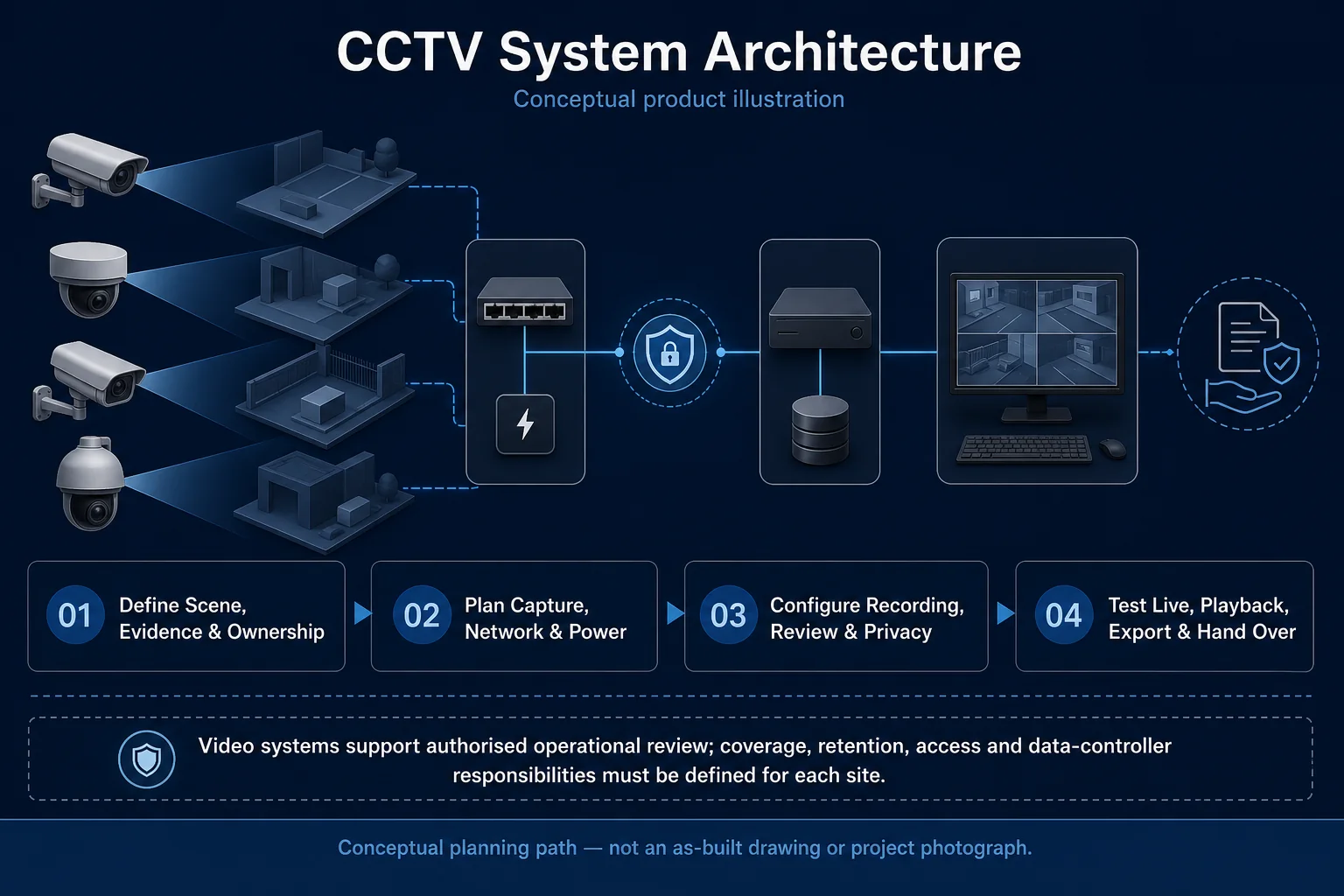
CCTV System Architecture system diagram
  1. 01PTZ & Auto Tracking CCTV
  2. 02Scene suitability and analytics accuracy
  3. 03Transport & storage
  4. 04representative day and night clips
Conceptual PTZ & Auto Tracking CCTV product and system illustration.
Illustration & scope boundary

Conceptual PTZ & Auto Tracking CCTV product and system illustration for Special CCTV. Final device form, model, interfaces and quantities are confirmed from the assessed scope and approved product data. Conceptual evidence and response path for PTZ & Auto Tracking CCTV, derived from this page's scope, interfaces and acceptance record.

Conceptual planning path — not an as-built drawing or project photograph.

What PTZ & Auto Tracking CCTV covers

Use pan, tilt and zoom to inspect selected areas and follow supported events. HJ plans presets, operator control, tracking rules and fixed-camera context; an ordinary PTZ views its current direction and does not provide simultaneous close detail across the entire property.

It sits in CCTV / Video Surveillance under Special CCTV. The final deliverable is shaped by the intended outcome, the installed or proposed environment and the interfaces that must be owned, supplied, integrated and tested.

When to use this page

Areas to inspect, target distance and movement, preset positions, mounting vibration, fixed-camera coverage, tracking support and operator control priorities.
Typical environments to assess

  • Industrial yards with defined inspection areas
  • Large compounds with operators and fixed overview cameras
  • Parking or loading areas with suitable mounting and target distances

Engineering SOP & Handover Checklist

From the initial brief to the handover record: what to prepare, check and confirm with HJ.

01

Operational Purpose & Workflow

Use pan, tilt and zoom to inspect selected areas and follow supported events. HJ plans presets, operator control, tracking rules and fixed-camera context; an ordinary PTZ views its current direction and does not provide simultaneous close detail across the entire property.

02

Pre-Attendance Evidence

Areas to inspect, target distance and movement, preset positions, mounting vibration, fixed-camera coverage, tracking support and operator control priorities.

03

Diagnostic & Testing Path

Coordinate the PTZ’s supported control and tracking features with the recorder or VMS. Establish operator priority, useful presets and fixed-camera context so turning or zooming does not conceal a critical area.

04

System & Responsibility Boundary

Preset drift, vibration, obstructed views, unsuitable targets or conflicting patrol and tracking settings can cause missed detail. Ordinary PTZ movement does not provide simultaneous close coverage in every direction.

05

Acceptance & Handover Record

Record presets, control permissions and return behaviour. Test representative movement, manual operation, selected tracking and recorded playback, alongside the fixed views that remain when the PTZ moves.

Engineering Scope, Regulatory & Service Boundaries

Responsibility and evidence boundary

HJ coordinates assessment, engineering, installation, integration, testing and lifecycle support only for the scope recorded in the quotation. ISD handles catalogue, model, datasheet, supply and availability enquiries. Customer, consultant, builder and appointed-specialist responsibilities remain explicit.

Identity, image, credential and movement data require an authorised controller, lawful access, proportionate collection, retention rules and recorded administrator responsibility.

This focused topic remains connected to its complete system owner. Final models, quantities, interfaces and included work are confirmed in the assessed quotation.

Questions before proceeding

Use the answers as a planning boundary; site conditions and written scope remain decisive.

Can one PTZ replace all fixed cameras?

Usually not when continuous coverage of several areas is required. While a PTZ turns or zooms, other directions may not be covered. Retain suitable fixed views and test preset return, manual control and supported tracking with the actual targets.

Does every PTZ camera support auto-tracking?

No. Tracking functions and trigger types differ by model and firmware. Confirm the supported mode, how it interacts with patrol or operator control, and the target conditions that were tested.

What should I send HJ for PTZ & Auto Tracking CCTV?

Areas to inspect, target distance and movement, preset positions, mounting vibration, fixed-camera coverage, tracking support and operator control priorities. Share authorised equipment and scene information; do not send passwords or personal footage through a public form.

Planning PTZ & Auto Tracking CCTV? Tell HJ about your site

Tell us where it will be used, what it needs to do and what equipment you already have. HJ will recommend the right system, explain who is responsible for what, and agree the next step with you.