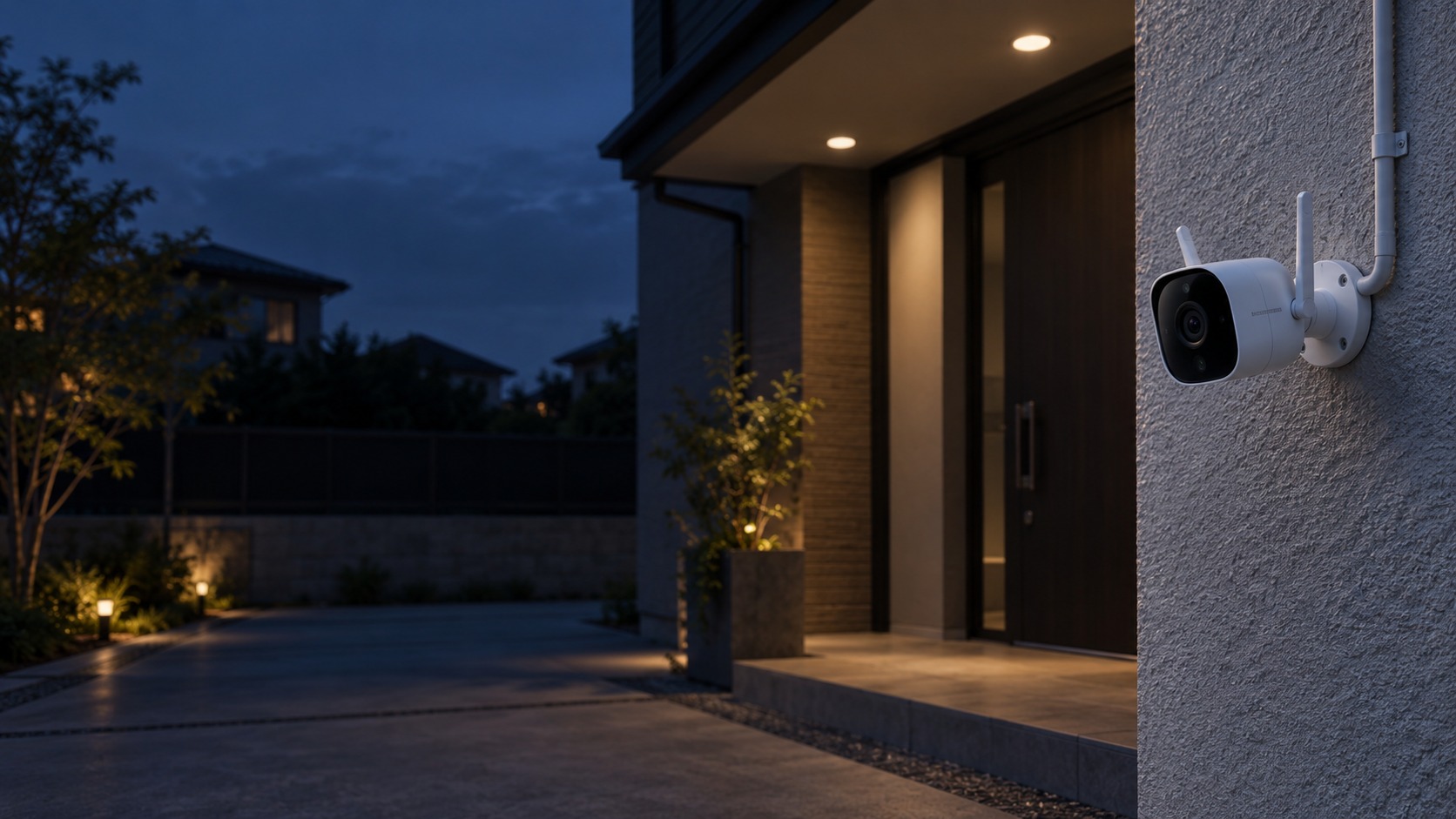
Outdoor Wi-Fi camera and protected power route – Wireless / Wi-Fi CCTV in Kuching & Sarawak (illustration)

Wireless / Wi-Fi CCTV in Kuching & Sarawak

Place Wi-Fi cameras only where the network and power path can sustain the required viewing and recording. HJ checks signal at the actual mounting point, storage and authorised app access; wireless transmission does not mean the camera is battery-powered or works without internet.

System selection and integration guideCCTV / Video Surveillance
Core CCTVWireless / Wi-Fi CCTV
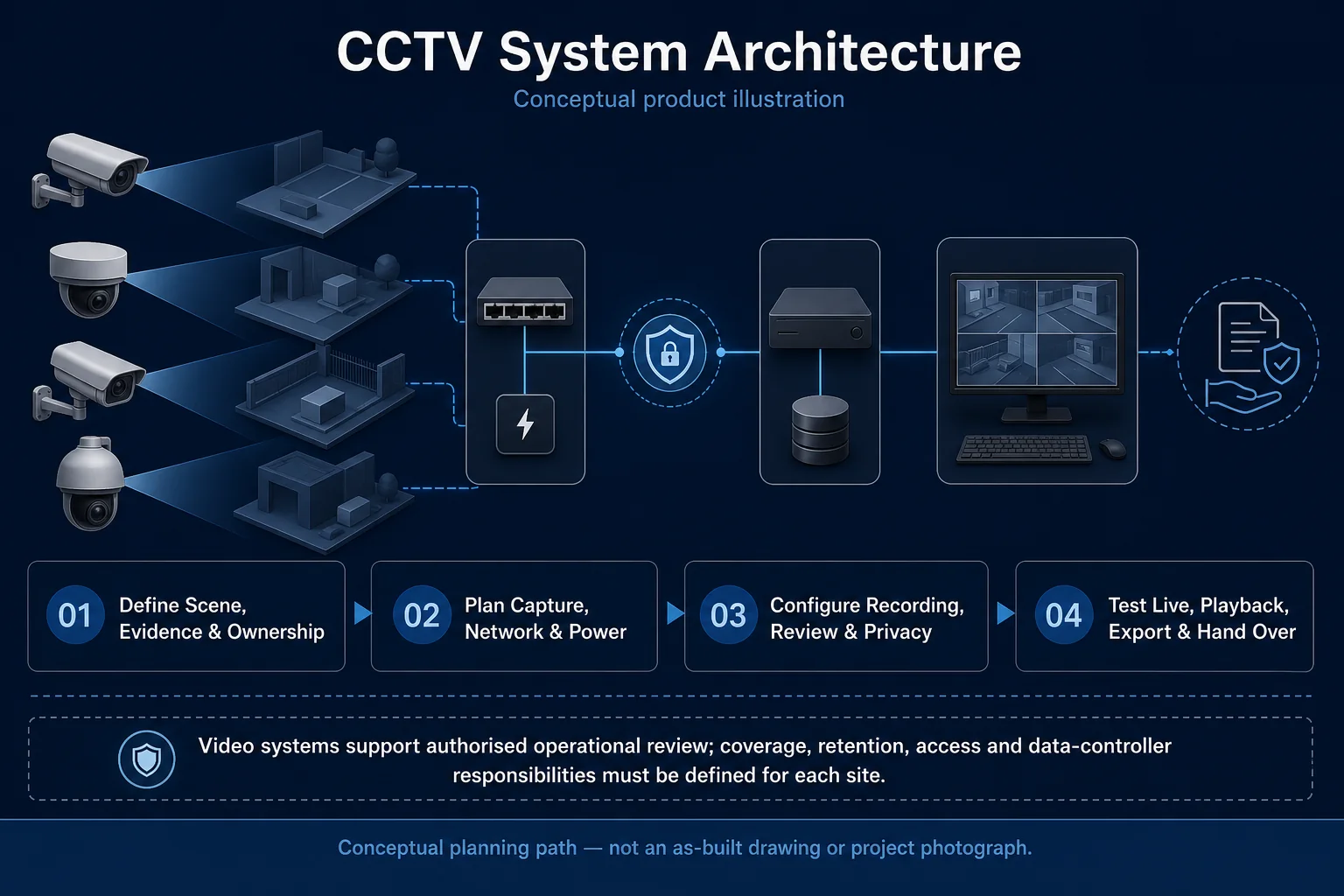
CCTV System Architecture system diagram
  1. 01Wireless / Wi-Fi CCTV
  2. 02Radio path, power and resilience
  3. 03Transport & storage
  4. 04representative day and night clips
Conceptual Wireless / Wi-Fi CCTV product and system illustration.
Illustration & scope boundary

Conceptual Wireless / Wi-Fi CCTV product and system illustration for Core CCTV. Final device form, model, interfaces and quantities are confirmed from the assessed scope and approved product data. Conceptual evidence and response path for Wireless / Wi-Fi CCTV, derived from this page's scope, interfaces and acceptance record.

Conceptual planning path — not an as-built drawing or project photograph.

Installation package

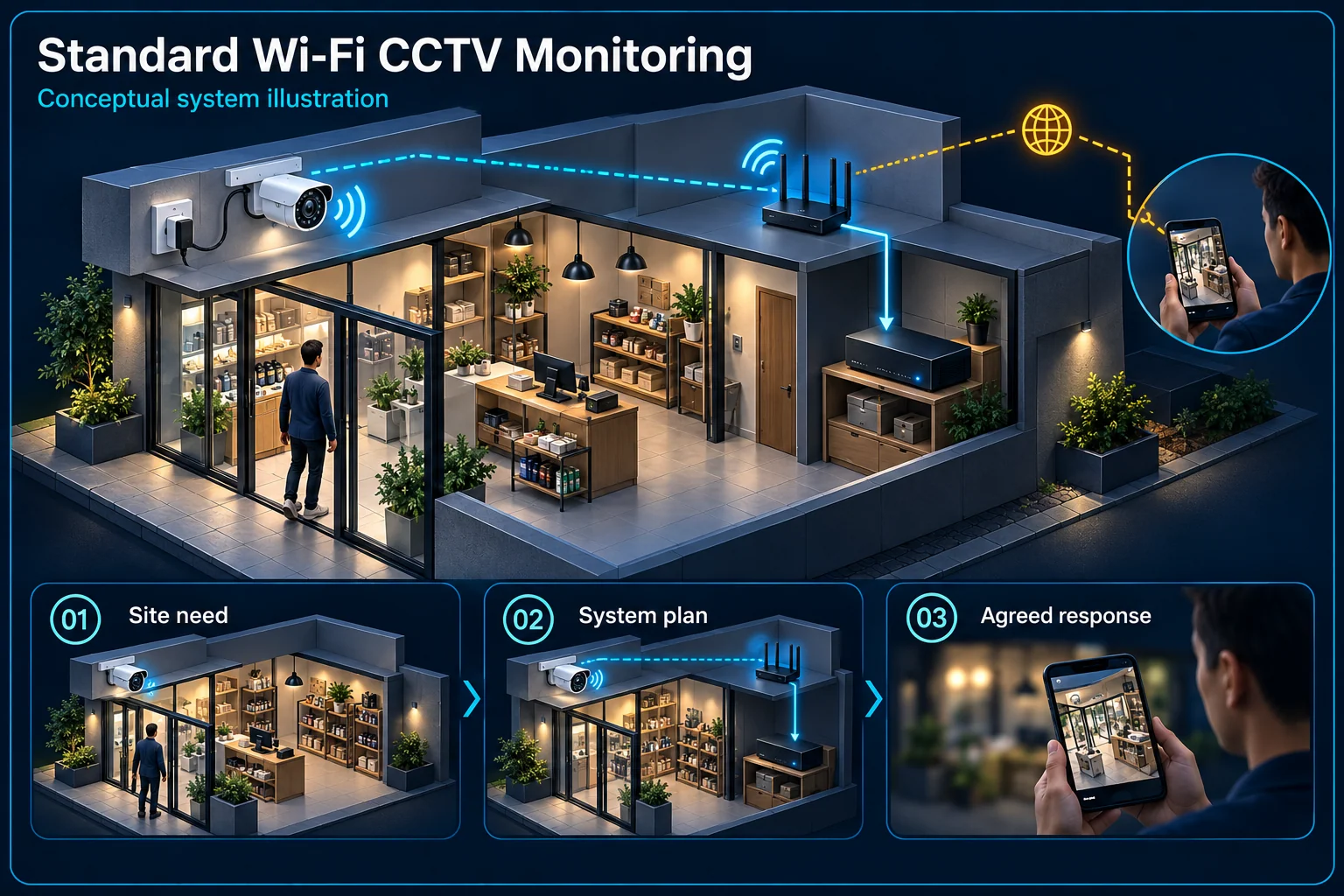
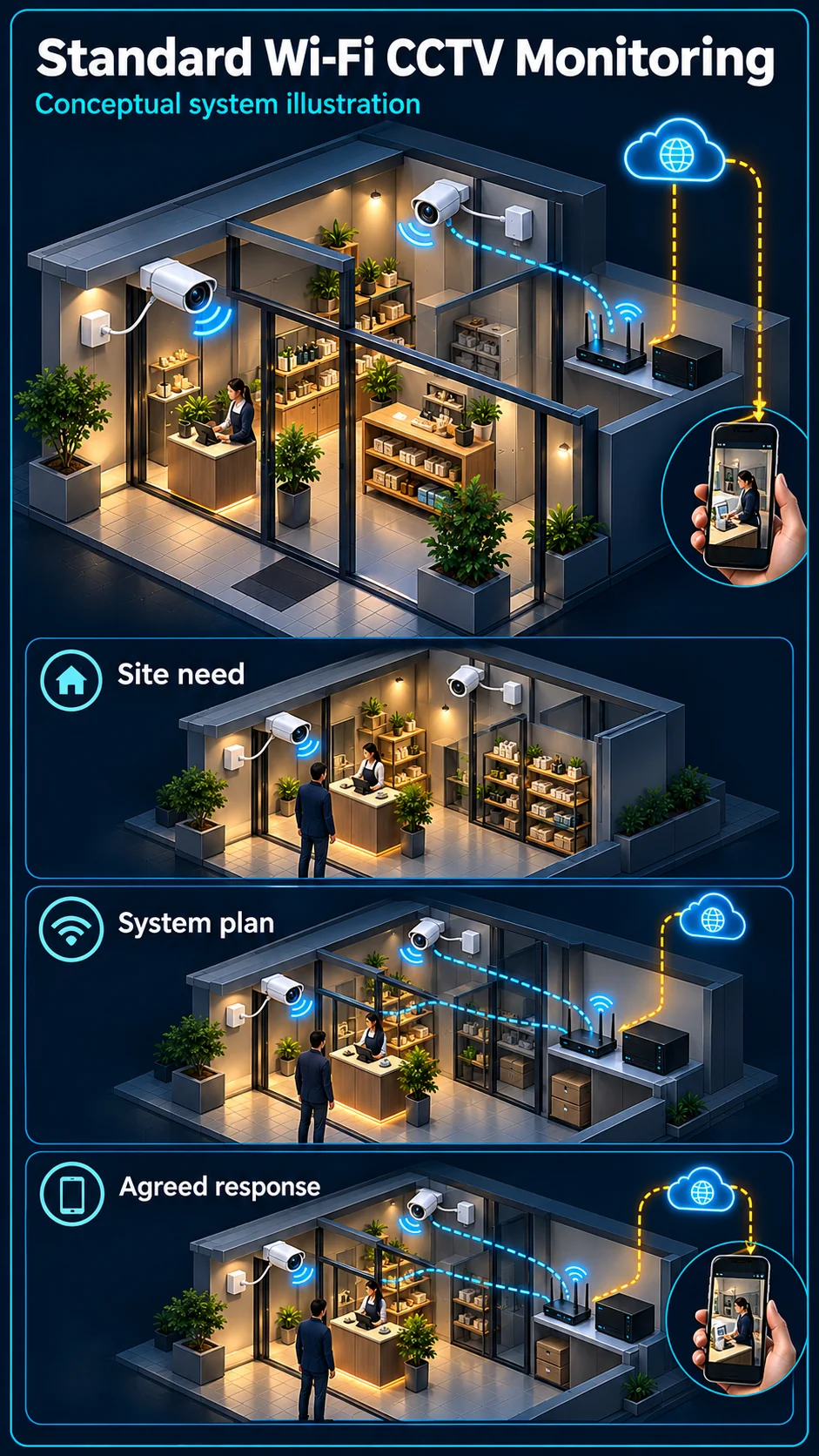
Standard Wi-Fi CCTV Monitoring

A monitoring-focused Wi-Fi CCTV design is for customers who need an appropriate view, a supported local recording arrangement and authorised phone access without assuming an automatic siren response. Wireless describes the data connection. Camera power, Wi-Fi coverage, storage and internet access remain separate parts of the installation.

Standard Wi-Fi CCTV Monitoring Canvas

Wireless / Wi-Fi CCTV in Kuching & Sarawak – system diagram
Conceptual system illustration. Final configuration depends on the approved site scope.View full-size desktop imageView full-size mobile image
System planning notes

Wi-Fi data, local recording and camera power are different paths

The view can have a local recording path and a separate internet path for remote access.

Wi-Fi data, local recording and camera power are different pathsThe view can have a local recording path and a separate internet path for remote access.E1E2E3E4E501Selected Wi-Fi camera02Supported local storage03Local Wi-Fi network04Internet service05Authorised phone06Camera power supplyWi-Fi data, local recording and camera power are different pathsThe view can have a local recording path and a separate internet path for remote access.E1E2E3E4E501Selected Wi-Fi camera02Supported local storage03Local Wi-Fi network04Internet service05Authorised phone06Camera power supply
  • Solid line: illustrated functional path or agreed test route.
  • Dashed line: optional device or compatibility to confirm.
  • The local recording branch does not rely on the illustration's remote-viewing arrow; actual offline behaviour still needs confirmation.
  • The separate power line explains why wireless data is not wire-free power.
Selected Wi-Fi camera

Full SKU and mounting position

Supported local storage

Card or recording arrangement to confirm

Local Wi-Fi network

Actual coverage checked at the camera

Internet service

Required remote-access path

Authorised phone

View and retrieve supported recordings

Camera power supply

Separate from wireless data

Read the connections
  1. E1: Selected Wi-Fi camera → Supported local storageSelected local recording
  2. E2: Selected Wi-Fi camera → Local Wi-Fi networkWi-Fi data
  3. E3: Local Wi-Fi network → Internet serviceRemote-access route
  4. E4: Internet service → Authorised phoneAuthorised service
  5. E5: Camera power supply → Selected Wi-Fi cameraApproved supply
Conceptual system diagram. Final configuration depends on the approved site scope.

Start with the camera and its power

Choose a full camera model for the location

Indoor and outdoor use, mounting position, available view and recording options influence the choice. Sound, pan-and-tilt and target classification vary by complete model. Do not assume that all cameras in a Wi-Fi range provide the same functions.

Wireless data does not remove the power need

Identify how the selected camera will be powered and where its supply can be installed appropriately. An available Wi-Fi signal is not a power source. Power interruption and internet interruption should not be described as the same condition.

Check the actual data and recording path

Test the installed Wi-Fi position

Walls, placement and the available network can affect the link. Assess the final camera location rather than relying on a phone showing a signal elsewhere in the room. Multiple cameras also need an appropriate network arrangement.

Agree where the recordings live

Local card recording, a supported recorder and cloud services are different arrangements. Confirm which the chosen SKU supports and which is included. Storage settings, access and any third-party service conditions should be clear before handover.

Phone access and notifications are separate choices

Authorised remote viewing

Remote access usually involves the local network, an internet path and the selected service or platform. Agree the account owner, shared access and recovery process. A successful live view does not demonstrate that a required earlier recording can be retrieved.

Monitoring is not automatic warning

A phone notification can invite a person to review activity; it does not establish a camera siren, a warning strobe or a staffed response. Choose the Wi-Fi Active Deterrence topic if a local camera warning is part of the requirement.

Accept the system in everyday conditions

Check view, sound and recording

Verify the agreed day and night view, any selected microphone function, recording settings and playback. Use the installed network and authorised account. These checks establish the actual chosen functions rather than treating connection to the app as complete acceptance.

Explain interruptions and recovery

Demonstrate or explain the approved local and remote behaviour when a link or power supply is unavailable. Any continuing recording depends on the actual camera, storage and supply; do not promise universal offline operation or uninterrupted phone viewing.

Questions about Standard Wi-Fi CCTV Monitoring

Does Wi-Fi mean the camera needs no cables?

It describes wireless data transport, not every power arrangement. The selected model still needs its approved supply and an appropriate installation location.

Do all wireless cameras have a siren?

No. Siren, speaker, microphone and warning-light functions depend on the exact SKU. A monitoring-focused design should not be illustrated as a warning package without that equipment.

Will local recording continue without internet?

Confirm this for the selected camera and storage setup, with power available. Local recording and internet-based phone access are separate paths with different dependencies.

Continue your planning

What Wireless / Wi-Fi CCTV covers

Place Wi-Fi cameras only where the network and power path can sustain the required viewing and recording. HJ checks signal at the actual mounting point, storage and authorised app access; wireless transmission does not mean the camera is battery-powered or works without internet.

It sits in CCTV / Video Surveillance under Core CCTV. The final deliverable is shaped by the intended outcome, the installed or proposed environment and the interfaces that must be owned, supplied, integrated and tested.

When to use this page

Mounting locations, router and access-point layout, measured signal, interference, power source, local storage requirement and app account ownership.
Typical environments to assess

  • Homes with measured Wi-Fi at the mounting point
  • Small premises with customer-owned app access
  • Outdoor approaches with protected power and suitable exposure

Engineering SOP & Handover Checklist

From the initial brief to the handover record: what to prepare, check and confirm with HJ.

01

Operational Purpose & Workflow

Place Wi-Fi cameras only where the network and power path can sustain the required viewing and recording. HJ checks signal at the actual mounting point, storage and authorised app access; wireless transmission does not mean the camera is battery-powered or works without internet.

02

Pre-Attendance Evidence

Mounting locations, router and access-point layout, measured signal, interference, power source, local storage requirement and app account ownership.
03

Diagnostic & Testing Path

Confirm the supported camera-to-Wi-Fi path, suitable field power, local storage or available cloud option and customer-owned app permissions. Internet, Wi-Fi and recording dependencies should be explained separately.

04

System & Responsibility Boundary

Weak signal, interference, power loss and unavailable app or cloud service can affect access or recording. Wireless does not imply battery power; cloud support and subscription availability depend on the exact device and region.

05

Acceptance & Handover Record

Record the mounting position, measured network behaviour, power arrangement, storage configuration and account owner. Check live view, playback and the agreed Wi-Fi or internet loss behaviour.

Engineering Scope, Regulatory & Service Boundaries

Responsibility and evidence boundary

HJ coordinates assessment, engineering, installation, integration, testing and lifecycle support only for the scope recorded in the quotation. ISD handles catalogue, model, datasheet, supply and availability enquiries. Customer, consultant, builder and appointed-specialist responsibilities remain explicit.

Identity, image, credential and movement data require an authorised controller, lawful access, proportionate collection, retention rules and recorded administrator responsibility.

This focused topic remains connected to its complete system owner. Final models, quantities, interfaces and included work are confirmed in the assessed quotation.

Questions before proceeding

Use the answers as a planning boundary; site conditions and written scope remain decisive.

Will a Wi-Fi camera work wherever my phone shows a signal?

Not necessarily. The camera’s radio, mounting position and sustained video traffic differ from a phone check. Test the actual device at the intended location and verify recording and playback when the internet or Wi-Fi path is interrupted.

Will local recording continue during an internet outage?

Only if supported local storage and its recording mode are configured and powered. Wi-Fi loss, internet loss and camera power loss have different effects. Test the selected device rather than assuming all wireless cameras behave the same way.

What should I send HJ for Wireless / Wi-Fi CCTV?

Mounting locations, router and access-point layout, measured signal, interference, power source, local storage requirement and app account ownership. Share authorised equipment and scene information; do not send passwords or personal footage through a public form.
Planning Wireless / Wi-Fi CCTV? Tell HJ about your site

Tell us where it will be used, what it needs to do and what equipment you already have. HJ will recommend the right system, explain who is responsible for what, and agree the next step with you.