Installation package
Wi-Fi CCTV with Selected Camera Warning Functions
Wi-Fi Active Deterrence is for a selected wireless camera that supports the required local sound-and-light response. It adds a warning discussion to the monitoring workflow without treating every Wi-Fi model as a siren camera. The camera's own capability, event settings, power and network conditions must each be understood.
How this package fits together
Wi-Fi Active Deterrence CCTV Canvas
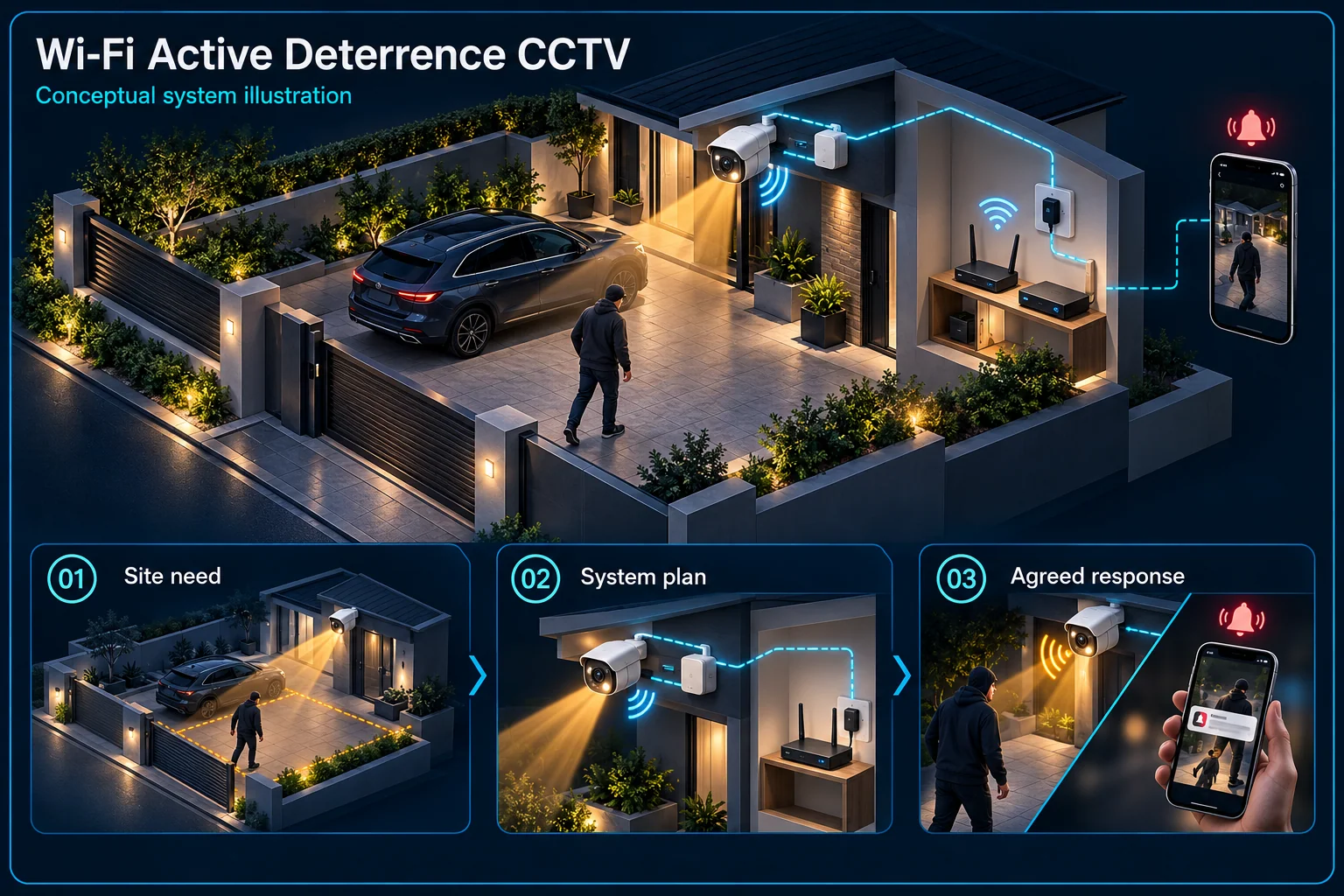
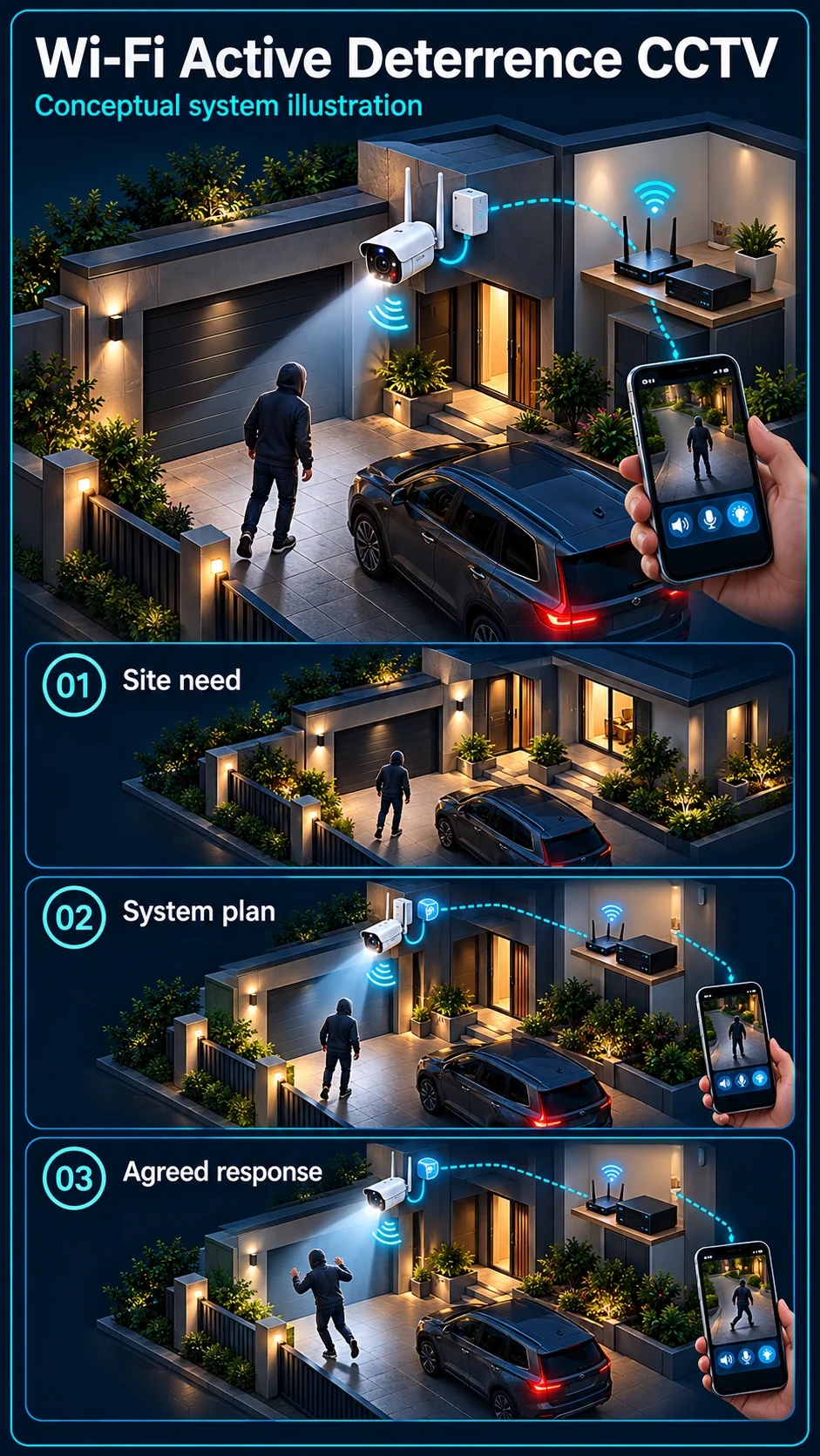
System planning notes
A selected wireless camera can provide its own local warning
The camera response is separate from remote phone access and does not add an independent alarm panel.
- Solid line: illustrated functional path or agreed test route.
- Dashed line: optional device or compatibility to confirm.
- Local warning only applies to the specifically selected capable camera and configuration.
- Power, local response and remote notifications have different dependencies.
Target, area and active time
Exact SKU with selected sound / light
Local or other selected arrangement
Remote-access dependencies
Review, notification and supported talk
Power independent of wireless signal
- E1: Supported event rule → Warning-capable Wi-Fi cameraConfigured local warning
- E2: Warning-capable Wi-Fi camera → Supported recordingEvent evidence
- E3: Warning-capable Wi-Fi camera → Wi-Fi and internet pathRemote data
- E4: Wi-Fi and internet path → Authorised phone responseSelected remote service
- E5: Approved camera supply → Warning-capable Wi-Fi cameraCamera power
Choose a camera that supports the intended response
Check the complete warning-capable SKU
Confirm microphone, speaker, siren and warning-light support separately on the actual model. Similar family names do not establish identical equipment. Some indoor wireless references have no siren, even when they offer other useful monitoring or audio functions.
Keep illumination and alarm light distinct
A camera may use white or infrared illumination to produce an image. A warning light has a different response purpose. The design must state the actual selected function instead of treating any visible light as proof of active deterrence.
Define when a warning is appropriate
Match events to the camera and the site
Identify the required target, area and active hours. Human classification, ordinary motion and perimeter rules are not interchangeable. A supported function should be configured for the real view rather than copied from a different camera's settings.
Allow ordinary family and visitor activity
A garden or shopfront can have people present legitimately. Agree a viewing-only or temporary exception routine where needed. Target filtering does not recognise every family member, employee or permitted visitor as an authorised person.
Separate local response from phone communication
Camera warning is one output
The selected camera produces the local siren or light where configured. The behaviour during network loss must be checked for that actual model and setup. Do not advertise universal offline warning simply because a function runs at the camera.
Remote talk and alerts have their own path
Phone viewing, notifications and supported talk-back involve the account and network arrangement. Decide who reviews alerts and whether they may speak remotely. An app alert is not proof that someone has seen or responded to the event.
Demonstrate the selected warning workflow
Test the scene, not just the siren button
Walk the intended approach by day and night and include normal allowed activity. Check event recording and the actual automatic output. A manual siren demonstration does not verify the detection rule that is supposed to trigger it.
Agree control and recovery
Show the nominated user how to change and restore warning schedules, review a recording and manage account access. Explain power, network and service dependencies. Independent alarm equipment remains a separate scope if the customer needs it.
Questions about Wi-Fi Active Deterrence CCTV
Can any Wi-Fi camera be used for this plan?
No. The actual camera must support the requested warning and event functions. A microphone, light or app connection alone is insufficient evidence of the full response.
Does a phone notification mean the siren sounded?
No. Notification and local warning are separate outputs. Both need the appropriate settings and individual checks during commissioning.
Can I add a wireless alarm later?
A separate alarm design can be assessed. Parallel installation, video verification and automatic event linkage are different scopes, each with its own compatibility requirements.