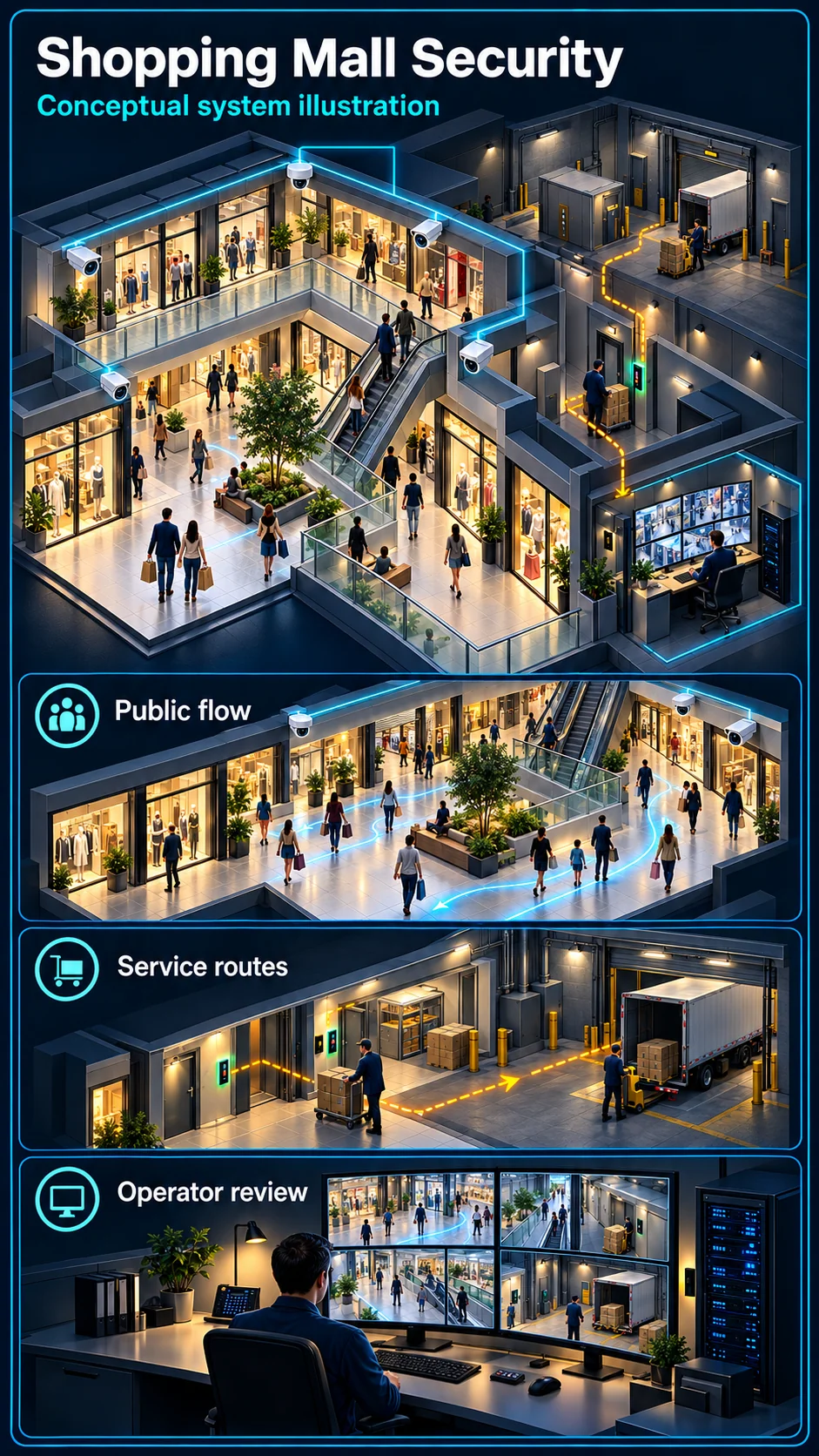
Entrances, loading and parking
Set the purpose of each view across public areas, loading access and vehicle approaches. Tenant interiors, visitor records and parking systems require their own agreed boundaries.
HJ SECURITY · KUCHING & SARAWAK
Plan surveillance, vehicle access, tenant connectivity and shared-area systems around shoppers, deliveries and the building management team. HJ reviews new centres, refurbishments and occupied-site upgrades in Kuching and Sarawak.
Industry solution
A mall remains active beyond shopping hours. Public circulation, tenant back-of-house routes, loading areas and the control room need different views, permissions and response routines.
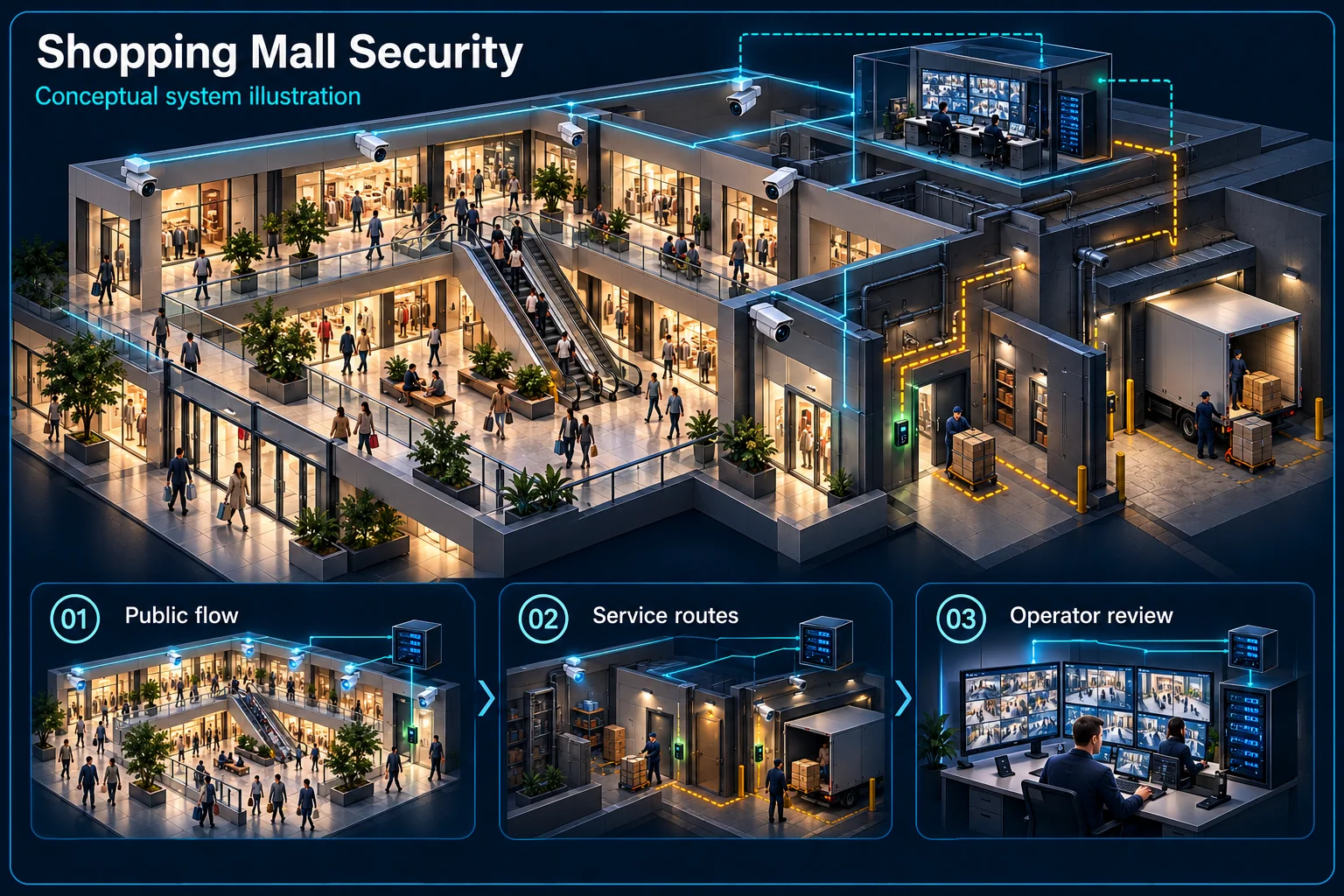
This conceptual mall plan separates customer circulation from controlled back-of-house activity.
Trading footfall
Separate permissions
Delivery windows
Operator verification
Plan views around entrances, changing displays and pedestrian routes. High footfall is expected during trading and should not be confused with a restricted-area event.
Delivery vehicles, contractors and cleaning teams may work outside trading hours. Confirm permitted routes and the contact who verifies an event in each area.
Use agreed zone names and useful camera descriptions so operators can locate an event. Record the handover between tenant, guard and building-management responsibilities.
Coordinate work windows, access equipment and temporary interruptions with the operator. Test the agreed views under real lighting and operating conditions, including authorised night activity.
No. Cleaning, stocking and maintenance may continue. Agree which areas and times have a warning rule and who confirms a detected event.
Only the written operating scope defines that relationship. Tenant access, recordings and incident decisions may remain separate from common-area management.
CCTV scene planning · Shopping mall & commercial centre
Shopping-mall CCTV planning in Kuching should follow shopper circulation, tenant boundaries and the centre-management workflow.
Set the purpose of each view across public areas, loading access and vehicle approaches. Tenant interiors, visitor records and parking systems require their own agreed boundaries.
Deliveries, tenant fit-outs and cleaning can continue after shops close. Confirm permitted routes and any restricted-area warning period before configuring event rules.
Agree who reviews, verifies and escalates an event. Coordinate tenant notices, contractor access, temporary coverage and a joint test of views and permissions at handover.
No. Loading, cleaning and tenant works may be authorised. Centre management should define restricted zones and permitted activity, then test the rules against those routines.
No. Ownership, permissions, equipment compatibility and the purpose of any interface must be agreed. A shared-area plan does not automatically include tenant systems.
The assessed scope, selected equipment and agreed acceptance test determine the final configuration.
THE STARTING POINT
Review public entrances, loading areas and parking routes with a camera coverage plan.
Agree what building management operates and which systems are owned or maintained by tenants.
Plan access windows, installation areas and checks before equipment is put into use.
SYSTEMS & SCOPE
Choose the areas that match your priorities, then confirm how they work together. Open a topic for related installation or service information.
Review camera scenes, control-room viewing, recording needs and authorised operator access.
Confirm compatible platforms, operator roles and event workflows before combining systems.
Checkpoint patrol records for car parks, loading bays and back-of-house routes.
Sliding entrance doors at mall entrances and car park lobbies, with safety sensors and after-hours locking.
Separate public access from plant rooms, back-of-house doors and delivery areas.
Contractor registration and service-entry records for fit-outs and maintenance work.
Entrance and zone footfall counts and heatmaps for leasing and operations reports.
Plan entry and exit lanes, visitor methods and barrier interfaces around actual traffic flow.
Bay sensors and LED signs that guide drivers to free bays on each level.
Help-point intercoms at barriers, lift lobbies and car park levels connected to the control room.
Visitor and tenant EV chargers in the car park, with load management.
Review the intended announcements, zones and interfaces with the relevant building teams.
Directory, promotion and wayfinding screens managed centrally.
Indoor and outdoor LED screens for the atrium, façade and promotions.
Define backbone links, equipment rooms and coverage requirements for agreed landlord systems.
Monitoring of air-conditioning, pumps, lighting and energy across the building, where specified.
Sub-metering for tenant lots and common areas, with reports for billing review.
Fire alarm scope review and interfaces with access control, lifts and PA.
UPS runtime for the control room, recorders and network core during power interruptions.
BEFORE THE QUOTATION
Public, tenant, service and parking areas.
Distances, containment and equipment rooms.
Existing access, parking and management platforms.
Access windows, training and support coverage.
USEFUL ANSWERS
Existing devices, cabling, licences and management software are reviewed first. Retention depends on condition, access to the system and compatibility with the agreed outcome.
Only the agreed scope is included. The quotation should identify landlord systems, tenant interfaces and work managed by other contractors.
Share trading hours and access restrictions during the assessment. The proposed schedule and any out-of-hours work are confirmed in the quotation.
Share your location, project stage and the problem you want to solve. We will review the requirements and confirm the next step.