System feature
Intrusion Detection: Define an Area, Time & Response
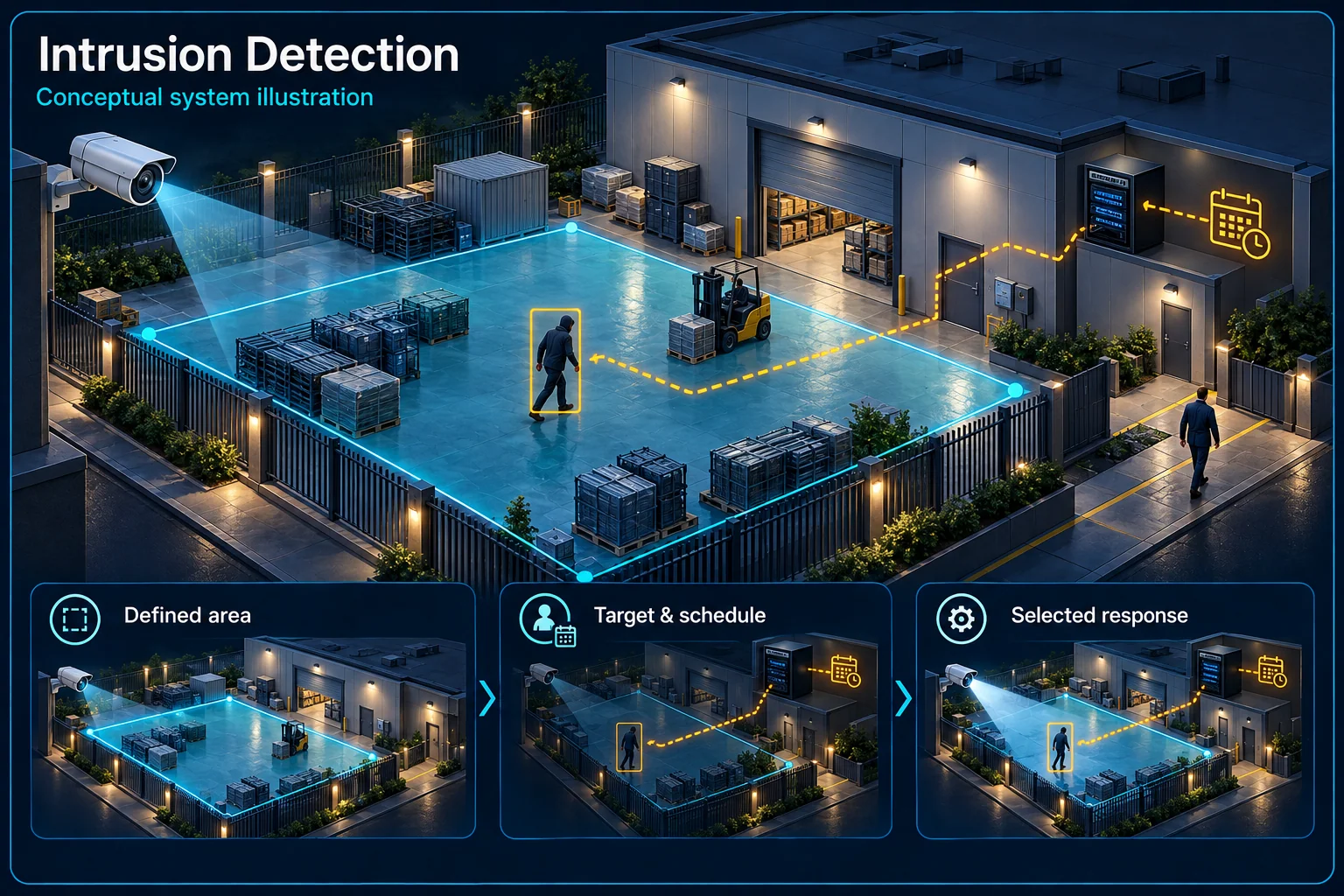
Intrusion detection assesses a configured area rather than only a crossing line. A supported device applies its available target and event conditions within that area. HJ reviews the real zone, normal activity and operating time before agreeing how an event should be handled.
How this feature fits together
Intrusion Detection Canvas
System planning notes
A defined area with an agreed operating period
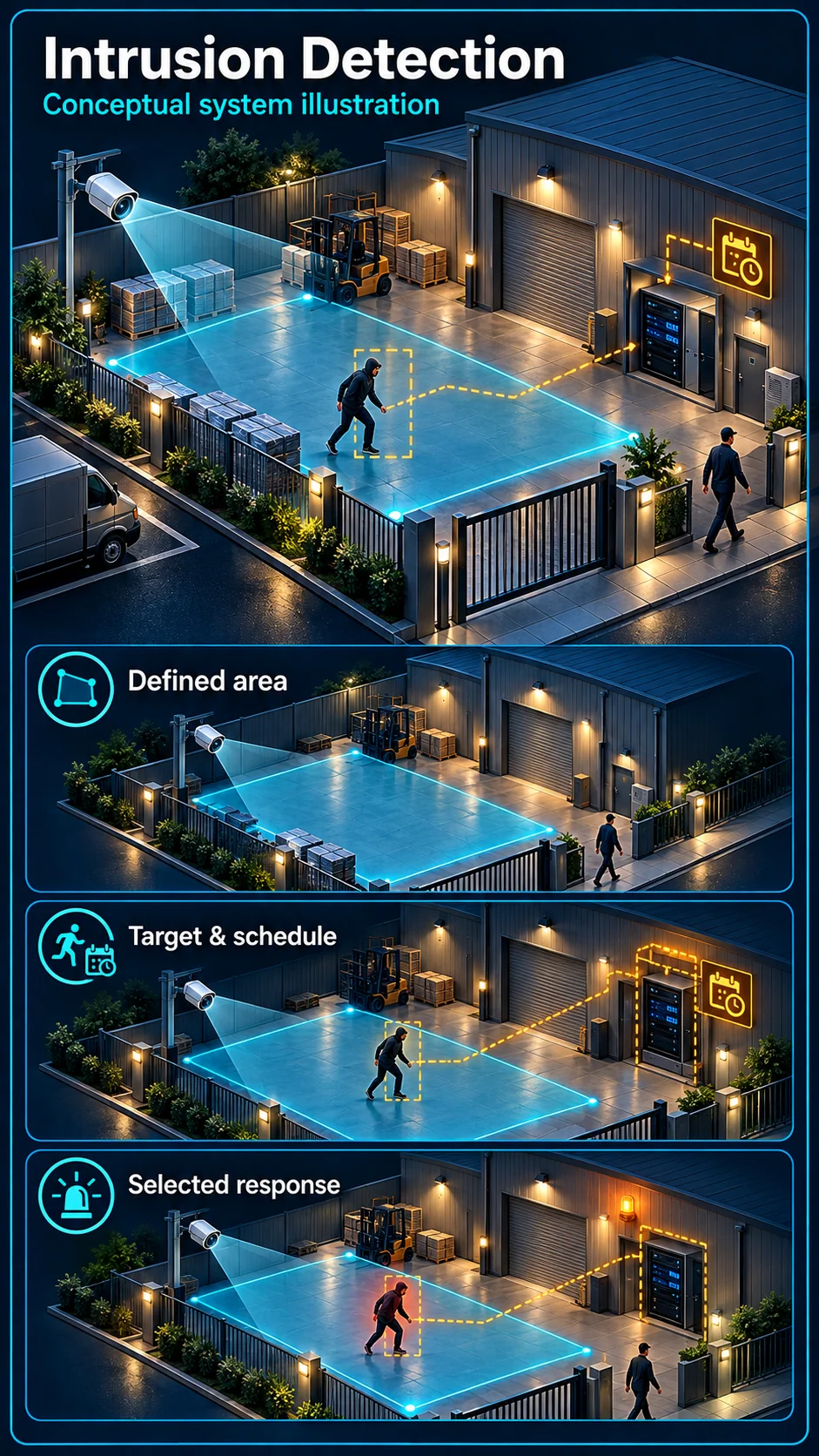
The outlined region is an example of a spatial rule. Its shape, supported timing and output must be set for the actual view.
Illustration: routine activity is reviewed against the agreed schedule rather than treated automatically as an intrusion.
Normal access: Illustration: routine activity is reviewed against the agreed schedule rather than treated automatically as an intrusion.
Area armed: Illustration: a supported target and region event is assessed during the selected operating period; no universal delay is assumed.
- Solid line: illustrated functional path or agreed test route.
- Dashed line: optional device or compatibility to confirm.
- M1: Region view
- M2: Test target
- The polygon is a conceptual software region, not a physical fence.
- Supported entry or timing conditions vary by device and must be tested.
Only the agreed site area
Device-specific event settings
Normal staff activity handled separately
Review recording and selected response
- E1: Selected region → Supported target conditionEvaluate the area
- E2: Supported target condition → Armed periodCheck operating conditions
- E3: Armed period → Event and outputConfigured action — optional / compatibility to confirm
Describe the protected area
The zone should match an actual site question
A closed side yard, an equipment area or a stock entrance each has a different purpose. Draw the required area within the useful camera view and exclude irrelevant activity where practical. Do not interpret a polygon as permission to monitor every neighbouring space.
An area rule differs from a direction line
Line crossing evaluates movement across a selected line. An intrusion rule evaluates the supported conditions associated with a region. Available entry, presence or timing behaviour depends on the exact device; the two names should not be treated as interchangeable features.
Set the rule around normal operations
Choose the target and schedule deliberately
Staff, cleaners, deliveries or family members may legitimately enter the same area. Agree when the rule is armed and how temporary activity is handled. Supported human or vehicle filtering helps define the target class, but does not determine access permission.
Do not copy a universal delay value
Some supported rules include time-related conditions, but the available setting and its meaning are device-specific. Record what the chosen value does and test it. A duration copied from another camera or internet example is not an accepted site configuration.
Connect the event to the intended response
Keep evidence, notification and warning distinct
The region may support a reviewable event clip without any audible response. If a phone notification or camera warning is selected, check that separate path and its schedule. An independent alarm panel needs compatible integration and its own acceptance test.
Give the operator a usable location and action
An event labelled only Camera 1 is harder to assess than a named side entrance or plant area. Identify the view, relevant region and responsible person. The user should understand what to review and how to restore normal operation after an authorised visit.
Validate the region in its working environment
Test entries, ordinary movement and lighting changes
Walk the expected routes into and around the region. Include relevant day and night conditions, gate positions, vehicles or animals. Check for intended detections and unwanted events; absence of alerts alone does not establish that the region is working correctly.
Retain the agreed area and test record
Review the recording and selected output against the event time. Record the region, enabled conditions, schedule and handover permissions. Reassess the view when storage, vegetation, camera position or site routines change enough to affect the accepted area.
Questions about Intrusion Detection CCTV
Is intrusion detection the same as a burglar alarm detector?
No. A camera event and an independent alarm detector are different devices and workflows. They may be planned together, but the camera rule does not automatically replace an alarm system.
Does every camera support an intrusion timer?
Do not assume so. The event, target conditions and any timing settings must be checked against the exact camera or recorder and enabled mode.
Can the region remain visible while alerts are paused?
Recording and the event's armed schedule are separate settings in an assessed design. Confirm the supported arrangement and demonstrate that recording and the requested warning behaviour match the agreed mode.