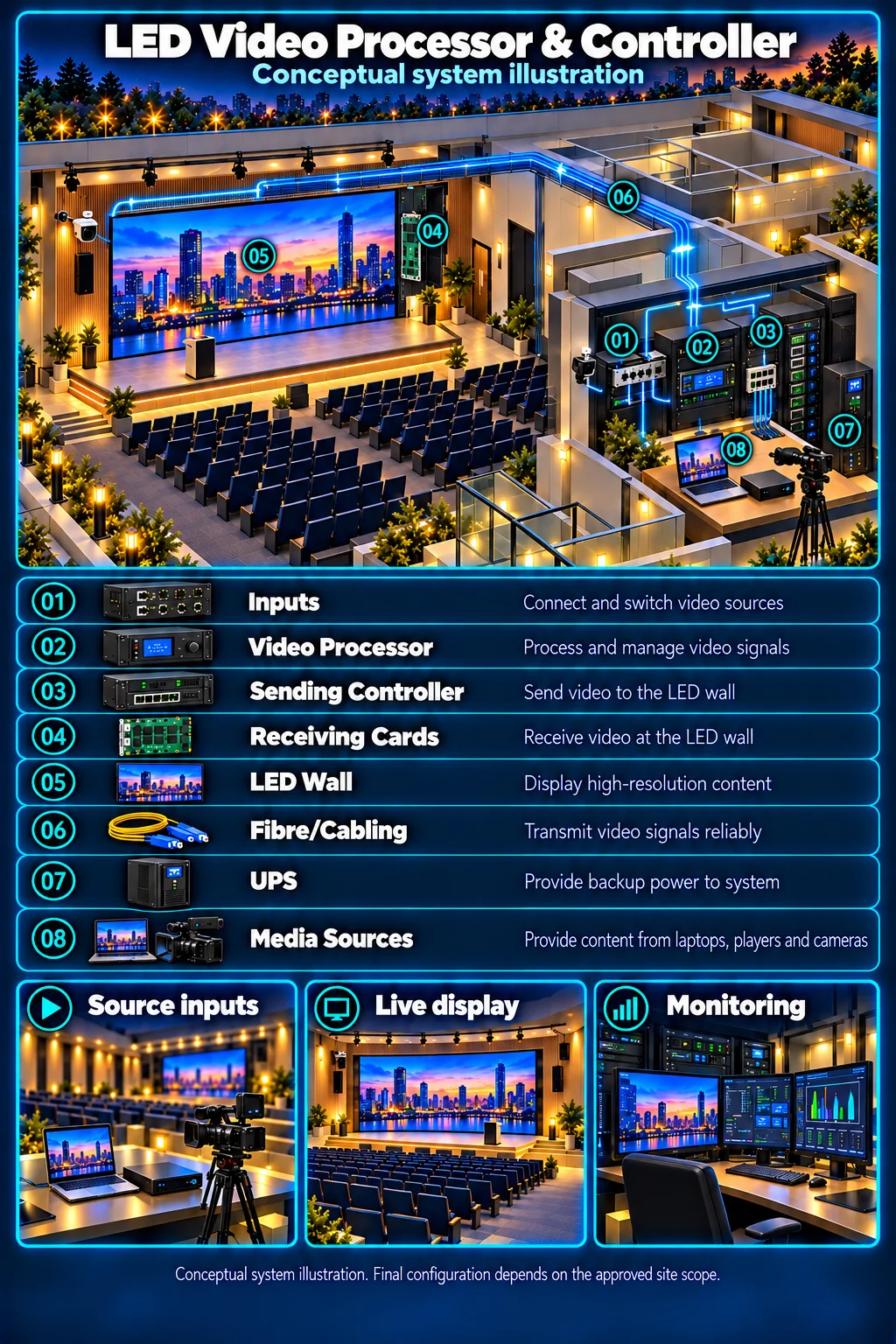
Make the picture fit the wall
Walls are rarely a standard screen shape. Scaling and windowing in the processor decide whether content looks sharp, stretched or cropped.
HJ SECURITY · KUCHING & SARAWAK
An LED wall is only as good as the signal feeding it. HJ plans the video processor, sending controller, cabling and source switching together with the LED display, so the picture fits the wall and operators can change sources without guesswork.
THE STARTING POINT
Walls are rarely a standard screen shape. Scaling and windowing in the processor decide whether content looks sharp, stretched or cropped.
Laptops, media players, cameras and signage players can be selected from a simple panel or preset, so staff do not touch the processor settings.
Cable type, distance, sending and receiving cards and rack power are part of the design, and are tested before the wall is handed over.
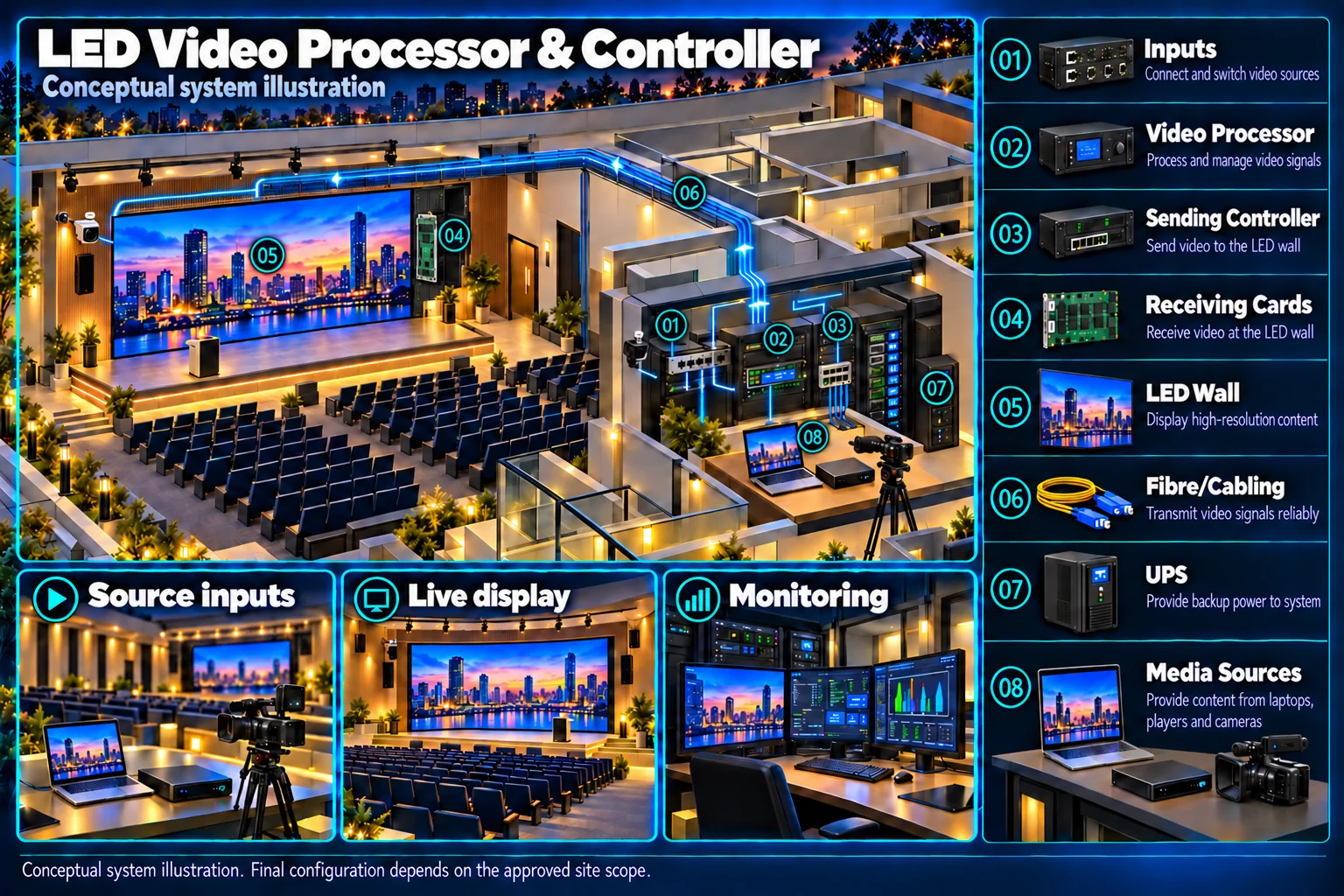
SYSTEMS & SCOPE
Choose the areas that match your priorities, then confirm how they work together. Open a topic for related installation or service information.
Processor and controller settings matched to the pixel pitch and cabinet layout of indoor LED walls.
Cabinet layout, wall size and aspect ratio confirmed so the processor output matches the wall.
Brightness, weather and viewing-distance considerations that change how the signal is set up.
Scheduled playlists from a signage player or CMS feeding the processor.
Support for existing walls, controllers and content systems.
Where the venue mixes LED and projection, sources and presets are planned together.
Multi-window layouts for camera, monitoring and dashboard sources.
Laptop, wireless presentation and camera inputs switched through one panel.
Signal and network cabling routed, labelled and tested to the rack.
Fibre links where the controller room is far from the LED wall.
UPS for the processor, controller and player, so a short outage does not leave the wall blank.
Checks, repairs and re-calibration for existing LED displays and controllers.
BEFORE THE QUOTATION
Cabinet count, resolution and aspect ratio.
Number and type of inputs, and who switches them.
Cable type and any fibre runs.
What can be kept, repaired or replaced.
USEFUL ANSWERS
Most LED walls need a sending controller to drive the cabinets. A video processor is added when the wall must scale content, show several windows or switch between several sources. The site assessment confirms what your wall needs.
Yes, where agreed. Presets or a simple control panel can be set up for the sources used, and tested at handover.
This usually comes from the wall resolution and the processor scaling or window settings, not the LED cabinets. HJ checks the settings and signal path first.
The assessment checks the controller, cabling and documentation first. Support is confirmed after that review.
Share the wall size, the sources you want to show and what is not working today. We will review the requirements and confirm the next step.