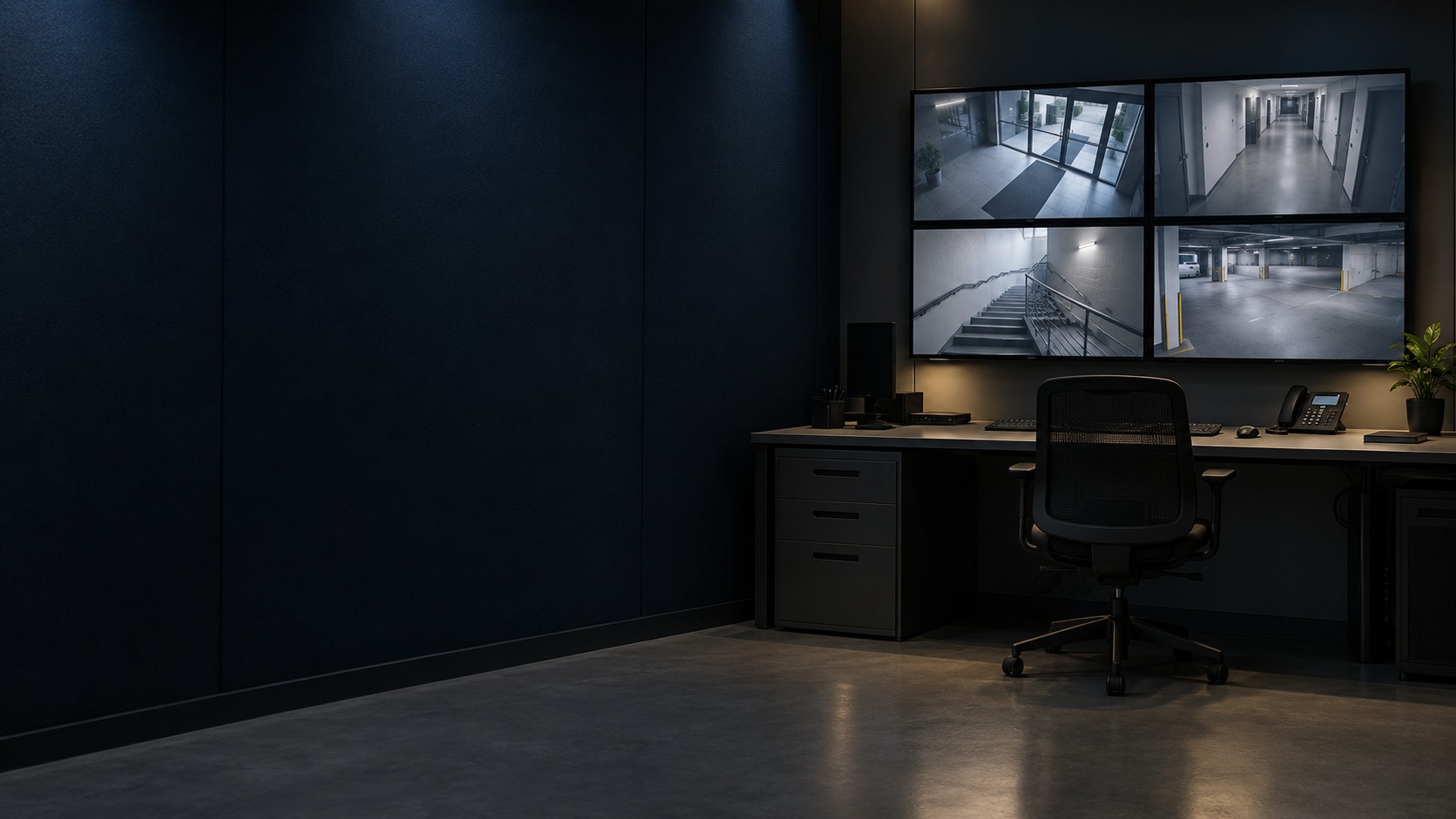
Operator workstation and four-view monitoring display (illustration)

CCTV Control Room & Video Wall in Kuching & Sarawak

Give operators a clear live-view and incident-review workspace across the selected CCTV sources. HJ coordinates display layouts, decoding, network and authorised playback; a video wall shows the configured views but does not itself record footage or guarantee every third-party system can be managed.

System selection and integration guideCCTV / Video Surveillance
Recording & ControlCCTV Control Room & Video Wall
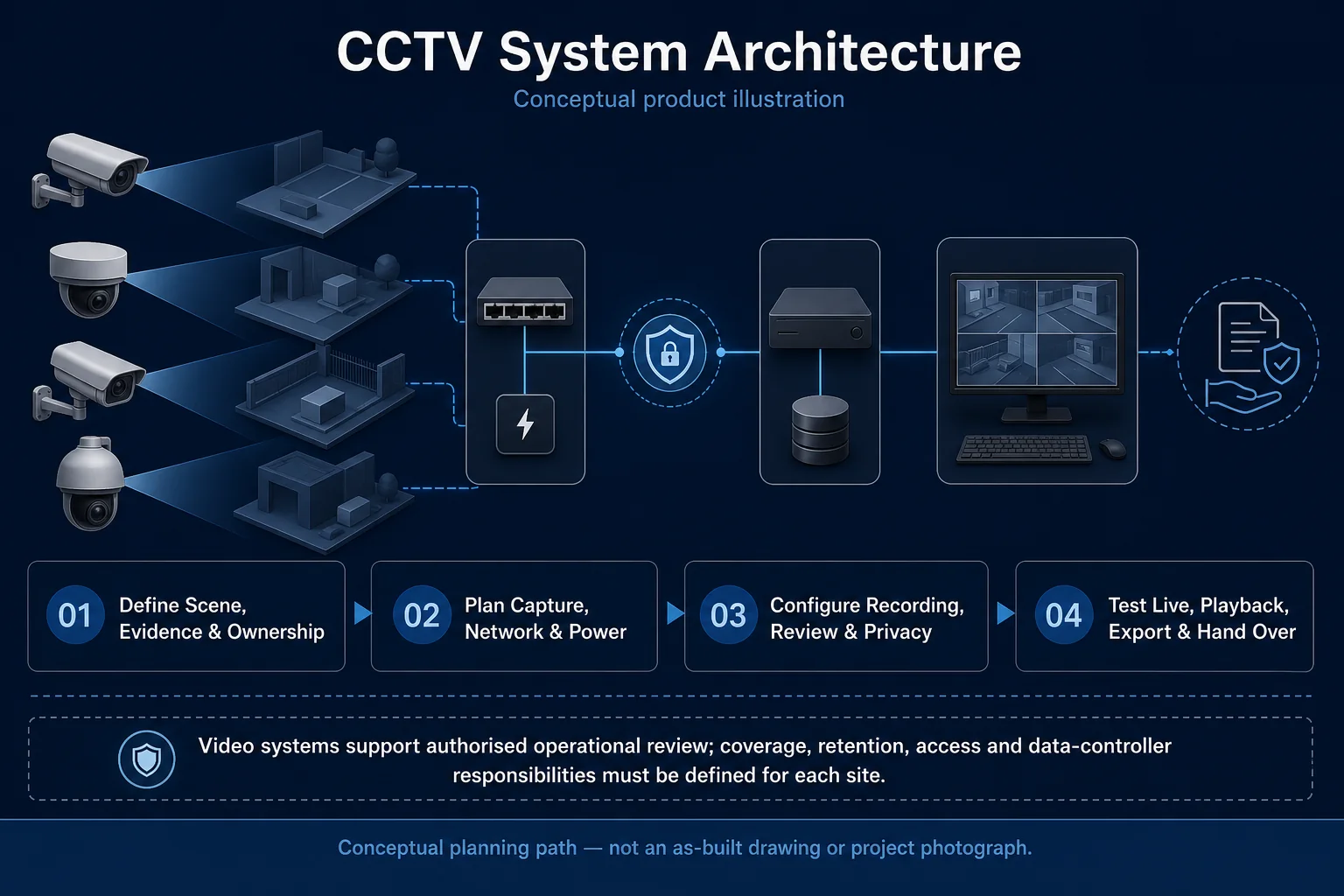
CCTV System Architecture system diagram
  1. 01CCTV Control Room & Video Wall
  2. 02Capacity, retention and recovery
  3. 03Transport & storage
  4. 04representative day and night clips
Conceptual CCTV Control Room & Video Wall product and system illustration.
Illustration & scope boundary

Conceptual CCTV Control Room & Video Wall product and system illustration for Recording & Control. Final device form, model, interfaces and quantities are confirmed from the assessed scope and approved product data. Conceptual evidence and response path for CCTV Control Room & Video Wall, derived from this page's scope, interfaces and acceptance record.

Conceptual planning path — not an as-built drawing or project photograph.

What CCTV Control Room & Video Wall covers

Give operators a clear live-view and incident-review workspace across the selected CCTV sources. HJ coordinates display layouts, decoding, network and authorised playback; a video wall shows the configured views but does not itself record footage or guarantee every third-party system can be managed.

It sits in CCTV / Video Surveillance under Recording & Control. The final deliverable is shaped by the intended outcome, the installed or proposed environment and the interfaces that must be owned, supplied, integrated and tested.

When to use this page

Camera and site count, concurrent views, resolution and decoder capacity, viewing distance, operator roles, source recorders and incident-export procedure.
Typical environments to assess

  • Building-management security rooms
  • Factories and commercial sites with defined operator roles
  • Multi-site organisations with assessed connectivity and recording responsibilities

Engineering SOP & Handover Checklist

From the initial brief to the handover record: what to prepare, check and confirm with HJ.

01

Operational Purpose & Workflow

Give operators a clear live-view and incident-review workspace across the selected CCTV sources. HJ coordinates display layouts, decoding, network and authorised playback; a video wall shows the configured views but does not itself record footage or guarantee every third-party system can be managed.

02

Pre-Attendance Evidence

Camera and site count, concurrent views, resolution and decoder capacity, viewing distance, operator roles, source recorders and incident-export procedure.

03

Diagnostic & Testing Path

Confirm the recording locations, supported source devices, platform version and licences, network links and decoding capacity. Define operator permissions, event ownership and manual procedures when an integration is unavailable.

04

System & Responsibility Boundary

A working display does not prove recording, compatibility or resilience. Central-only storage, failed site links or unsupported event interfaces can interrupt the workflow; independent recording and failover are separately designed and tested options.

05

Acceptance & Handover Record

Record the source inventory, licence and version baseline, layouts, roles and recording dependencies. Test live view, playback, export, selected events, shift handover and the agreed link-loss or server-outage recovery behaviour.

Engineering Scope, Regulatory & Service Boundaries

Responsibility and evidence boundary

HJ coordinates assessment, engineering, installation, integration, testing and lifecycle support only for the scope recorded in the quotation. ISD handles catalogue, model, datasheet, supply and availability enquiries. Customer, consultant, builder and appointed-specialist responsibilities remain explicit.

Identity, image, credential and movement data require an authorised controller, lawful access, proportionate collection, retention rules and recorded administrator responsibility.

This focused topic remains connected to its complete system owner. Final models, quantities, interfaces and included work are confirmed in the assessed quotation.

Questions before proceeding

Use the answers as a planning boundary; site conditions and written scope remain decisive.

Does a video wall keep the recordings?

No. Recording remains on the configured recorder or storage platform. The display and decoder are a viewing layer; verify both live layouts and the authorised path for searching, replaying and exporting footage.

Will every site keep recording if central monitoring fails?

Only where an independent recording path is configured, powered and healthy. The architecture should identify dependencies and test the agreed outage behaviour. A video wall or RAID array by itself is not an evidence backup or universal failover guarantee.

What should I send HJ for CCTV Control Room & Video Wall?

Camera and site count, concurrent views, resolution and decoder capacity, viewing distance, operator roles, source recorders and incident-export procedure. Share authorised equipment and scene information; do not send passwords or personal footage through a public form.

Planning CCTV Control Room & Video Wall? Tell HJ about your site

Tell us where it will be used, what it needs to do and what equipment you already have. HJ will recommend the right system, explain who is responsible for what, and agree the next step with you.