Installation package
Essential Pro IP and PoE CCTV in Kuching
Essential Pro uses an IP-camera, network and NVR architecture for dependable everyday recording and authorised review. Pro identifies this family of connectivity, not a promise that every camera has every intelligent event, microphone or speaker. The design begins with the required views and the network that carries them.
How this package fits together
Essential Pro Canvas
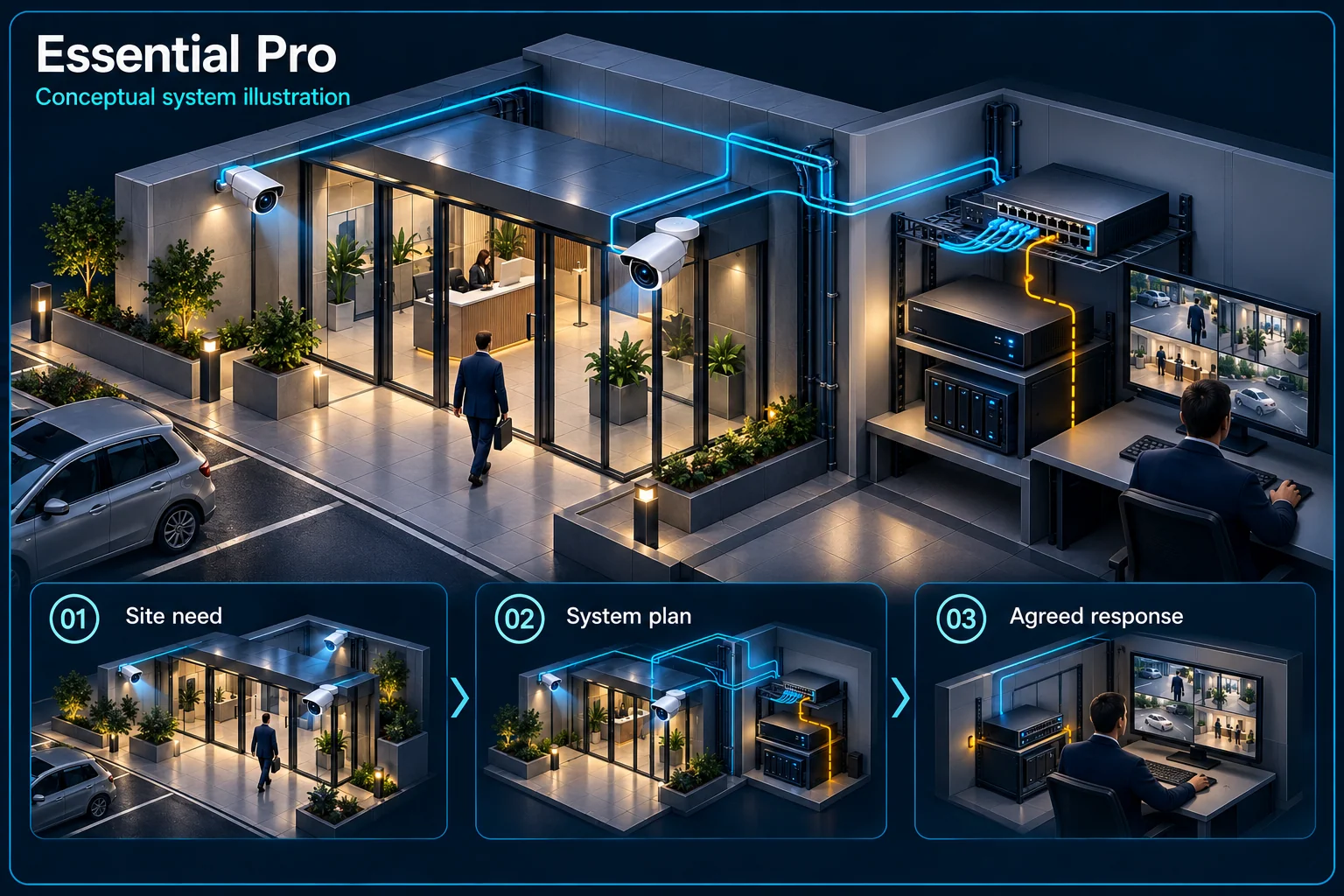
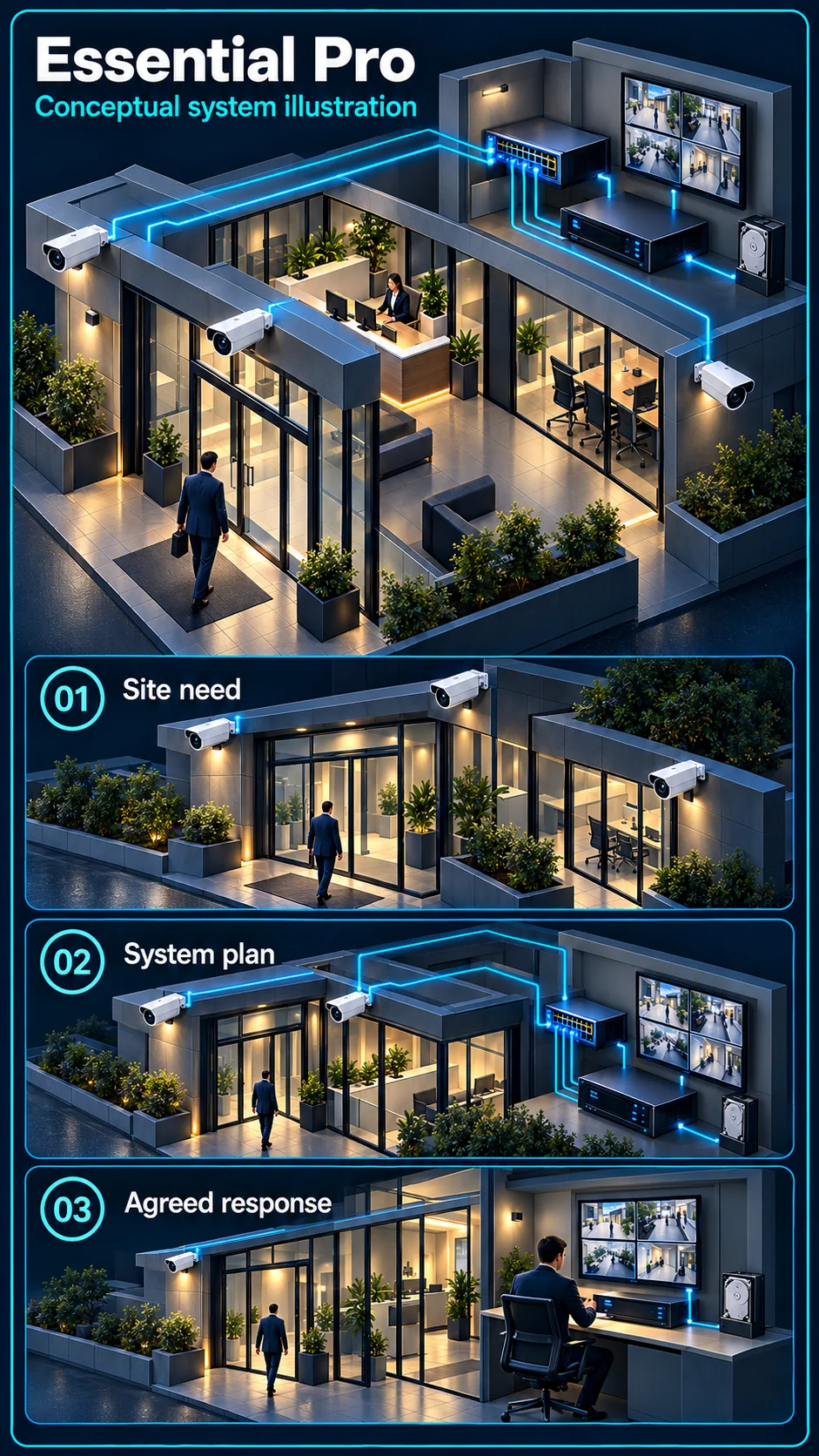
System planning notes
An IP recording architecture, without assumed warning devices
Video transport, storage and PoE supply are identified as separate planning requirements.
- Solid line: illustrated functional path or agreed test route.
- Dashed line: optional device or compatibility to confirm.
- Pro names this architecture; it does not certify every analytics or audio function.
- Power availability and data capacity must each be checked.
Actual view and full model selected
Ports, links and power budget checked
Records the configured streams
Retention and clip retrieval verified
Power requirement separate from link capacity
- E1: IP camera → Network / PoE pathIP video
- E2: Network / PoE path → Compatible NVRRecording transport
- E3: Compatible NVR → Storage and playbackStore and retrieve
- E4: PoE power source → IP cameraAssessed PoE supply
Build the IP recording path
Camera views enter the network
Each selected IP camera provides a stream through an appropriate network connection. Camera positions, cable routes and available ports need checking together. An existing network socket is not proof that its link and supporting infrastructure suit the required video load.
The NVR records selected streams
Recorder input capacity, supported stream settings and storage design must match the installation. Required review history depends on recording choices as well as disk capacity. Confirm playback and export needs before treating the recorder channel label as the whole design.
What the Pro name does not settle
Microphone capability varies
Current Essential Pro references are not uniform in microphone capability. State what the chosen full model provides and whether sound recording is configured. Two-way talk requires a confirmed speaker-equipped configuration.
Detection needs an identified processing engine
Human classification can be camera-side or recorder-side on suitable equipment. Line crossing and region rules need their own checks. A compatible IP connection does not make the NVR's analysis budget equal to the number of connected cameras.
Plan the infrastructure as part of the system
Network and PoE have separate budgets
Review the link path, network capacity, PoE-capable ports and total power requirement where PoE is used. These checks relate to different constraints. Adding ports alone does not establish sufficient power or a suitable route back to the recorder.
Accounts and remote access need owners
Decide which people need live view, playback, export or administrator access. Remote use depends on the selected access arrangement and internet path. Set the handover around named roles rather than sharing a single unrestricted account.
Accept a working recording system
Check views, links and recording continuity
Review day and night scenes, connection health, camera names and timestamps. Inspect the actual cable and network route where access permits. Verify recording on the chosen settings instead of relying only on live view.
Practise retrieval and recovery
Have an authorised user find and export a clip. Explain what local recording and remote access should do during a network or power interruption, based on the actual equipment and any agreed backup-power scope.
Questions about Essential Pro
Does Pro mean it has more alarm functions than Defence?
No. Pro identifies the IP/NVR/PoE family. Defence identifies added independent alarm-control scope. Architecture and response scope are separate choices.
Are all Essential Pro cameras silent?
No universal claim is made. Microphone support differs between selected references. Confirm the complete model and configured recording function; do not infer two-way talk.
Can I reuse the office network?
It can be assessed. Link quality, available capacity, network permissions, PoE supply and recorder access need review before an existing connection is accepted for the design.